
The challenge is that producing consistent visuals across logos, social media, ads, and websites normally requires multiple tools and a professional designer.
AI design tools are starting to simplify that process. A founder, marketer, or creator can now generate branding, marketing graphics, and even product visuals much faster than before.
This guide reviews the seven best AI design tools that actually produce useful results. Instead of just listing features, it shows what you can realistically create with each tool and how to get better results from it.
AI Design Tools Comparison Table
| Tool | Best For | Assets you can create (end results) | Brand consistency strength | Pricing starts from |
| Zoviz | Founders & marketers needing brand, marketing and web presence | Logos, full brand kit, social posts, thumbnails, ads, website draft | High (templates auto‑match palette & fonts) | Starter: $29per month |
| Canva | Creators and small teams producing marketing assets at scale | Social posts, ads, flyers, pitch decks, AI videos | High (brand kit & style match) | ≈$120/year (Pro); Teams ≈$100/year per user |
| Designs.ai | Agencies needing multi‑media packs in one place | Logos, images, videos, voiceovers, ads | Medium (brand kit exists but editing can be limited) | Basic: $24.92/month, Pro: $58.25/month. Enterprise: $159.5/month (credit-based) |
| Looka | Entrepreneurs seeking a professional logo and basic brand kit | Logos, business cards, social headers, icons, websites | High (kit generates 300+ assets) | $20 basic logo; premium logo $65; brand kit subscription ≈$96/year |
| Uizard | Product teams turning text or sketches into UI prototypes | UI mock‑ups, wireframes, clickable prototypes | Medium (custom brand kits in Business tier) | Free (3 generations); Pro $12/mo; Business $39/mo |
| Adobe Firefly | Designers needing commercial‑safe image/video generation | Images, hero scenes, product mock‑ups, videos, generative fill edits | High (custom models & style kits) | $9.99/mo (Standard 2k credits); Pro $19.99/mo (4k credits + Express/Photoshop); Premium $199.99/mo |
| Midjourney | Artists and brands pursuing high‑end, stylized visuals | Concept art, hero illustrations, product scenes, moodboards | Low/Medium (no brand kit, manual styling) | $10/mo (Basic); Standard $30/mo; Pro $60/mo; Mega $120/mo |
7 Tools That Actually Help You Design Faster
1. Zoviz AI
Zoviz is an AI-powered branding and marketing platform that uses AI to build everything a new business needs: logos, brand guidelines, social posts, ad creatives, and even a website. The platform asks for your brand name and industry, then proposes logo concepts and automatically applies the chosen color palette, typography, and style across assets. This integrated approach makes it ideal for founders who need to launch quickly.
What you can create
- Logo concepts with variations
- Full brand kit: colors, typography, mock‑ups, social media posts, and thumbnails
- Marketing assets: ads, flyers, posters, thumbnails, and presentations
- Website draft aligned to the brand with a matching design
Test Results
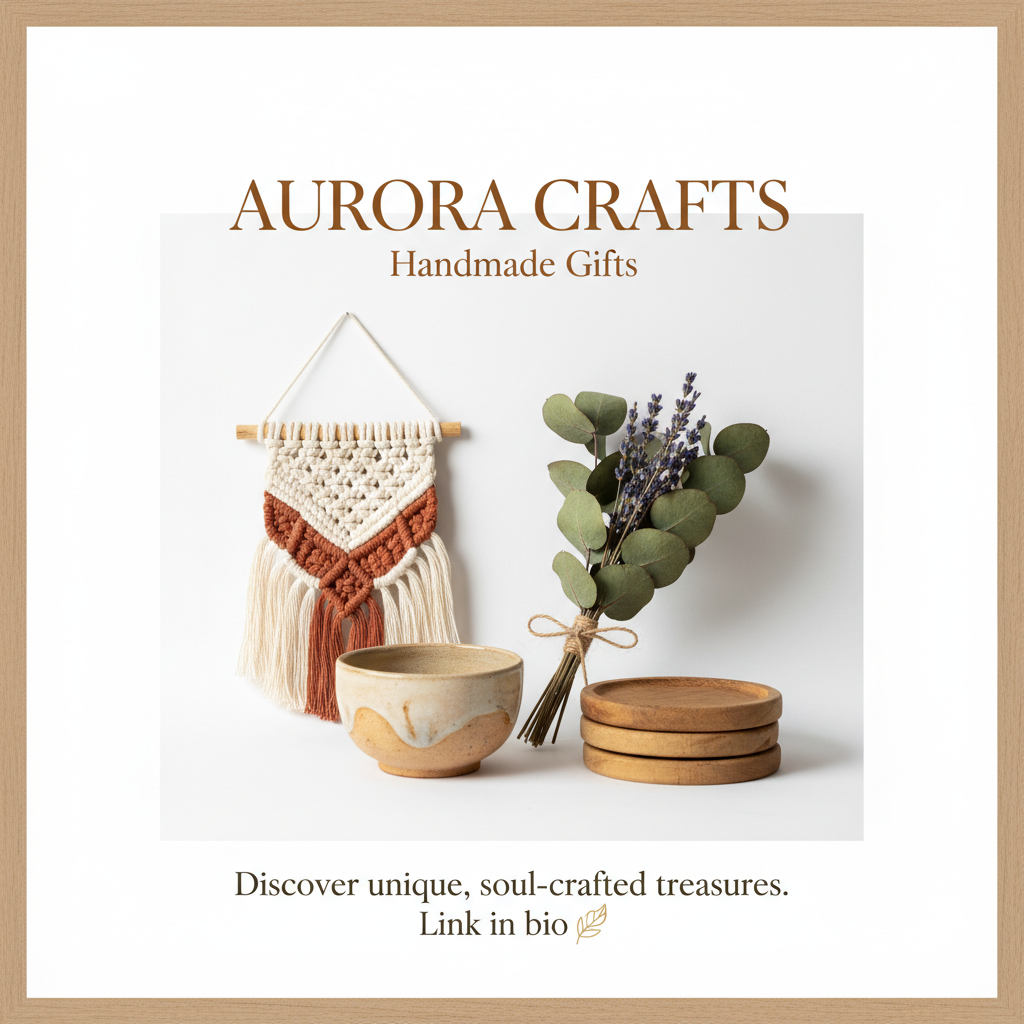
I used the Zoviz image generator to create a marketing asset for a small handmade brand.
Prompt used:
Instagram promotional post for Aurora Crafts, a handmade gift brand, featuring earthy tones, a minimalist layout, a cozy handmade aesthetic, elegant typography, a warm natural palette, and a square social media format.
This free design tool generated a ready-to-use Instagram promotional graphic that matched the brand’s visual identity. The design used soft, earthy colors, clean typography, and a centered layout suitable for showcasing handmade products.
Pricing
It offers a limited free preview; the Starter plan costs about $ 29 per month and includes a brand kit, logo resizing tools, AI image tools, and 100 credits for AI marketing automation.
2. Canva Magic Studio
Canva has evolved from a simple drag‑and‑drop tool into a free design AI tool. Its latest update adds features like image‑to‑video conversion, style matching for new graphics, deeper integrations, Magic Insights for data storytelling, and AI video generation. Beyond AI, Canva provides millions of templates and publishing integrations for LinkedIn, Sprout Social, and more.
What you can create
- Social posts, ads, flyers, posters, and pitch decks
- On‑brand templates for teams
- AI‑generated images and videos, background removals, and bulk resizing
- Presentations with automatic page breaks and motion timelines
Test Results
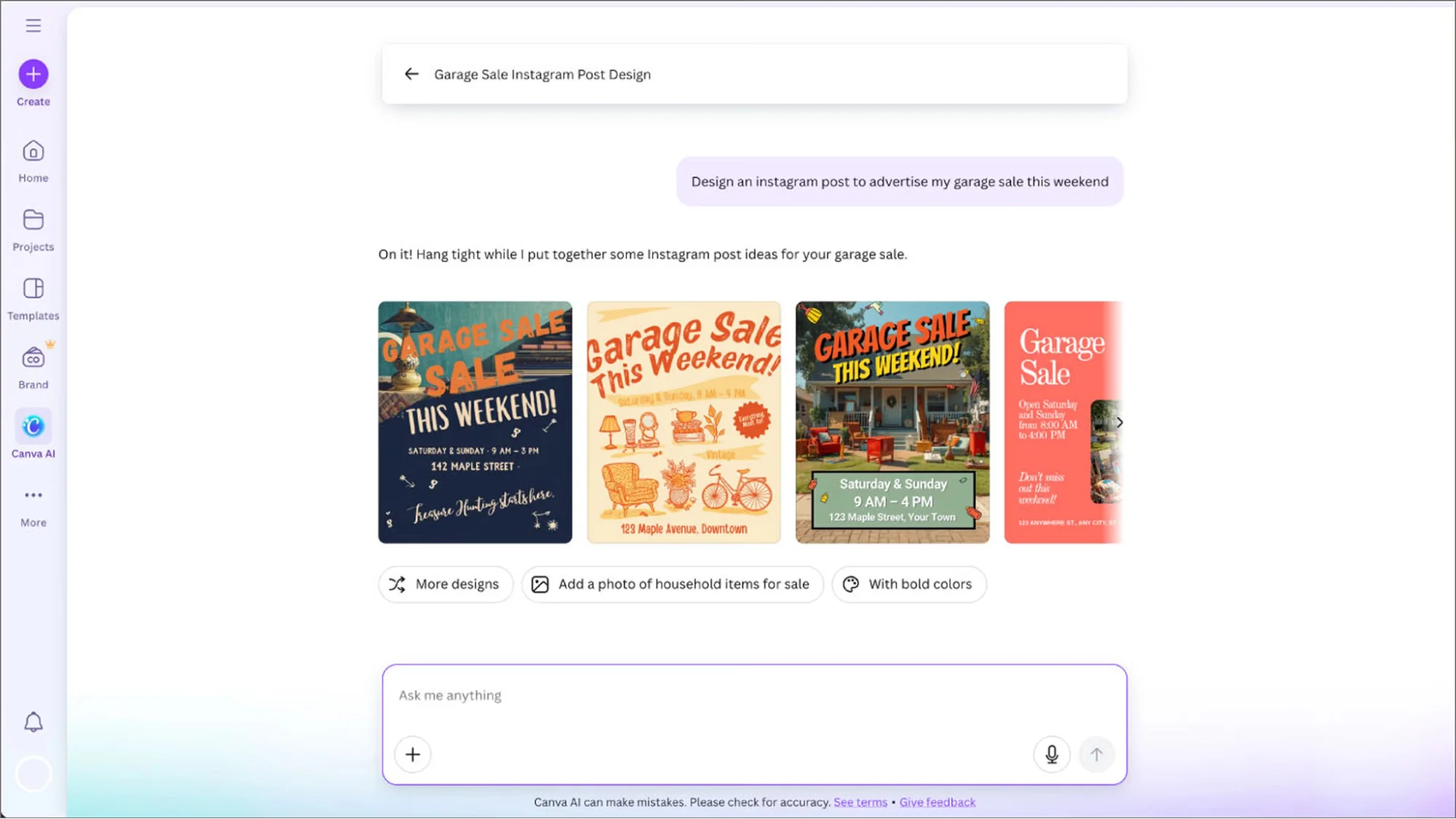
To evaluate Canva Magic Studio, I generated a social media marketing graphic using Canva AI.
Prompt used:
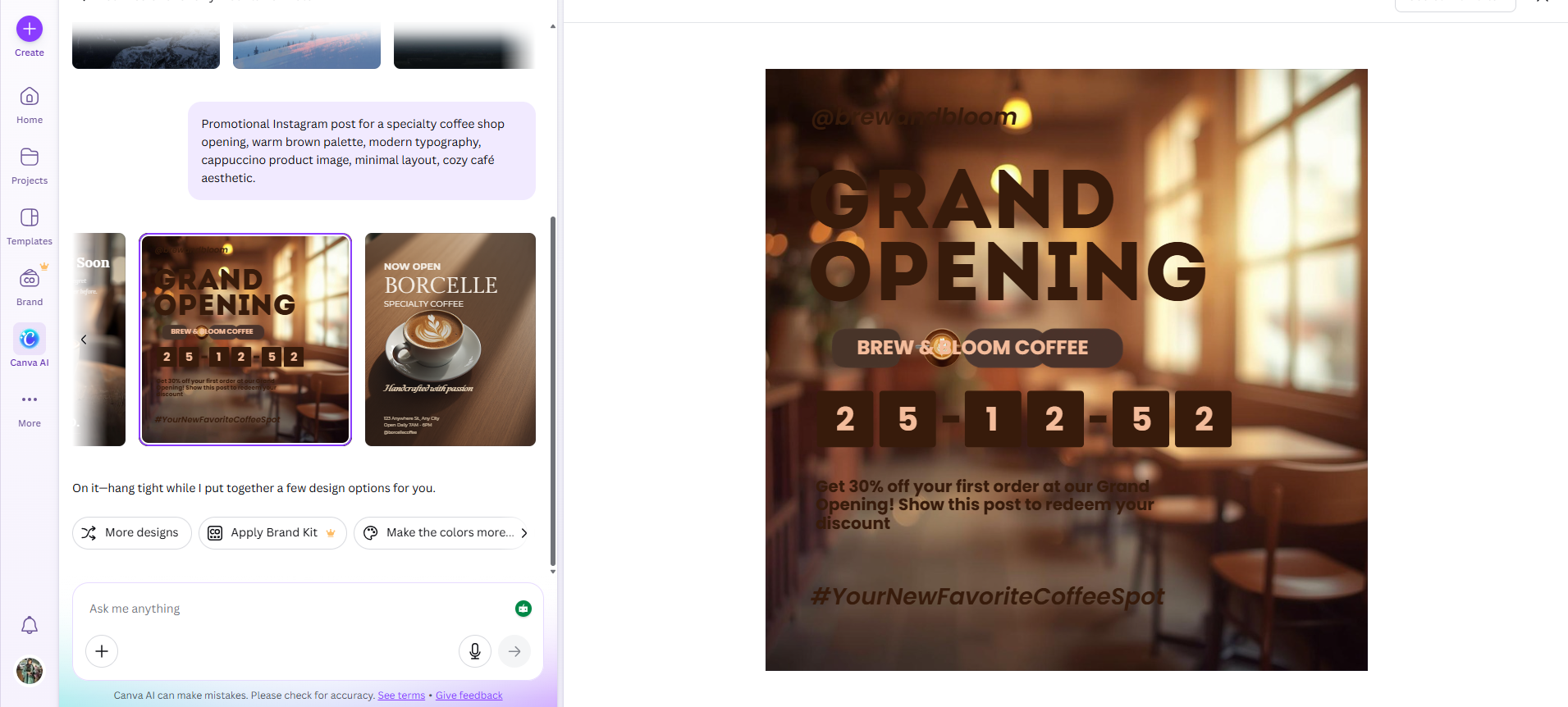
Promotional Instagram post for a specialty coffee shop opening, warm brown palette, modern typography, cappuccino product image, minimal layout, cozy café aesthetic.
Canva generated multiple Instagram-ready designs with editable layouts. Each design included structured text blocks, image placeholders, and color suggestions that matched the coffee shop theme.
The result looked suitable for Instagram promotion, Facebook ads, or story announcements.
Pricing
The free plan provides basic templates and limited access to AI. Pro costs about $12.99-$15 per month for one user, adding millions of premium assets, multiple brand kits, and expanded AI tools.
3. Designs.ai
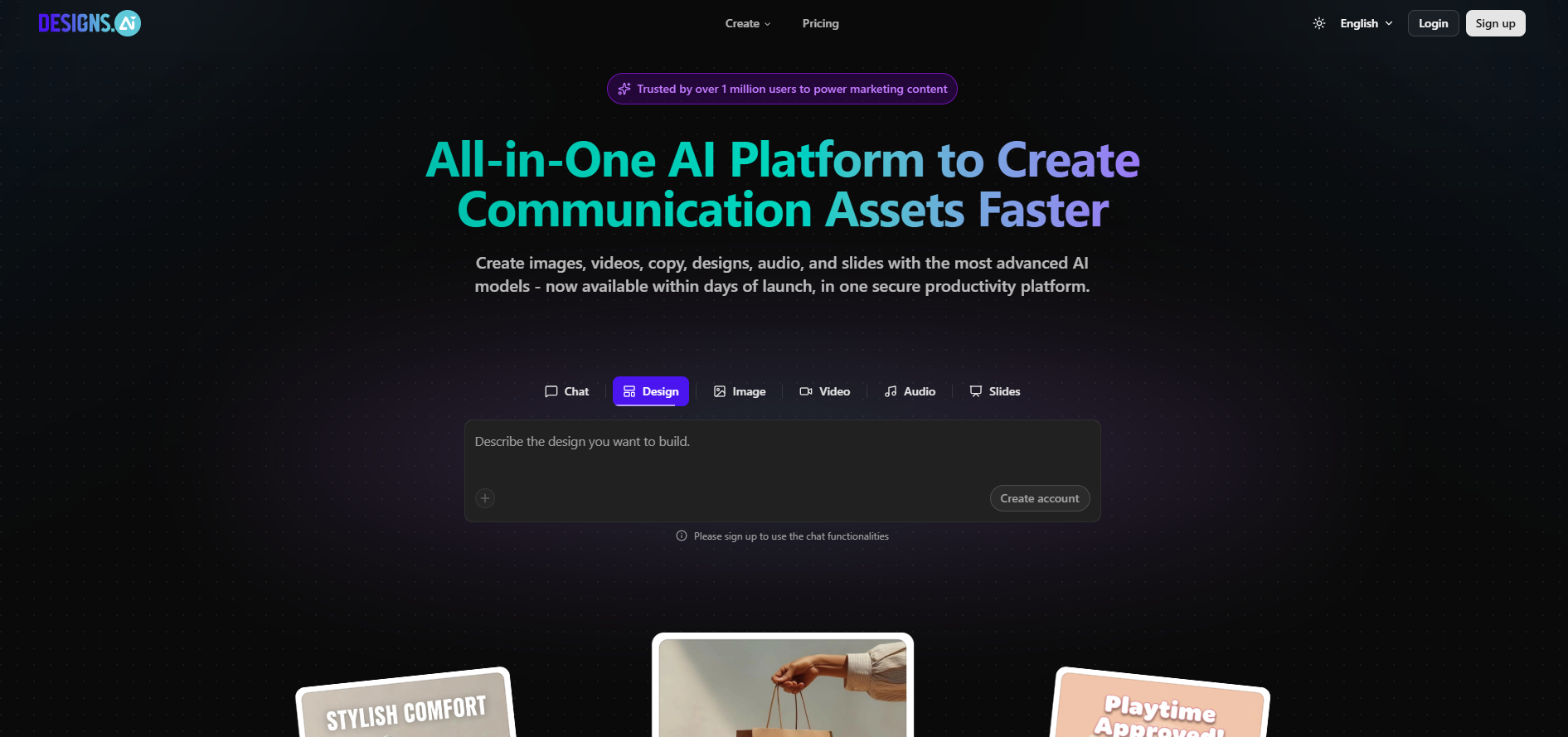
Designs.ai positions itself as an all‑in‑one content creation suite. This best ai tools for logo design include AI Chat, which gives access to multiple large language models to help you craft copy and creative briefs. It also offers tools for logo design, video creation, speech synthesis, and brand kits. With over 20,000 templates, 150 million media assets, and dozens of voice styles, you can assemble campaigns quickly.
What you can create
- Logos and brand kits with multiple file formats
- Social creatives and ad directions
- Short videos with voiceovers and text‑to‑speech
- Audio narrations in 30+ languages
Test Results
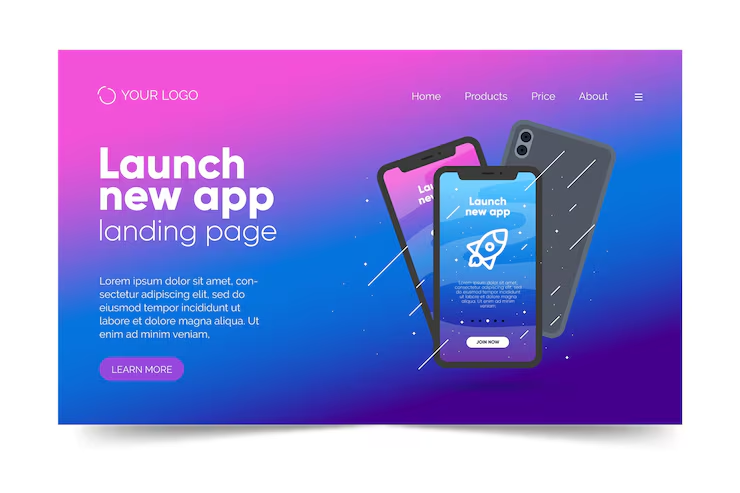
To test Designs.ai, I generated a promotional marketing banner.
Prompt used:
Modern SaaS startup landing page hero banner, vibrant gradient background blending purple, pink and blue, floating smartphone mockups showing a mobile app interface with a rocket launch icon, clean UI design, minimal futuristic style, large bold headline text “Launch new app”, smaller subtitle “landing page”, call-to-action button, soft glowing particles and abstract lines, professional web design layout, smooth shadows, glassmorphism highlights, high-resolution UI mockup, modern tech product marketing banner
The platform generated multiple banner variations using the same theme. I also tested its video generator, which converted the banner concept into a short promotional video with animated text and a voiceover.
This demonstrated how Designs.ai can produce multi-media campaign assets, including images, short videos, and narration.
Pricing
Designs.ai is suited for agencies and marketers who need multi‑media campaigns but lack specialist skills. It offers a free trial; paid plans start at $29/month (Basic) with 1,000 credits. Pro ($69/month) and Enterprise ($199/month) tiers raise credit limits and team collaboration.
4. Looka (Logo + Brand Kit, Quick and Clean)
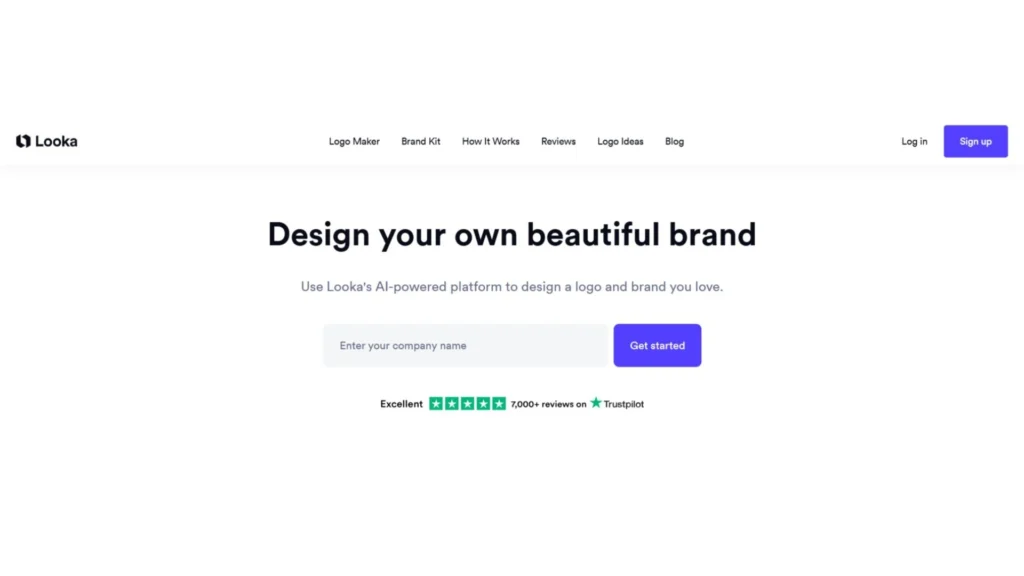
Looka specializes in creating professional logos and matching brand assets in minutes. The process starts with a questionnaire about style preferences, industry, and business model. The AI then produces several logo options that you can tweak (fonts, colors, icons) before downloading high‑resolution files. Beyond logos, Looka’s subscription includes a brand kit with 300+ templates for social media, business cards, and even a website.
What you can create
- Logo systems with variations and colour options
- Brand kit assets: business cards, social headers, email signatures, letterheads
- Basic guidelines and brand book
- A simple AI‑generated website using your logo and colours
Test Results
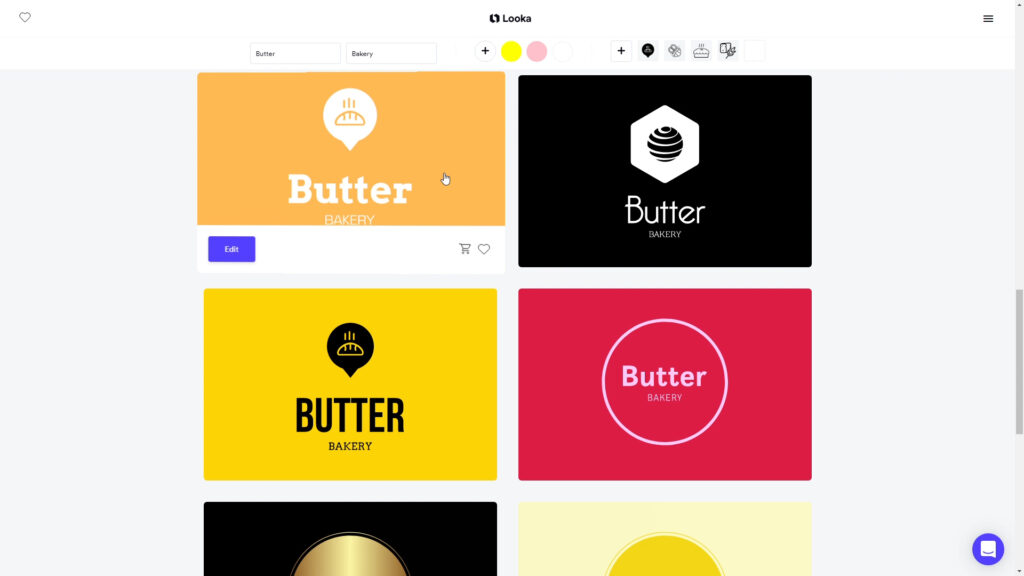
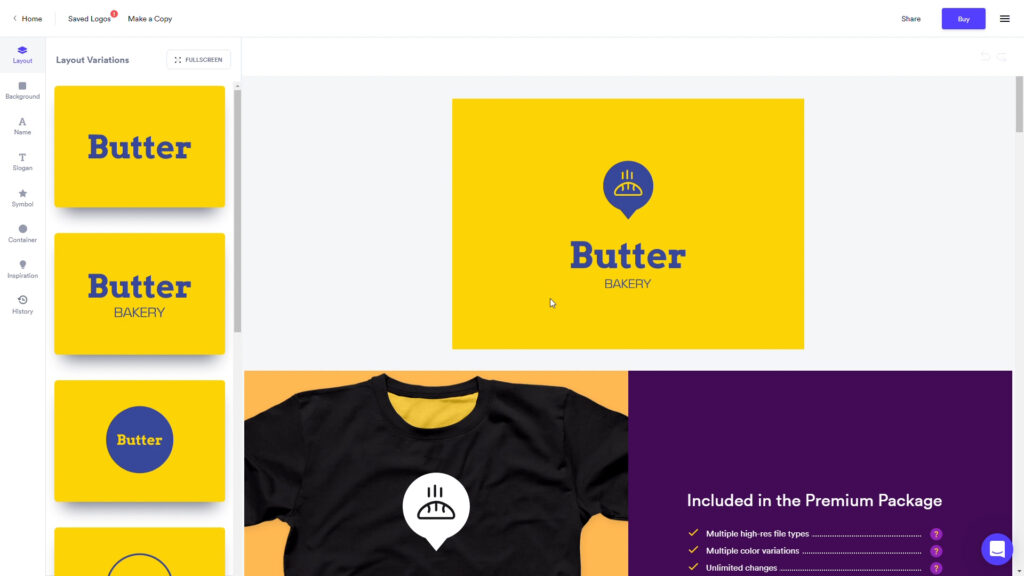
Looka is primarily focused on logo creation, but its brand kit automatically generates marketing templates. I created a sample brand called Butter, a bakery.
After generating the logo, Looka produced a complete brand kit that included:
- Instagram post templates
- Facebook cover images
- business card layouts
- email signature designs
The templates automatically used the same colors, typography, and icon styles from the generated logo.
While the tool focuses mainly on logos, the brand kit makes it easy to produce consistent social media graphics and marketing materials.
.
Pricing
A basic logo package costs about $20, while the premium package ($65) includes multiple file types and unlimited changes. The brand kit subscription is around $7.99 per year and adds 300+ branded assets and other perks.
5. Uizard (Text‑to‑UI for Product Teams)
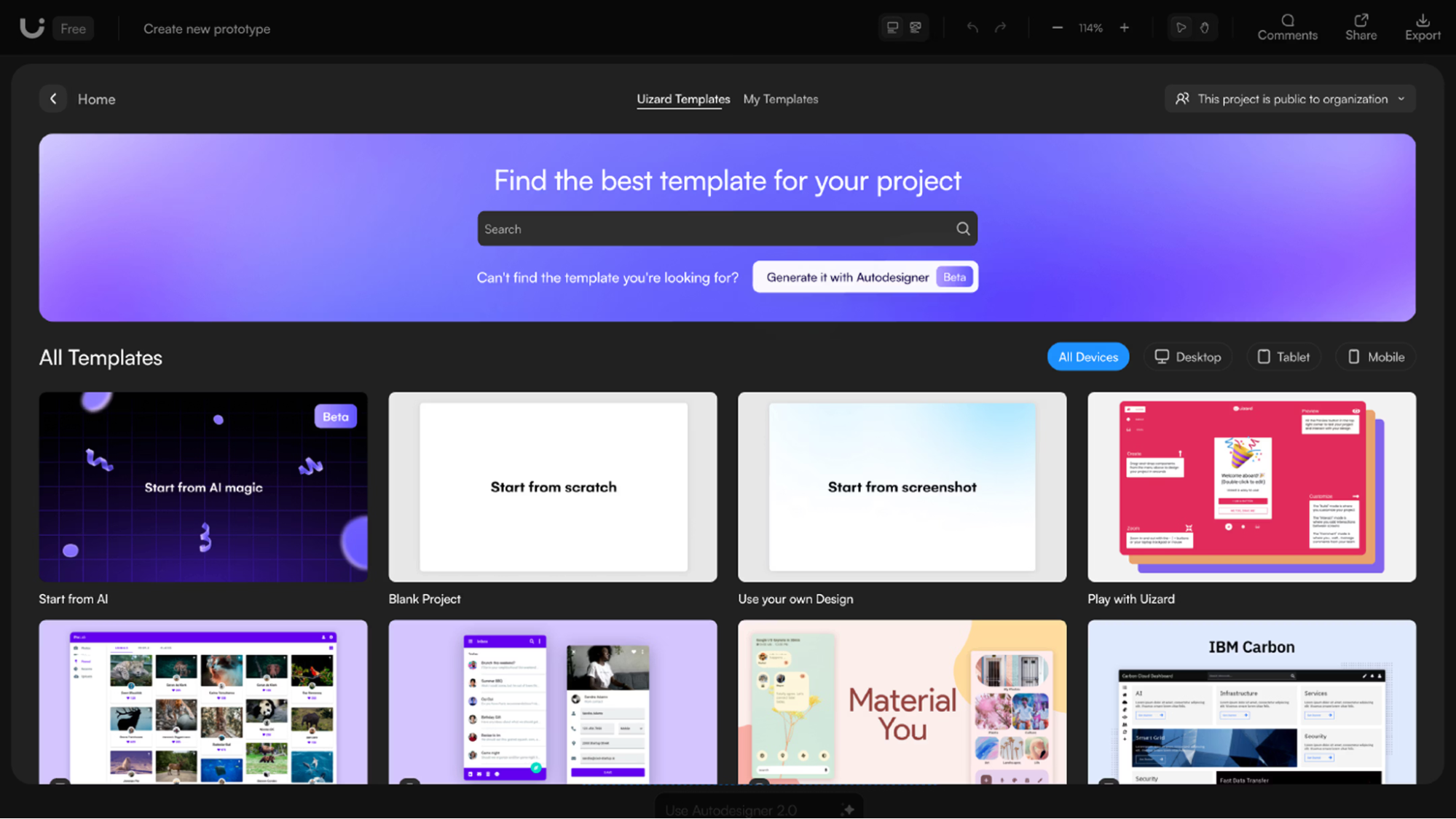
What you can create
- UI mock‑ups from text prompts
- Wireframes from uploaded sketches or screenshots
- Clickable prototypes for user testing and feedback
- Themes that change the look of your entire project with one click
Test Results
To evaluate Uizard, I tested both text-to-UI generation and sketch conversion.
Prompt:
SaaS analytics dashboard with sidebar navigation, performance charts, task widgets, and a clean, modern interface.
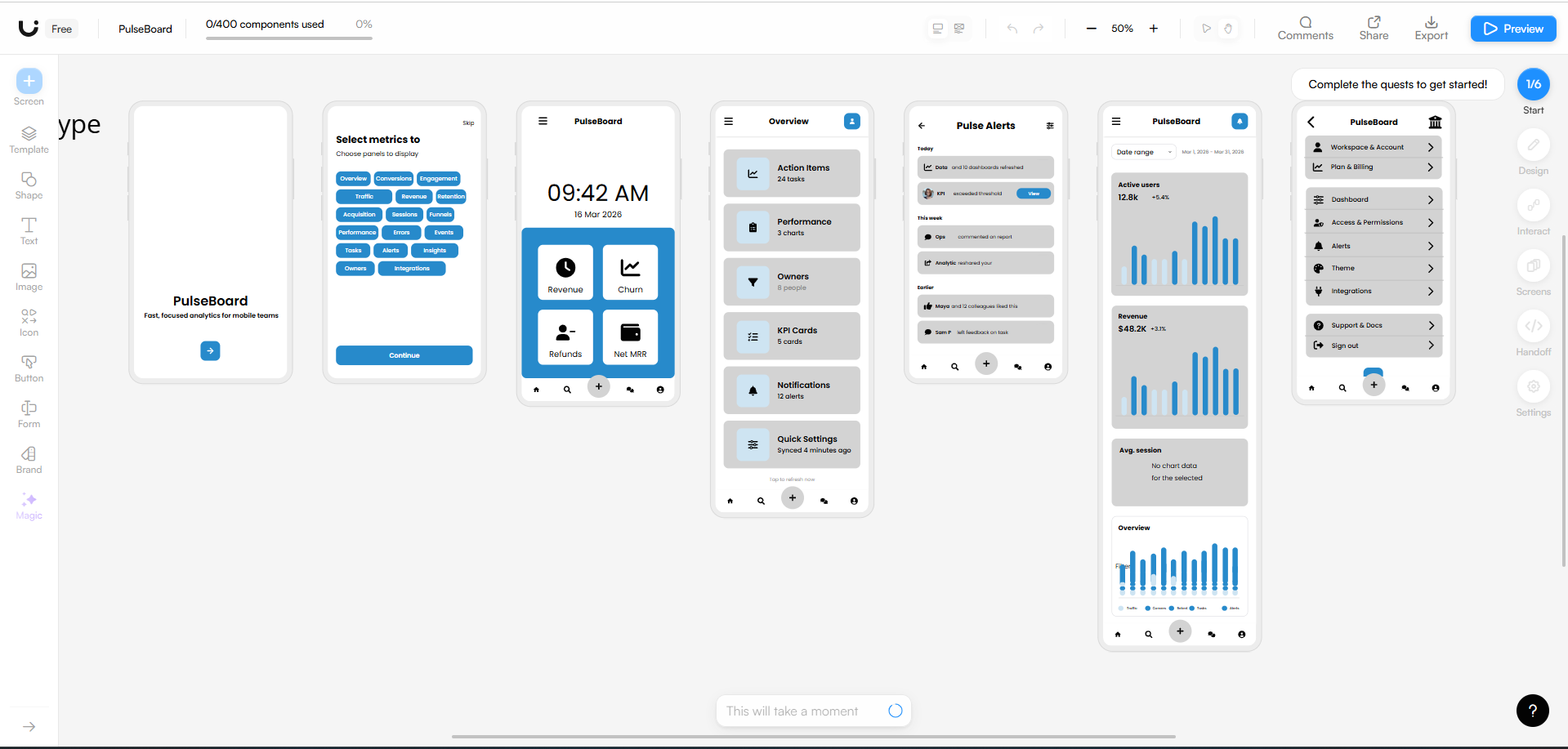
Uizard generated a multi-screen dashboard layout that included navigation panels, analytics cards, and content sections.
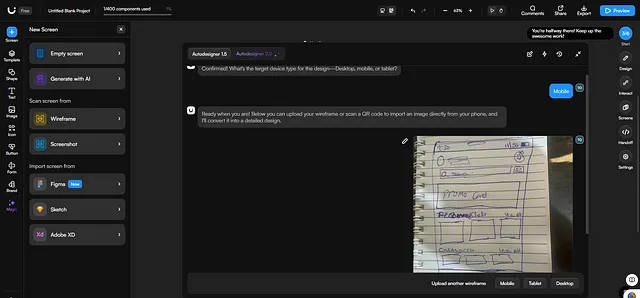
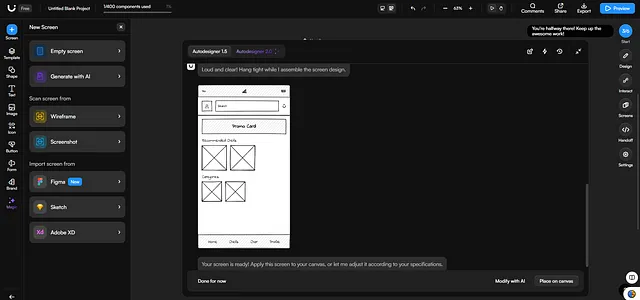
Next, I tested the sketch-to-wireframe feature by uploading a hand-drawn homepage layout.
The tool converted the sketch into a digital interface layout within seconds. The structure was not perfect, but it accurately reproduced the layout hierarchy and spacing.
At this stage, the speed of generation makes it useful for rapid prototyping and product discussions.
Pricing
The Pro plan (about $19/month) provides 500 AI generations per month, Autodesigner 2.0 and up to 100 projects. The Business plan ($39/month) adds 5,000 AI generations, custom brand kits and unlimited projects.
6. Adobe Firefly (Commercial‑Safe Visual Generation + Edits)
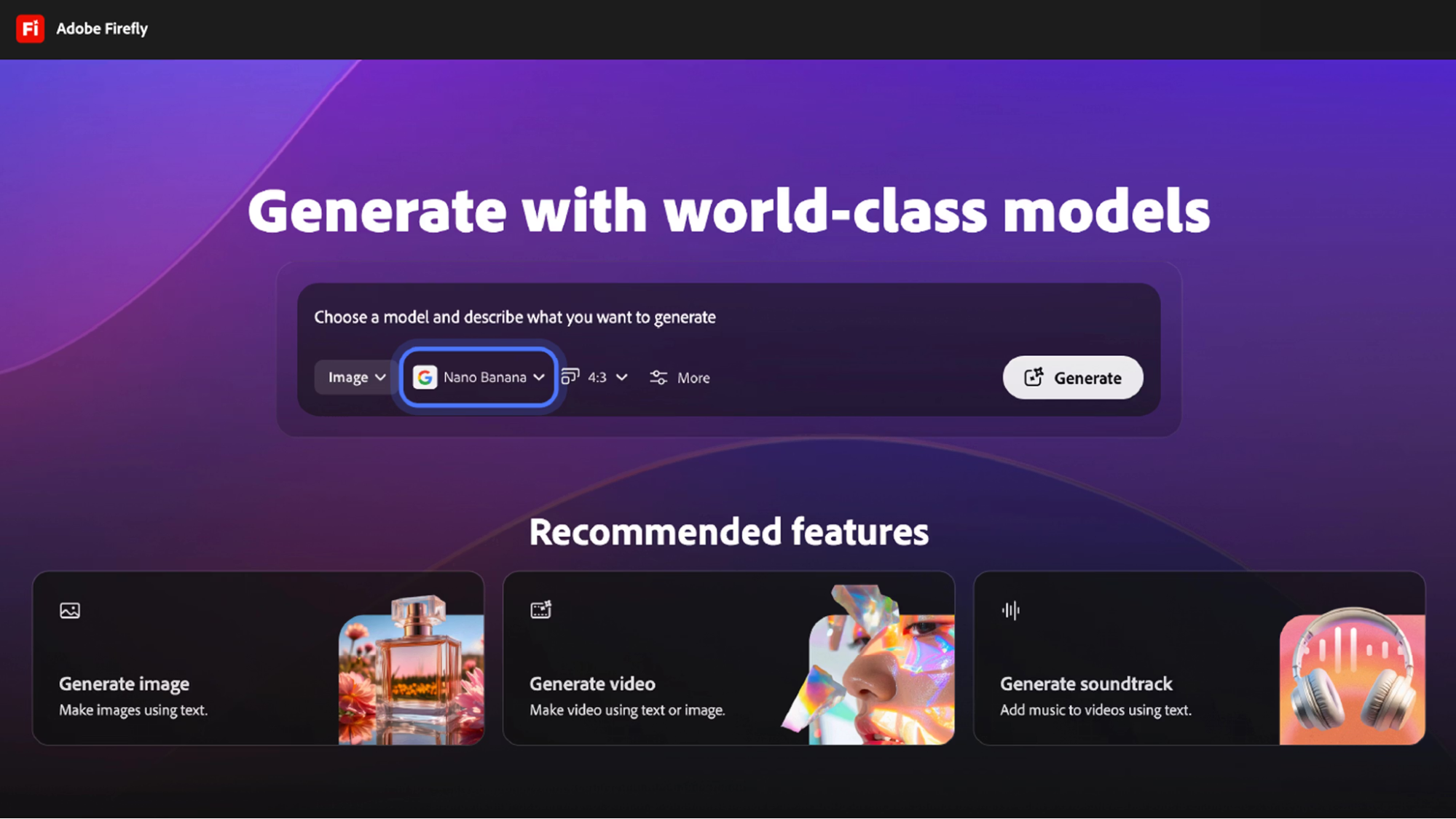
Firefly is Adobe’s family of generative models integrated with Photoshop, Illustrator, and Premiere. The models are trained on licensed content and public domain material, providing safe commercial use and IP indemnification. In December 2025, Adobe announced a partnership with Runway and other model providers, introducing video generation, multi‑model selection, and a full video editor.
What you can create
- Hero images, background scenes, and product mock‑ups
- Generative fill and extend edits within Photoshop (remove objects, extend backgrounds)
- Text effects and vector‑like assets in Illustrator
- Videos via the Runway partnership and partner models
Test Results
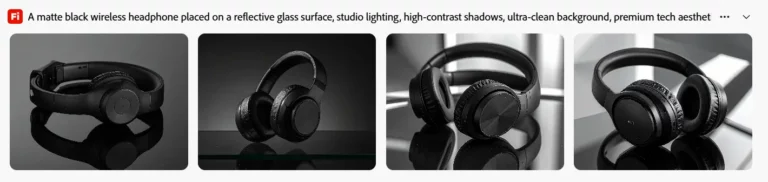
To test Firefly’s marketing capabilities, I generated a product advertisement visual.
Prompt used:
Matte black wireless headphones on a reflective glass surface, studio lighting, premium product photography style, dark background, e-commerce product image.
Firefly generated several variations of the product image. The lighting, reflections, and surface textures looked very close to professional studio photography.
The results were clean and balanced, making them suitable for e-commerce product pages, landing pages, or promotional ads.
Pricing
The free tier provides 25 credits per month; the Standard plan costs $9.99/month for 2,000 credits, Pro is $19.99/month for 4,000 credits, and Premium is $199.99/month for 50,000 credits.
7. Midjourney
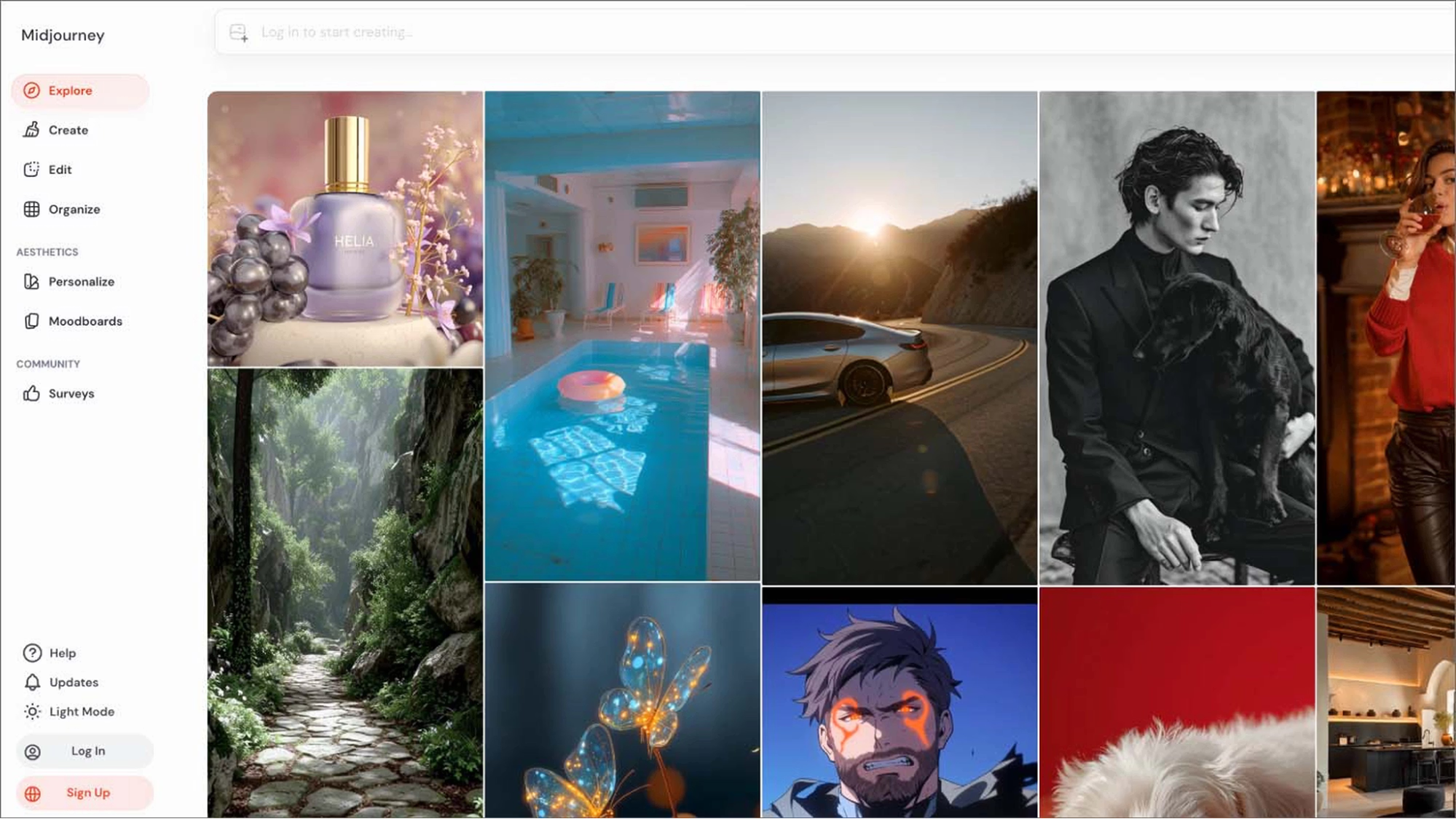
Midjourney operates exclusively through Discord. You join its server, then type /imagine or /gen to generate images, and /animate or /move to create videos. The AI returns four options, and you decide which to upscale or vary. Midjourney stands out for atmospheric, cinematic visuals, but may struggle with fine text or consistent characters.
What you can create
- Concept art, brand visuals, and hero illustrations
- Product scenes and stylized moodboards
- Textures and backgrounds
Test Results
Midjourney performs best when generating cinematic visuals or concept imagery.
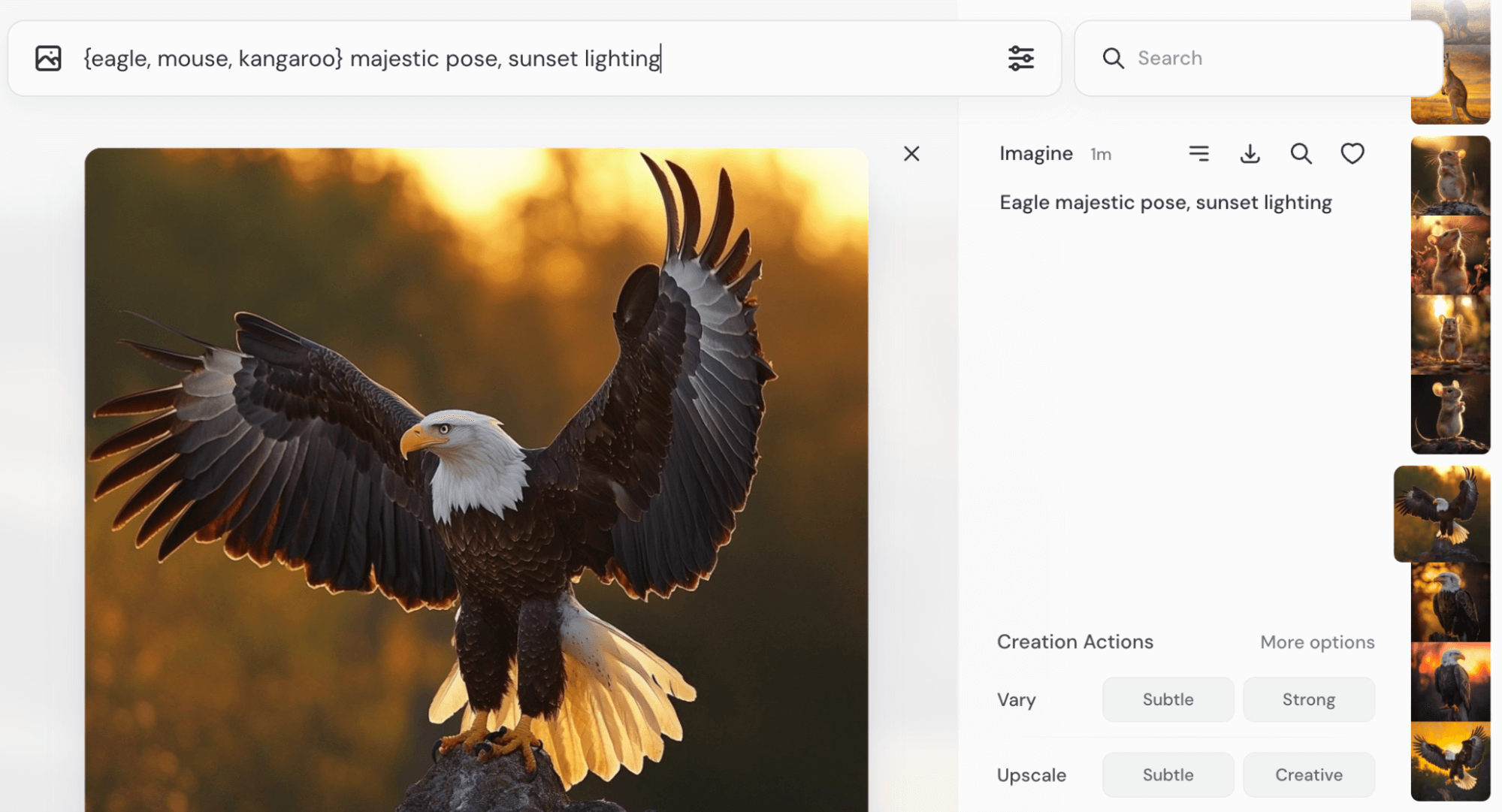
I also tested the multi-subject prompt syntax using curly brackets.
Example prompt:
{eagle, mouse, kangaroo} majestic pose, sunset lighting, cinematic composition
Midjourney generated separate images for each subject while keeping the same lighting and composition style.
This feature is useful for quickly testing multiple visual directions for marketing campaigns or concept moodboards.
Pricing
The Basic plan costs $10/month and gives 3.3 hours of fast GPU time (about 200 minutes). Standard ($30/month) and Pro ($60/month) plans add more GPU time and unlimited relaxed generations; the Mega plan ($120/month) doubles fast time and enables stealth mode.
Start using AI design tools to Streamline Your Creative Process
Choosing the right AI design tool is the first step to improving your creative workflow. Whether you are a startup founder seeking a standout logo, a social media manager handling dozens of posts, a marketer producing videos and ads, or an artist pushing the boundaries of AI art, there is a free best ai tools for logo design tailored to your needs.
Start with a free plan to see how AI can save you time and keep your brand consistent. Once you have found a good fit, you can create designs online more quickly than ever before by upgrading to a paid tier, which will gain higher-resolution exports, more credits, and collaboration features.