
Creating a professional logo is much easier now, even if you have no design experience. The best logo generators can turn your brand name, industry, colors, and style preferences into ready-to-edit logo ideas within minutes.
Not all AI logo generators are created equal. Some excel at generating creative logo ideas, while others are better for creating a brand kit, vector logos, mockups or instant customization. That is why it is important to select the right one when you want to create a logo using AI.
Here’s our comparison of the best AI logo generators based on design quality, features, file formats, pricing, ease of use and branding assistance. From basic logos to a complete brand package and quick designs for starting a business, this list will help you choose the right AI logo maker for your brand.
AI Logo Generators Comparison Table
| You need advanced customization or a one-time premium download | Best Use Case | Decision Factor | Best Value For | Not Ideal If |
| Zoviz | Building a complete brand quickly | Strong choice when you want original AI generated logos with brand assets in one place | Startups, creators and multilingual brands | You want a large template marketplace to browse manually |
| Looka | Creating a polished brand identity | Better when brand consistency matters more than deep manual editing | Small businesses that need logos, social graphics and brand guidelines | You only need one basic logo file at the lowest cost |
| DesignEVO | Finding logo ideas fast | Useful when you want many ready made design directions before editing | Beginners who prefer templates over prompt based logo creation | You want a highly unique logo from scratch |
| Canva | Logo plus everyday marketing design | Best when you already create social posts, flyers or ads in Canva | Solopreneurs and small teams managing all design work themselves | You want a dedicated AI logo workflow with advanced logo exports |
| Tailor Brands | Ongoing business branding | Makes sense when you need continuous brand tools, not just a logo | New businesses are building their online presence | You dislike monthly subscriptions |
| LogoAI | Professional looking logo output | Worth considering when visual polish and mockup previews are a priority | Business owners who want premium looking results fast | You want to test and download a logo for free |
| Designs.AI | Logo plus AI content tools | Better when the logo design is part of a broader content workflow | Businesses that need logos, templates, copy and marketing visuals together | You only need a one time logo download |
| Logomaster.ai | Simple logo creation with editing control | Good when you want a guided process but still need room to adjust details | Freelancers, personal brands and small business owners | You need a free download before buying |
| Logobean | Visual testing before purchase | Helpful when you want to see how the logo appears in real world settings | Designers and brand owners who care about previews | You expect post purchase revisions |
| Logo.com | Free starter logo creation | Strong if you want a basic logo and brand board without upfront cost | Beginners testing brand ideas | You need advanced customization or a one time premium download |
Zoviz
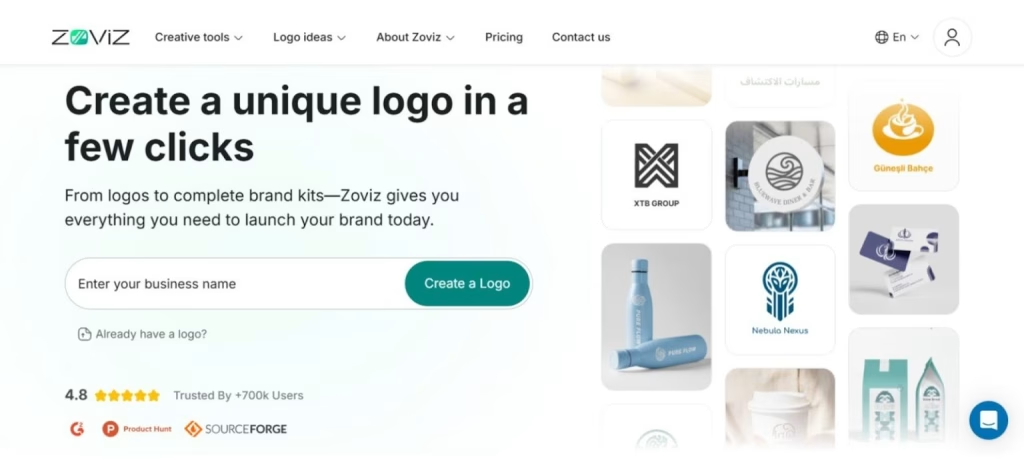
Zoviz is an AI-powered logo creator designed for startups, creators, and small businesses to get a professional brand without paying a high amount to a designer. You enter your brand name, industry, and style preferences, and Zoviz creates original logo concepts in minutes.
The tool uses AI to generate logos, rather than templates. Once you select a logo, you can edit fonts, colors, icons, and layouts in its easy-to-use editor, similar to Canva, so you can create a business logo with AI even if you have no design skills.
Zoviz also generates a brand kit that includes business cards, social media, email signatures, and mockups. So it is a good choice if you are looking for more than a logo.
Key features
- AI logo generator: Generates unique logo ideas from your brand name, category, and style.
- Canva style logo editor: Allows you to edit fonts, colors, icons, spacing, and mockups.
- Brand package: Creates business cards, social media templates, email signatures, and mockups.
- Multilingual support: Supports creating logos and other branding in multiple languages.
- Additional AI features: Provides a business name generator, background remover, image upscaler, and AI image generator.
Design quality
Zoviz offers modern designs that are suitable for startups, online stores, YouTube channels, side hustles, and personal brands. Because it generates unique AI-generated logos rather than simply modifying templates, the designs are less generic than those from some simple logo generators.
They may require a bit of tweaking, but the editor has sufficient capabilities to fine-tune the final version.
Output quality
- Professional files: Delivers logo files for websites, social media, business cards, and email signatures.
- Brand Kit: Includes matching assets, such as mockups, social media visuals, and business cards.
- Visual consistency: Keep your logo, color schemes, and branding consistent across media.
- Digital and print use: Great for website branding and minimal print items.
- Easy download: Allows the final logo and brand kit to be downloaded once purchased.
| What Could Be Improved | What We Like |
| Users who prefer browsing many ready-made templates may find fewer options. The editor is simple, but not as deep as professional design software. Some logos may need changes to colors, spacing or typography before download. | No need for design skills. Creates original designs, not just variations on themes. Suitable for both international and language-specific companies. Provides logos, brand kits, mockups and image creation. Generates brand assets for social media, print and digital. Ideal for those who don’t want to pay for a subscription |
Pricing
Zoviz lets users generate logo concepts and customize them for free. To download the final logo and full brand kit, pricing starts at $20 as a one-time payment.
Looka Logo Maker
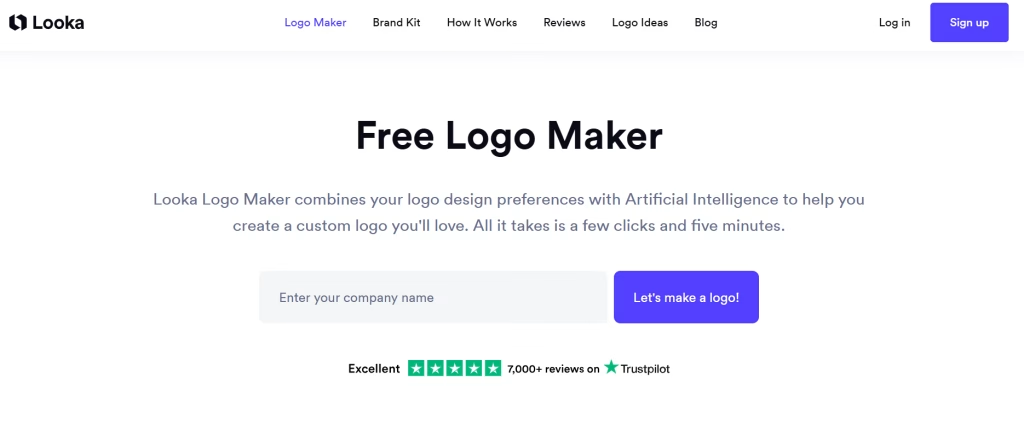
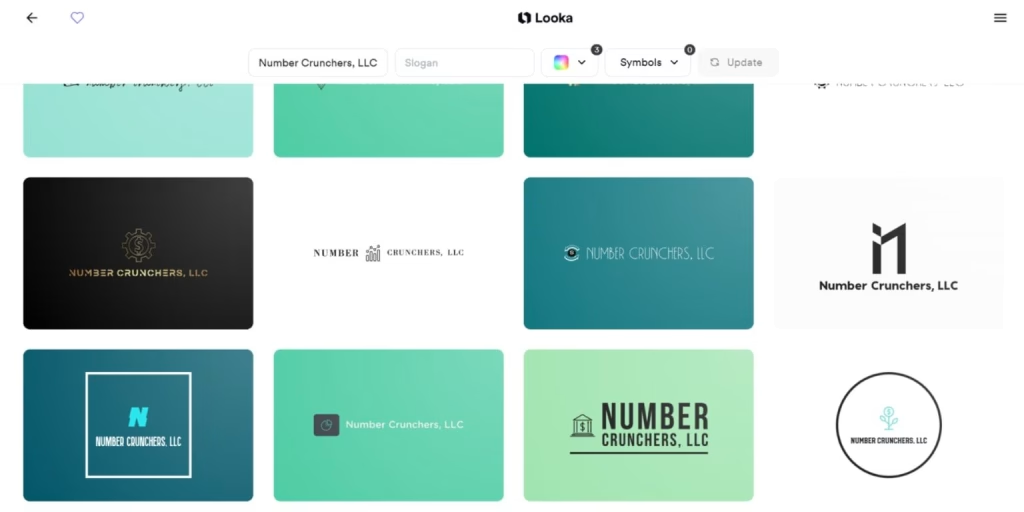
Looka is an online logo creator that generates logos depending on your company name, industry, style, colors, and tagline. It takes advantage of AI to create multiple logos that align with your chosen options, which makes it one of the top options to create a logo with AI.
It is ideal for small businesses, startups, and creators seeking a professional logo without needing a complex design tool. You can also design a brand kit including business cards, social media, letterheads, invoices, and mockups.
Key Features
- Creates several AI logo designs based on your brand information.
- Allows users to customize fonts, colors, icons, symbols, layouts, and slogans.
- Provides 75+ logo designs, various color schemes, and 300+ fonts.
- Offers business cards, clothing, social media mockups, and more.
- Offers brand kit elements such as letterheads, business cards, email signatures, and social media graphics.
- Offers high-resolution, vector, multi-color, and brand-standard premium versions.
- Allows unlimited logo edits with the Brand Kit subscription.
Design Quality
Looka creates clean, modern, and professional-looking logos. Its designs feel more polished than many basic AI logos, especially for users who want a simple business logo quickly.
The results usually look cohesive rather than random. Users can also adjust the selected logo to make it more minimal, bolder, more playful, or more modern.
Output Quality
- Provides PNG and JPG files in paid packages.
- Includes SVG and EPS vector files with the Brand Kit plan.
- Offers multiple color variations.
- Includes brand guidelines with logo fonts and colors.
- Provides mockups for business cards, social media, apparel, and other materials.
- The basic logo package includes one low-resolution file with no transparency.
| What Could Be Improved | What We Like |
| Logo download requires payment. Creative control is limited compared to professional AI design tools. Some logos may look similar to existing designs. The $20 basic package offers limited value. Some users have reported unexpected auto renewals. The editor may feel restrictive for advanced users. | Logo download requires payment. Creative control is limited compared to professional control AI design tools. Some logos may look similar to existing ones designs. The $20 basic package offers limited value. Some users have reported unexpected auto-renewals. The editor may feel restrictive for advanced users. |
Pricing
Looka is free to generate a logo and customize. Downloading requires payment.
- Logo only: $20 for one low-resolution file.
- Brand Kit + Logo: $96/year with high-resolution files, SVG files, mockups, brand assets, and unlimited changes.
DesignEVO
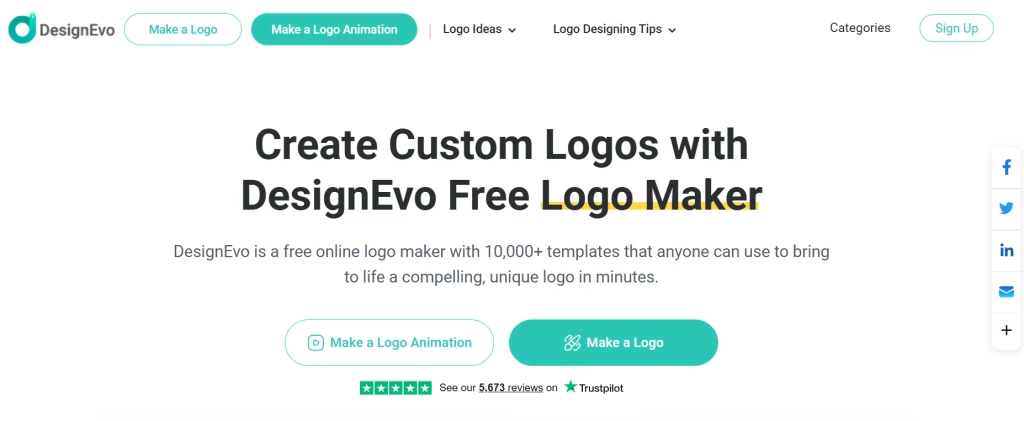
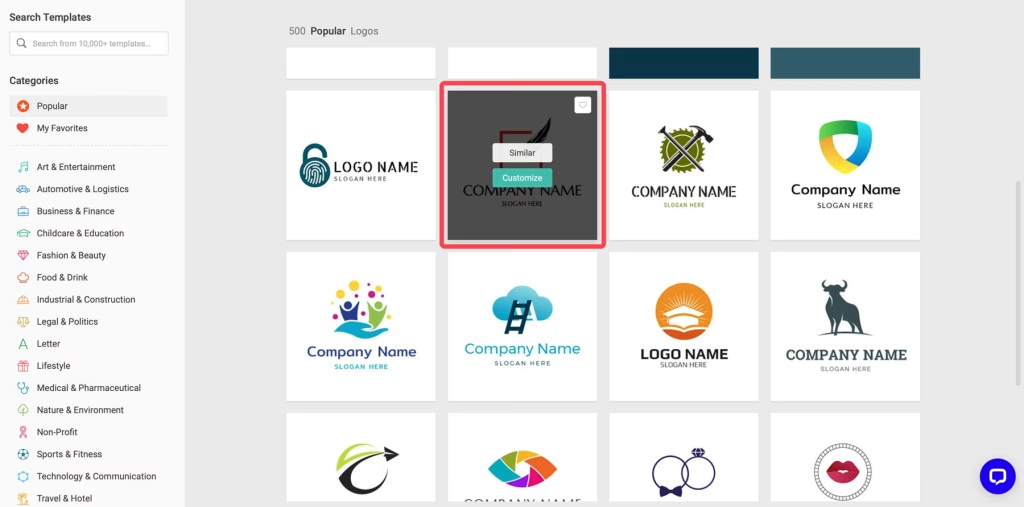
DesignEVO is a simple online logo maker for people who want to create a logo without using professional design software. It includes a wide range of pre-made logo templates, icons, fonts, and colors, which makes it a good starting point for a logo design generator.
It is suitable for small businesses, startups, bloggers and creators looking for an affordable logo. Rather than starting from scratch, users can select a template, modify the text, change the color, insert icons, and export the logo. As a free logo creator, it is a good place to start for people looking to learn how to create a logo with AI.
Key Features
- Offers 10,000+ logo templates for different business types.
- Includes a large icon library with many font options.
- Allows users to edit colors, text, shapes, icons, gradients, and layout.
- Uses a beginner-friendly drag-and-drop logo editor.
- Supports both free and paid logo downloads.
- Provides SVG and PDF files in paid plans for print and scaling.
- Gives lifetime access to purchased logo files and updates.
Design Quality
DesignEVO is strong in variety. With a wide range of templates to choose from, it’s a great option for those who aren’t sure what they want.
The logos are simple and functional for business use, but they may not provide the same level of uniqueness as a logo you design yourself. Because many designs are pre-made and use common icons, it’s important to spend time editing and personalizing your logo.
Output Quality
- Free downloads are available in lower resolution.
- Paid plans include higher-quality logo files.
- Supports common formats like PNG and JPG.
- Offers SVG and PDF files in premium plans.
- Vector files make the logo easier to resize for print and large displays.
- Free logos require DesignEVO credit.
- Paid downloads offer better flexibility for business use.
| What We Like | What Could Be Improved |
| A large template library gives plenty of logo ideas. Good option for users on a small budget. Customization tools are simple and quick. Useful icon, font, color and gradient options. Paid plans include print-friendly file formats. Works well for quick logo creation. | Template-based logos may not feel fully original. Many other users may use some of the same icons. The free plan has limited download quality. SVG and PDF files are locked behind paid plans. Copyright details around some design elements may need closer review. Not ideal for brands that need a fully custom identity. |
Pricing
DesignEVO offers a free option for creating and downloading a basic, low-resolution logo with credit.
Paid plans start at $24.99 as a one-time purchase. These plans unlock higher resolution files, more download formats and logo usage without adding DesignEVO credit.
Canva
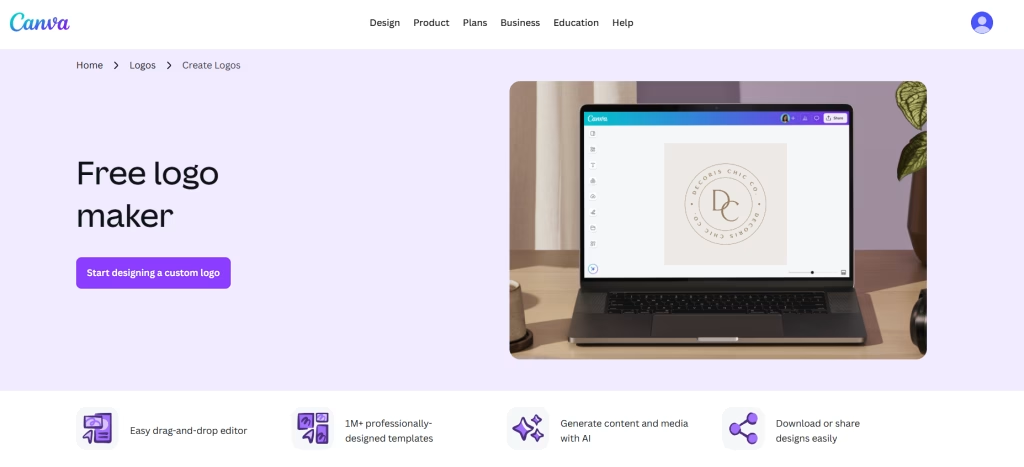
Canva is not a dedicated AI logo generator like some other tools on this list. It works more like a full design platform where you can create a logo, edit it, and then use the same design style across social media posts, flyers, business cards, and other brand materials.
Instead of giving you a fixed logo generation flow, Canva gives you an open canvas. You can use its AI capabilities to create a logo for free or for close to free and then modify it yourself using fonts, icons, colors, layouts, and even phrases such as “more minimal” or “add a coffee cup icon”. It’s a great online logo maker if you are looking for an all-in-one tool.
Key Features
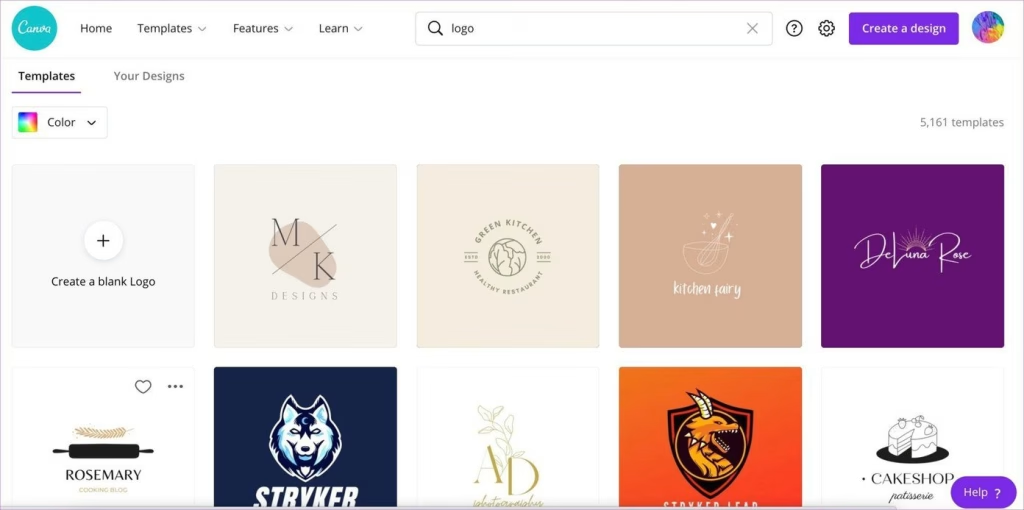
- AI logo creation through Canva’s design tools
- Magic Design and AI text-to-image features
- Large library of fonts, icons, elements, and templates
- Drag and drop editor for easy customization
- Brand Kit option with Canva Pro
- Team collaboration features
- Ability to use the logo across social media posts, flyers, presentations, and other marketing designs
- Regular updates with new logo generation AI features
Design Quality
Canva’s AI-generated logo designs looked clean and usable, but they did not feel as varied as the options from dedicated logo makers. The first results were decent, though some missed the exact brand style or visual details we wanted.
The best thing about Canva is that it lets you make further adjustments. You can tweak the design or ask them to make changes, so it is good if you want more control over the design.
Output Quality
The free plan gives you basic file downloads, including:
- Standard PNG files
- Basic JPG files
- Limited commercial usage rights
Canva Pro gives better export options, such as:
- Transparent background PNG files
- PDF files for print
- Resize options for different platforms
| What Could Be Improved | What We Like |
| Fewer AI generated logo options compared to dedicated logo makers. Some initial designs feel a bit generic. More manual editing may be needed to get a polished final logo. No full brand mockups or complete brand kit on the free plan. No SVG vector export on the free plan. | Fewer AI-generated logo options compared to a dedicated logo makers. Some initial designs feel a bit generic. More manual editing may be needed to get a polished final logo. No full brand mockups or complete brand kit on the free plan. No SVG vector export on the free plan. |
Pricing
- Free Plan: Basic logo creation and limited download options
- Canva Pro: $12.99/month or $119.99/year (includes Brand Kit, background eraser, and more designs)
- Canva for Teams: $14.99/month (per user), includes team collaboration tools
Tailor Brands Logo Maker
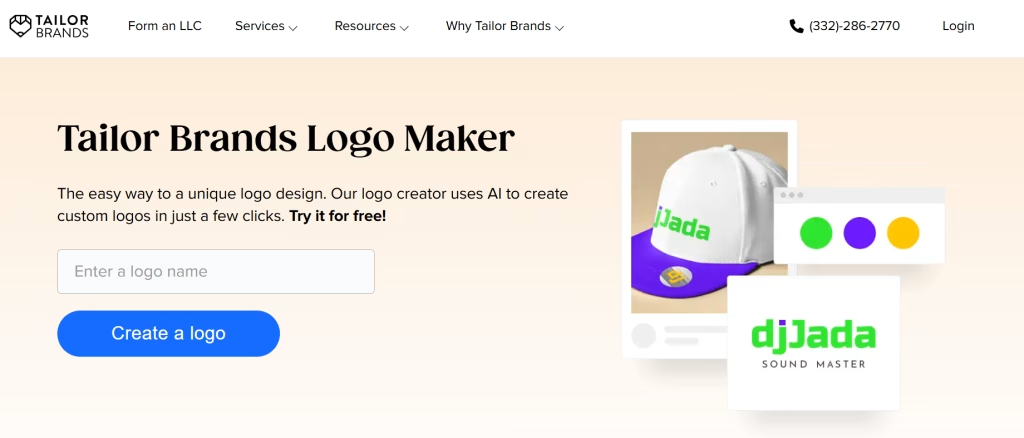
Tailor Brands is a free AI logo maker built for people who want more than a quick logo file. It asks for your business name, industry, slogan, and style preferences, then uses that information to create logo concepts that match your brand direction. It’s a particularly good AI brand logo generator for businesses looking to build a complete identity.
The platform feels more like a full branding tool than a basic logo generator. Along with logo design, it offers brand assets, social media files, business card designs, and other tools that help small businesses create a consistent visual identity.
Design Quality
Tailor Brands creates clean and modern logo designs. The results usually look polished, with good spacing, readable fonts, and a professional feel. It also does a decent job of using your business information to guide the design style.
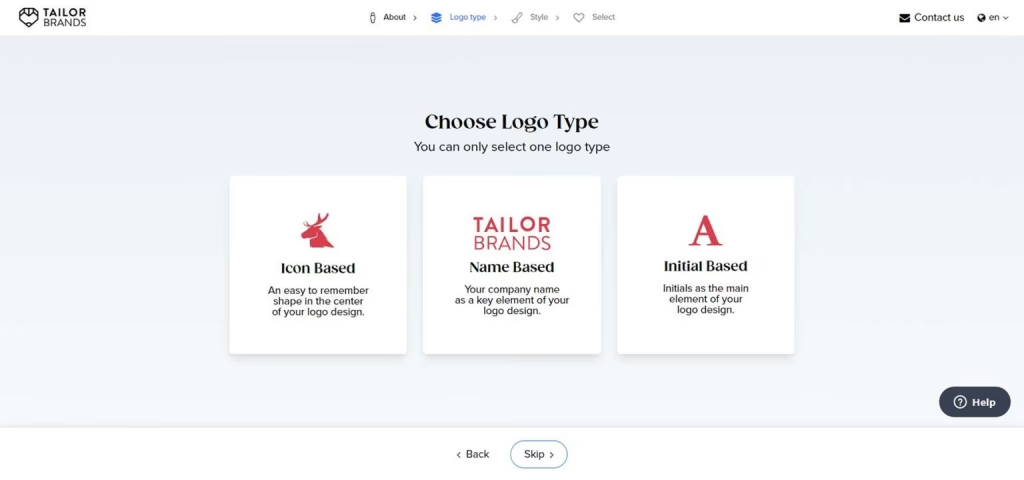
That said, the variety can feel a little narrow. You can only select one logo type at a time during the creation process, which makes comparison harder. For users who want to explore many different creative directions side by side, this may feel limiting.
Output Quality
Tailor Brands offers better output options through its paid packages. These include:
- High resolution logo files
- EPS and SVG vector files
- PNG and JPG downloads
- Transparent background versions
- Social media ready logo sizes
- Full commercial usage rights with paid plans
| What Could Be Improved | What We Like |
| You need to sign up before seeing logo options. No simple one time payment option for users who only need a logo. Subscription pricing may not suit every small business. Logo style variety is not as wide as some other AI logo makers. You cannot easily compare. multiple logo types at the same time. Revisions may be limited depending on your plan | Clean and professional looking logo results. AI designs are based on your business details, not just random templates. Useful brand assets for social media, business cards and marketing materials. Vector file support with paid plans. Trademarking services are available. Commercial rights are included with paid logo purchases. Low resolution free sample helps you review the logo first. |
Pricing
- Basic Logo Plan: Starts around $3.99/month for basic logo downloads
- Brand Kit Plan: Around $12.99/month, usually billed annually, for the complete branding package
- Lower Cost Plans: Some plans may start from about $2.50/month, depending on the billing period and offers
- Free Option: Low-resolution logo sample available for testing
LogoAI
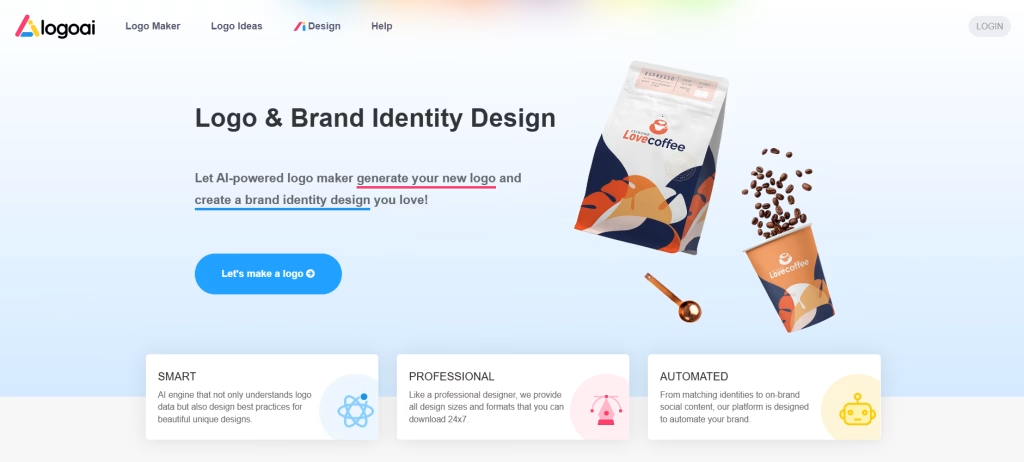
LogoAI is an AI logo & brand design creator built for users who want a clean, professional logo without spending hours on design. Like most AI logo generators, it asks for basic brand details and then creates logo ideas that can be customized inside the editor.
It is a strong choice for business owners, startups, and tech-focused brands that care about visual quality. LogoAI also goes beyond simple logo generation AI by offering mockups, brand guidelines, business identity assets, and even animated logo options, making it one of the best AI logo design generators for polished results.
Key Features
- Generates AI logos from your brand details.
- Offers customization for colors, fonts, icons, layout, and background accents.
- Includes 50+ fonts, with support for Google Fonts and custom font uploads.
- Provides high-resolution JPG, transparent PNG, PDF, and vector file downloads.
- Includes brand guidelines with logo colors and fonts.
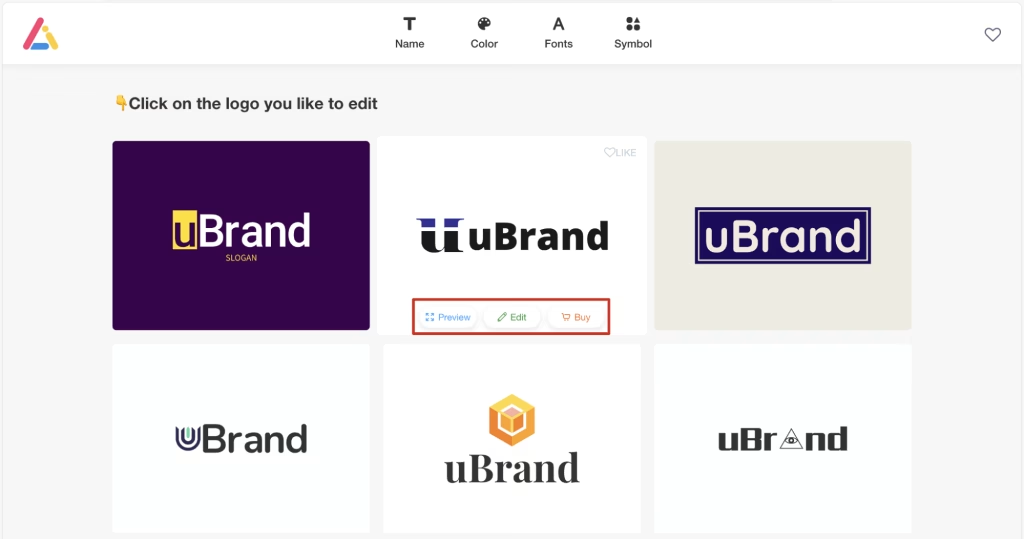
- Offers real-world mockups to preview your logo in use.
- Supports animated logo versions in selected packages.
- Let users share logo files with team members through a link.
- Offers a “Designer Fix” option for extra human design help.
Design Quality
LogoAI creates polished logos with a clean and modern feel. The designs usually look sharp, especially for business, tech, SaaS, agency, and professional service brands.
The results may need some editing for warmer or more creative industries, such as cafés, lifestyle brands or handmade products. Still, the overall logo quality is strong, and the mockup previews help users see how the brand will look in real situations.
Output Quality
- The basic package includes limited-resolution logo files.
- Premium plans include high-resolution files in multiple formats.
- Supports transparent PNG files for flexible use.
- Offers PDF and vector files for print and scaling.
- Includes brand guidelines with colors and fonts.
- The premium package includes business cards, mockups, animations, and identity materials.
- Higher-tier plans are better for professional brand use.
Pricing
LogoAI is free to use for logo creation and customization, but downloading requires payment.
- Basic logo: Starts at $29 with limited resolution files.
- Premium package: Around $99, including high-resolution files, vector files, mockups, business identity assets, brand guidelines, business cards, and animations.
Designs.AI
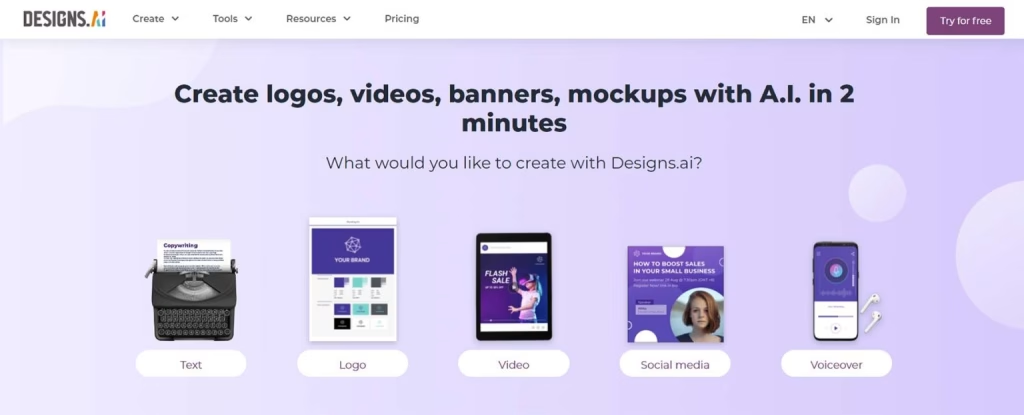
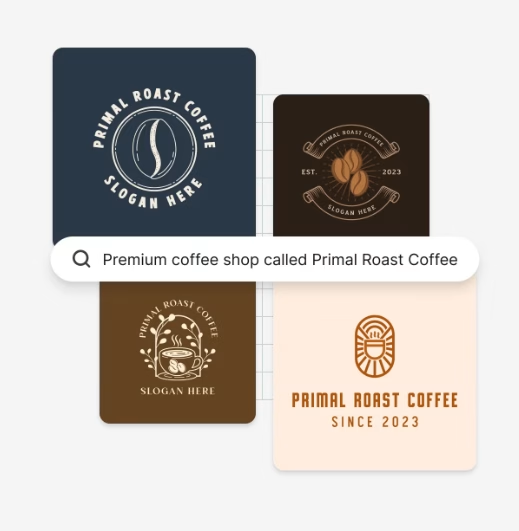
Designs.AI is an AI design platform that includes tools for logos, videos, copywriting and other brand assets. Its logo maker follows a simple process: enter your brand name, industry, and style, then generate a logo online that you can edit within the platform. It serves as both an AI logo creator and a broader content suite.
It is a good choice for small businesses seeking more than just a standalone logo. With a paid plan, users can access logo downloads, brand kits, mockups, social media assets, and other professional AI design tools in one place, making it a strong business logo generator AI for growing brands.
Key Features
- Creates AI logo options based on your brand name, industry, and style.
- Let users edit fonts, colors, icons, backgrounds, and layouts.
- Uses Google Fonts for modern, web-friendly typography.
- Supports SVG, PNG, JPG, and PDF downloads in paid plans.
- Includes brand kits with colors, fonts, mockups, and social media assets.
- Offers access to 20,000+ design templates.
- Includes extra AI tools for logo generation, including copy, video, and marketing visuals.
- Allows unlimited logo revisions with paid access.
Design Quality
Designs.AI creates clean and professional logo designs with a strong focus on industry style. Most results look polished enough for small business branding, especially when paired with its brand kit and design templates.
In some cases, the designs feel template-based. So, users may need to adjust fonts, colors, icons or layout to make the logo feel more personal and less generic.
Output Quality
- Paid plans include high-resolution logo files.
- Supports SVG, PNG, JPG, and PDF formats.
- Vector files make the logo easier to scale for print and digital use.
- Includes brand kits for consistent color and font use.
- Offers templates for marketing materials and social media designs.
- The free plan does not include logo downloads.
| What Could Be Improved | What We Like |
| Some logo designs may look generic without customization. Logo downloads require a paid subscription. Monthly pricing may be costly for users who only need one logo. Users must sign in before editing logo designs. Logo generation can be slower than some other tools. Some users report slow support and issues with cancellations. | Creates clean logos with minimal effort. Good range of logo styles and templates. Flexible editor for fonts, colors, icons and layouts. Includes AI copywriting tools for slogans and brand messaging. Useful brand kit for keeping colors and fonts consistent. Good option for users who need logos and marketing assets in one place. |
Pricing
Designs.AI logo generator is free to try, but downloads and full features require a paid plan. Paid plans start at $19/month and include access to the logo maker, multiple file formats, brand kits, templates, and other AI design tools.
Logomaster.ai
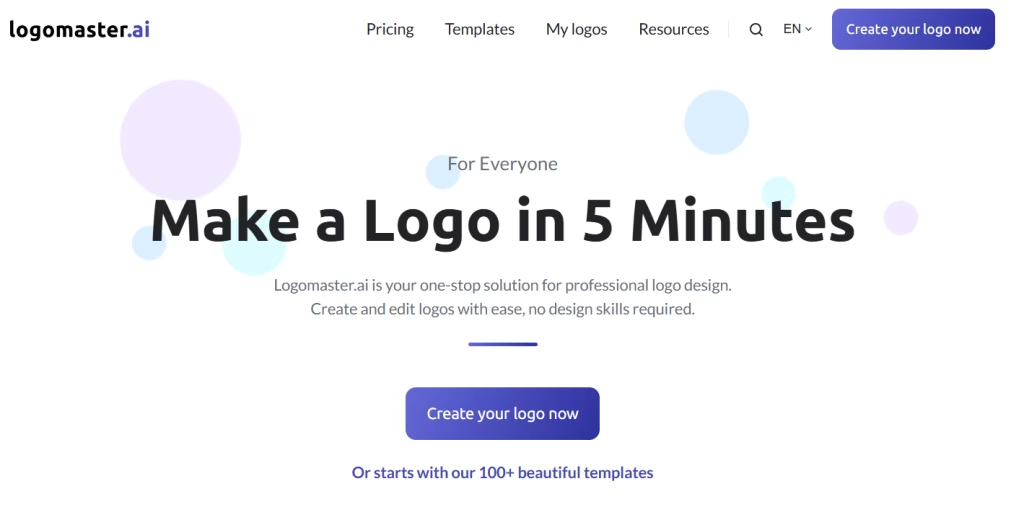
Logomaster.ai is an AI logo maker that helps you build a logo through a guided setup. You enter your business name, industry, slogan, and preferred style, and the tool generates logo ideas you can edit. It’s an online logo creator free to explore before committing to a purchase, and a good pick for anyone creating a logo with AI for the first time.
It is a useful choice for small businesses, freelancers, and creators who want a neat logo without having to learn design software. The editor lets you adjust fonts, icons, colors, backgrounds, shapes, and layout details, so the final logo feels more personal.
Key Features
- Creates logo ideas from your business details.
- Offers a guided questionnaire to speed up setup.
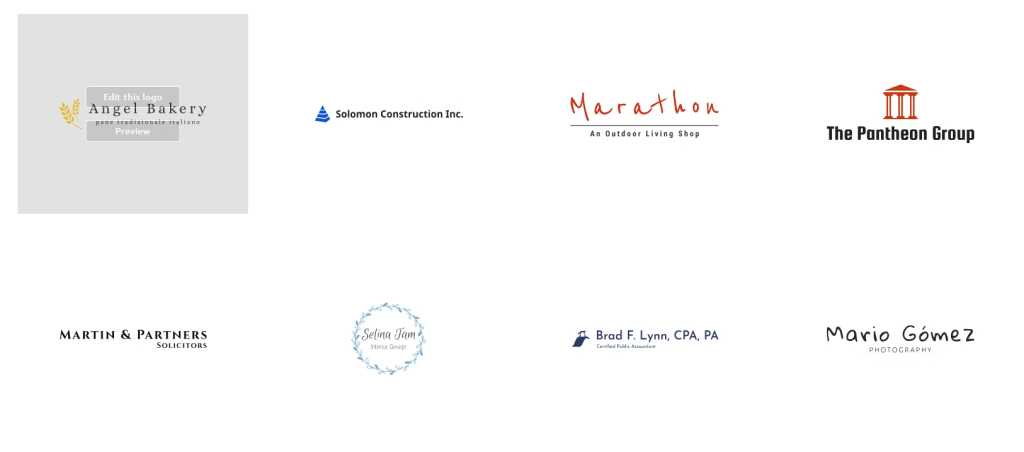
- Includes ready-made logo templates.
- Provides different icons for business and creative brands.
- Supports Google Fonts for better text styling.
- Offers pre-made color palettes.
- Let users edit shapes, lines, backgrounds, fonts, and colors.
- Includes a drag-and-drop editor with layer controls.
- Gives royalty-free usage rights after purchase.
Design Quality
Logomaster.ai creates simple, clean, and business-friendly logos. The designs are not overly complex, which makes them suitable for websites, social media profiles, business cards, and startup branding.
The best part is the editing control. Users can start with an AI-generated logo concept and then adjust small details like the icon style, font pairing, spacing, background, and color palette. This helps avoid a plain template look.
Output Quality
- Paid packages include downloadable logo files.
- Logos can be used for personal and business purposes.
- Suitable for websites, social media, and basic print branding.
- Higher plans unlock better file options and more editing freedom.
- Free logo creation is available, but downloads are paid.
- Best results come after customizing the AI-generated design.
| What Could Be Improved | What We Like |
| Free download is not available. Some useful options are locked behind higher plans. The basic plan may feel limited for serious branding. Template-based designs may still need extra editing. Not the best choice for users who want a fully brand identity. | Quick logo creation process. Simple enough for beginners. Good editing options for a basic logo maker. Google Fonts support gives more font variety. Useful for adding small design accents like lines, shapes and backgrounds. A one-time payment is better for users who do not want a subscription. Purchased logos can be used without royalty fees. |
Pricing
Logomaster.ai allows free logo generation and editing. To download the logo package, users need to pay a one-time fee starting at $39. Higher plans include more advanced options and better file access.
Logobean
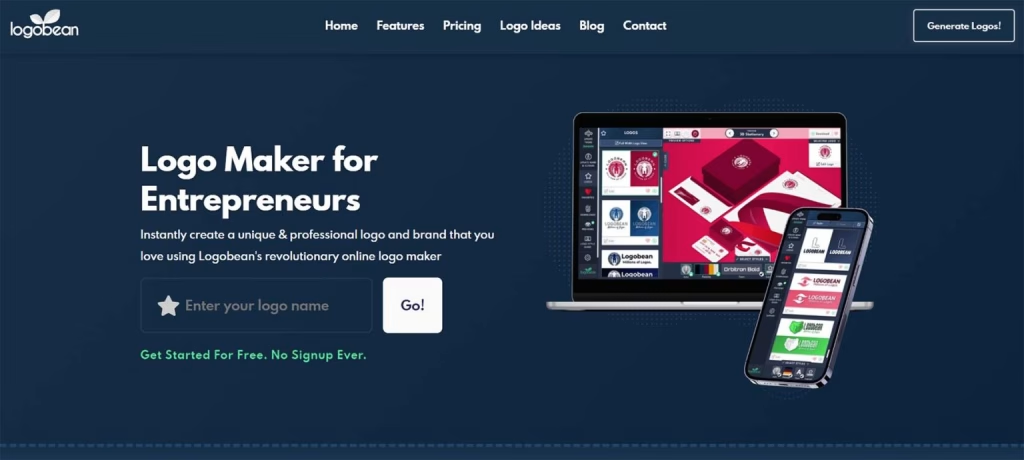
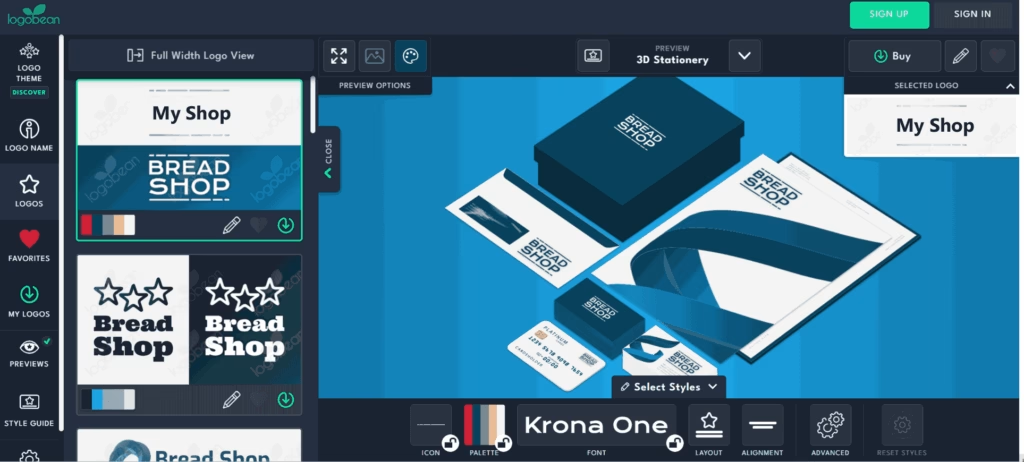
Logobean is an AI logo creator online that helps users create and preview logos without a complicated setup process. You can enter your brand name, explore logo ideas, and customize the design using icons, fonts, colors, spacing, and layout controls.
It is a good option for users who want to see how their logo will look in real brand settings before buying. Logobean’s preview tools show the logo on items like stationery, dark backgrounds, notebooks, and other mockup-style views.
Key Features
- Creates AI logo options from your brand name.
- Does not require a sign-up to start designing.
- Offers customization of icons, fonts, colors, and layouts.
- Supports Google Fonts for more typography choices.
- Let’s users rotate, flip, resize, and align logo elements.
- Includes spacing and text alignment controls.
- Provides five color palette styles.
- Supports PNG and SVG downloads with paid access.
- Includes online logo management and brand guideline tools.
- Shows logo previews in different real-world settings.
Design Quality
Logobean gives users more hands-on control than many basic logo makers. The designs are clean and practical, and the additional editing tools help users shape the logo to fit their brand style.
Its biggest strength is visual previewing. Before downloading, users can check how the logo looks across different backgrounds and brand materials, which makes it easier to judge whether the design feels usable.
Output Quality
- Paid downloads include PNG logo files.
- SVG files are available for scalable logo use.
- Brand guidelines can be accessed through the logo management area.
- Preview tools help test the logo across different settings.
- Logo variations are available with paid options.
- Free design is available, but downloads require payment.
| What Could Be Improved | What We Like |
| Free logo download is not available. Users must pay even for lower-resolution files. Purchased logos cannot be revised in the same way after they are downloaded. Editing control is good, but it’s still not on par with professional design software. Some users may want more advanced brand kit assets. | Users can start designing without creating an account. The interface is simple and easy to understand. Good customization options for fonts, icons, spacing and alignment. Google Fonts support improves typography flexibility. Logo previews make it easier to see real-world use. PNG and SVG downloads are useful for digital and scalable branding. Helpful for designers and business owners who want strong visual testing. |
Pricing
Logobean lets users design logos for free. To download high-quality logo files, logo variations, and extra options, users need to pay a one-time fee starting at $29.
Logo.com
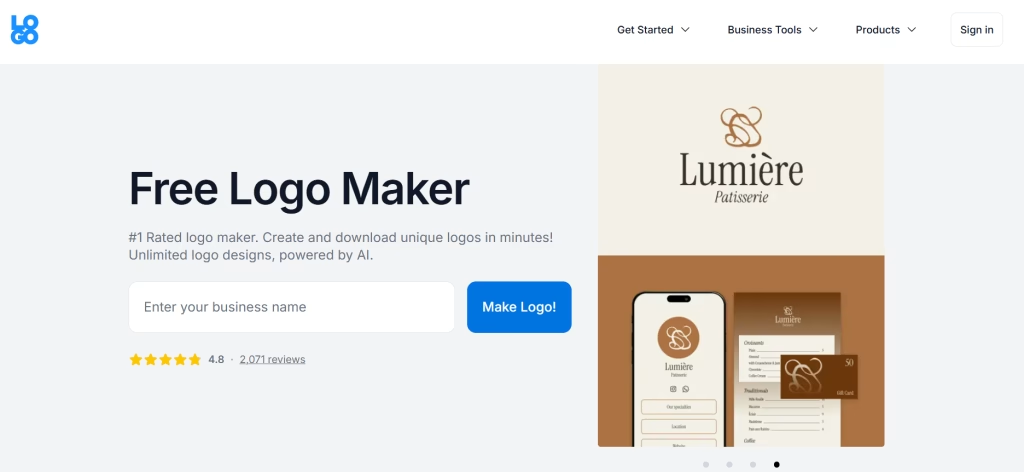
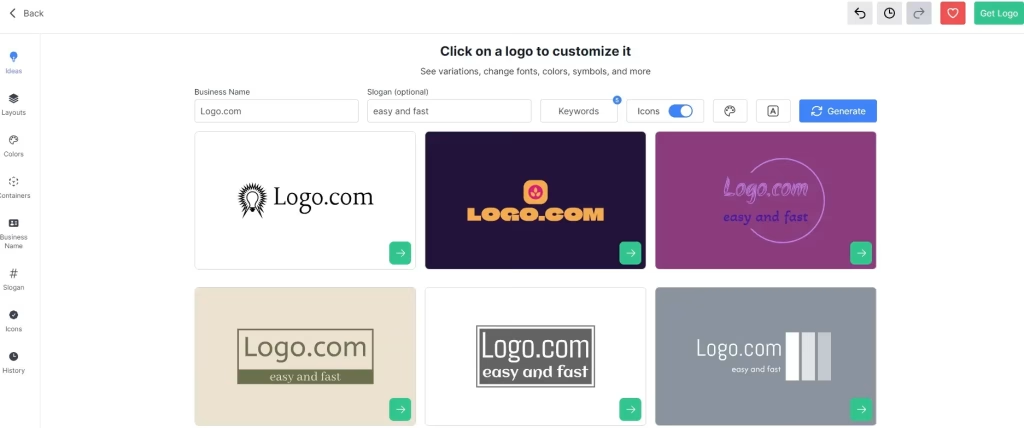
Logo.com is an online logo creator that helps users create a free logo with AI in a few steps. You answer basic questions about your business, then the tool shows different logo ideas using templates, icons, colors, and font styles
It is useful for small businesses, creators, and startups seeking a quick logo and basic brand materials. Users can edit the layout, change colors, adjust fonts, and create matching assets like business cards and social media graphics.
Key Features
- Creates logo ideas after a short brand questionnaire.
- Offers a large collection of templates, icons, fonts, and color options.
- Let users edit layout, colors, fonts, and design elements.
- Provides a free brand board with logo variations, colors, and fonts.
- Includes business card and social media design options.
- Offers branding tools through paid plans.
- Supports domain and website options in Pro plans.
- Makes it easy to share brand assets with team members.
Design Quality
Logo.com creates clean and simple logos that work well for basic business branding. The template library gives users enough variety to explore different styles before choosing a final design.
The designs are not as custom as a professional designer’s work, but they are useful for quick brand setup. For best results, users should adjust the font, colors, and layout so the logo feels less generic.
Output Quality
- A free logo download is available.
- Brand board helps organize logo versions, colors, and fonts.
- Paid plans allow unlimited logo edits and downloads.
- Useful for websites, social media, business cards, and starter branding.
- Pro plans include broader brand tools, such as domain and website features.
- Output quality is better suited for simple branding needs than advanced custom ide
| What Could Be Improved | What We Like |
| No one-time payment option for users who only want a logo. Unlimited editing requires a monthly plan. Customization is more limited than some advanced logo makers. Template-based designs may need editing to feel unique. Not ideal for brands that need a fully custom logo system. | Good free option compared to many logo makers. Easy to use for beginners. A large selection of templates offers plenty of logo ideas. Useful brand board for sharing colors, fonts, and logo versions. Good choice for simple logo creation. Paid plans include extra branding tools. Helpful for users who want logo, website, and domain tools in one place. |
Pricing
Logo.com lets users create a logo for free with AI and download a basic version at no cost. Paid plans start at $10/month and include unlimited logo edits, downloads, and access to extra branding tools.
Wrapping Up
AI logo generators make it easier to create a professional logo without a big budget or design skills. Whether you want to generate a logo for free or invest in a premium brand kit, the best logo generator depends on what you need: a simple logo, a full brand kit, mockups, or high-resolution files.
Before choosing, compare pricing, file formats, customization options, and commercial rights. Pick the AI logo generator tool that gives you the right balance of quality, control, and brand-ready assets.
Start with the tool that fits your budget, test a few logo styles, and choose the design that makes your business look polished from day one.