
Introduction
A practical guide to AI Social Media Tools that help creators produce stronger content in 2026.
Over the last few years, social media has shifted quite a bit. Short-form video dominates most platforms, AI-assisted editing shows up in almost every tool, and brands are now publishing across more channels than they used to. Keeping up with that pace can feel overwhelming, especially when content has to be produced consistently.
This guide looks at ten tools that are genuinely useful in 2026. Each one serves a slightly different role. Some help with planning and publishing. Others focus on design, video editing, or writing support.
Most creators do not need complicated setups or large software stacks. What usually works better are tools that are quick to learn, reliable in daily use, and that fit smoothly into the platforms already in use.
The sections below break these tools down by category so it becomes easier to see where each one fits and which option may suit a particular workflow or budget.
How to Choose the Right Social Media Tool in 2026
Choosing the right social media tool usually comes down to how you work and where most of your time goes during content creation.
Start with the task that slows you down the most
Look at the part of your workflow that consumes the most time. If generating post ideas or captions is difficult, a tool that helps create content quickly while maintaining your tone can be useful. If visual design takes longer than expected, a platform that can quickly generate carousels, posts, and templates may help streamline the process.
Think about workflow, not only features
Different tools serve different purposes. Some focus mainly on content creation, while others are built for scheduling, analytics, and performance tracking. If planning, posting, and reporting are handled across multiple platforms, using a tool that combines drafting, scheduling, and analytics can help keep the workflow organized.
Keep the setup practical
Select tools that fit naturally into your daily process. Begin with one tool that solves your main challenge, and add another only when there is a clear need. In many cases, a simple setup works well, one tool for writing or design and another for scheduling, publishing, and analytics.
Comparison Table
| Tool | Content format | Built‑in AI helps | Repurposing ability | Free plan |
| Buffer | All social posts | Caption assistant | Limited reuse | 3 channels, 10 posts/channel |
| Sprout Social | Posts & comments | AI alt text, optimal times | Limited repurposing | None |
| Canva | Images, videos, presentations | Magic Design & Magic Write | Resize & remix designs | 2M templates, 5 GB storage |
| Adobe Express | Graphics & short videos | Generative AI images, remove backgrounds | Resize to any format | 5 GB storage; 25 AI credits |
| CapCut | Short‑form videos | Auto captions, motion tracking | Some (templates) | Free mobile + desktop |
| Filmora | Video (4 K) | Auto caption, AI audio stretch | Basic repurposing | Basic plan $49.99/year |
| ChatGPT | Text, images, video scripts | GPT‑5.2/5.3/5.4 models | Generate outlines, rewrite content | Free tier with limits |
| Jasper | Copy, ads, blogs | GPT‑4‑powered templates | Rewrite and expand sentences | 7‑day trial only |
| Descript | Audio & video editing | Underlord AI, Studio Sound | Create clips from full episodes | Free 60 minutes & 100 AI credits |
| Headliner | Audiograms & social clips | Transcription, text animation | Repurpose episodes into clips | 5 unwatermarked videos |
All-in-One Social Media Management Platforms
1. Buffer
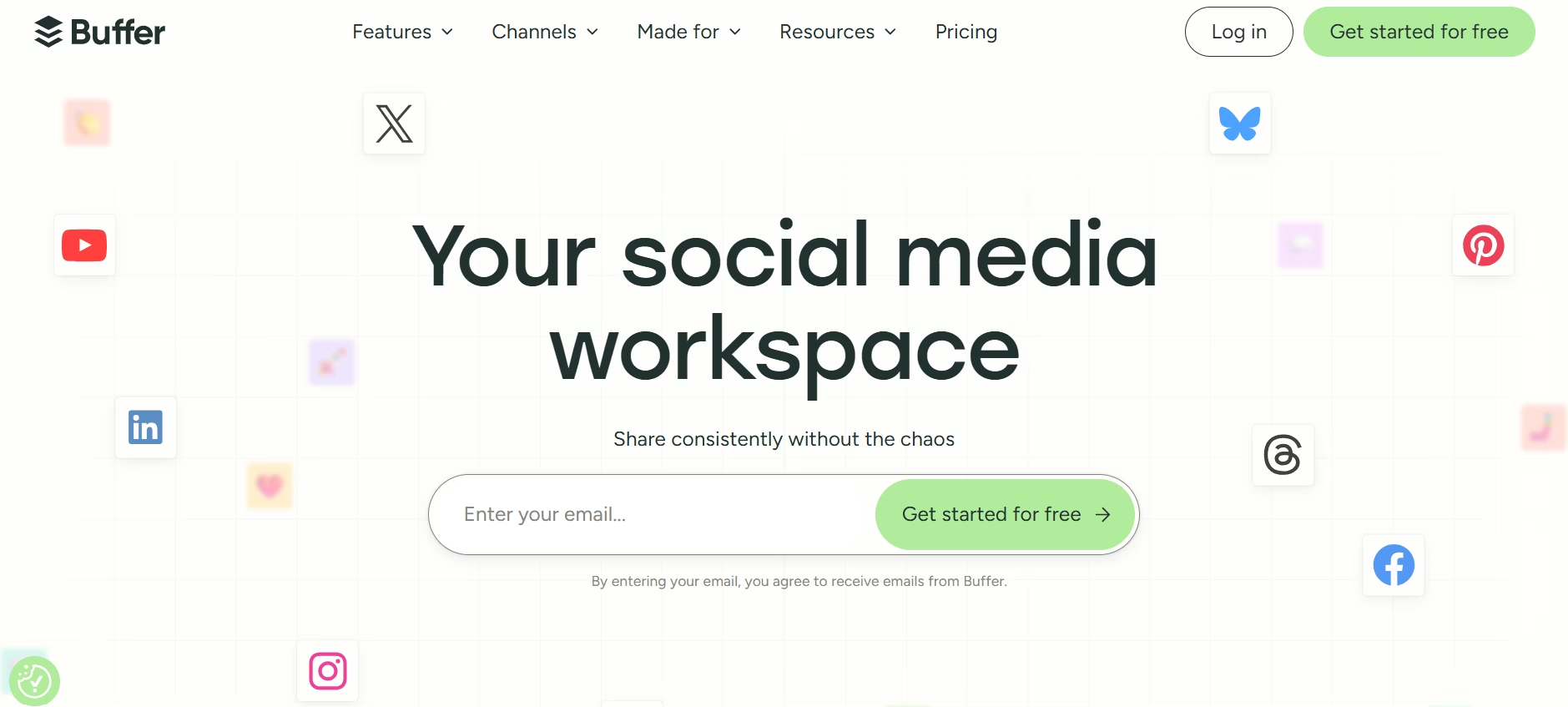
Buffer has long been a go-to social media tool for scheduling posts across multiple networks. Its recent updates add an AI content assistant and better collaboration features, making it ideal for creators and small teams who want to stay consistent without drowning in manual work. Whether you are posting daily or running campaigns, Buffer turns chaotic content calendars into a clean, visual workflow.
Features:
- Connect up to three social channels on the free plan
- Create posts, attach images/videos, and schedule via a visual calendar
- Import media directly from Dropbox, Google Drive, or Canva
- Tag ideas on a built-in Kanban board and pull content from RSS feeds
- Built-in AI assistant suggests captions and improves drafts
- Paid plans unlock analytics, engagement inbox, and unlimited posts
Pros:
- Super intuitive interface, especially strong for Instagram, LinkedIn, and X
- Affordable pricing compared to enterprise tools
- AI assistant delivers quick, ready-to-use captions
- Free plan is genuinely useful for small creators and beginners
Cons:
- Lacks advanced/deep analytics
- No custom thumbnail selection for YouTube Shorts
- No “best time to post” suggestions
- TikTok support remains limited
Pricing:
Free plan (3 channels, 10 scheduled posts each). Essentials ~$6/month per channel (unlimited posts). Team $12/month. Agency from $120/month for 10 channels.
2. Sprout Social
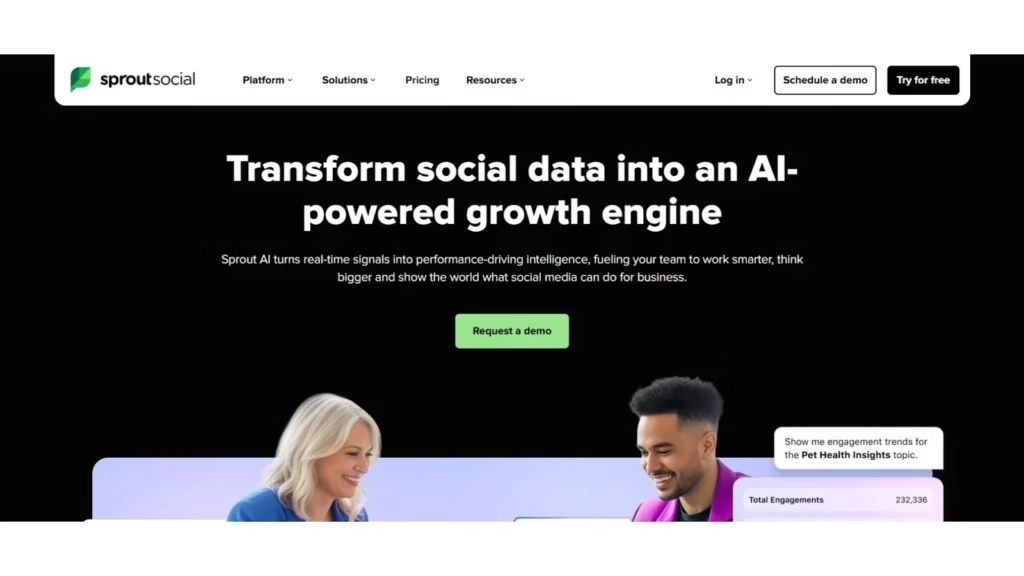
Sprout Social is designed for businesses and teams that need more than simple post scheduling. It offers advanced analytics, social listening, and tools that help teams collaborate easily. The platform can also connect with CRM systems and bring messages from different social accounts into one inbox. This helps teams manage conversations and track performance from one place.
Features:
- Publishing, scheduling, keyword & location monitoring
- Unlimited AI-generated alt text for images (Standard plan)
- Unified inbox for all messages across networks
- Competitor benchmarking, sentiment analysis, chatbots, and automated tagging (higher tiers)
- Detailed reports on audience growth, engagement, and response times
- CRM integrations and team collaboration tools
Pros:
- Extremely rich analytics and unified inbox
- Excellent team workflows and productivity reports
- AI recommends optimal send times and auto-generates alt text
- Scales perfectly for large teams and agencies
Cons:
- Starts at $199 per seat/month expensive for individuals
- Annual contracts and training time add hidden costs
- Does not auto-generate full social posts (you still need copywriting help)
Pricing:
Standard $199/seat/month; Professional $299; Advanced $399; Enterprise custom (annual commitment required).
Graphic Design Tools for Social Media
3. Canva
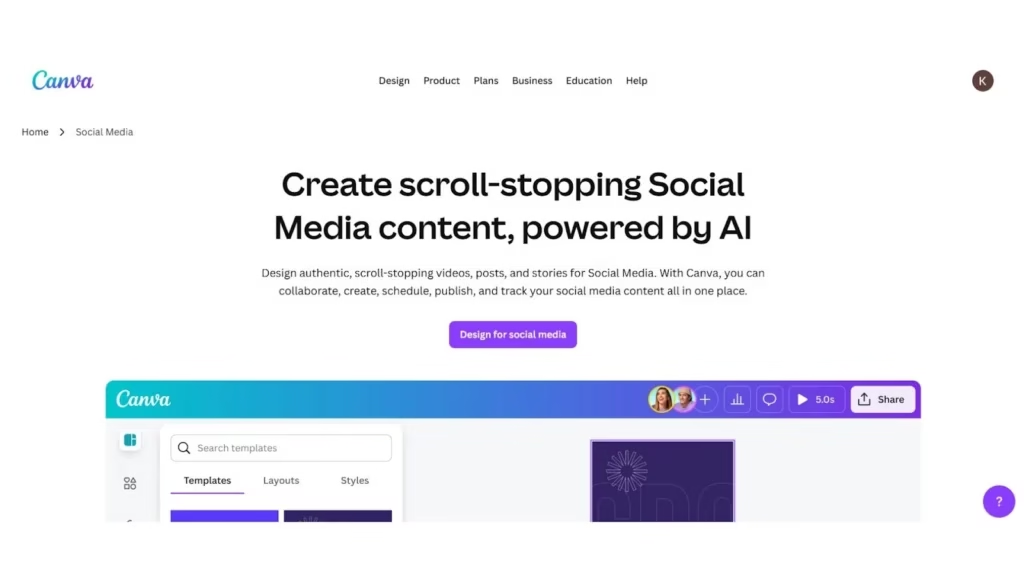
Canva has grown from a simple graphic design tool into a powerful design platform with built-in AI features. It allows users to create social media posts, presentations, logos, and short videos quickly, even without design experience. It is a useful all-in-one tool for creators who want to produce clean and attractive visuals without learning complex design software.
Features:
- 2+ million templates, 5 GB storage, up to 10 team members (free)
- Magic Resize, Magic Design, and Magic Write (AI caption/design tools) on Pro
- Schedule posts directly to 8 social platforms
- Real-time collaboration, brand kits, and workflow approvals (Teams plan)
- 100 million stock assets and 100 GB storage on Pro
Pros:
- Massive template library and drag-and-drop ease
- AI tools for instant resizing and design generation
- Built-in social scheduling is a huge time-saver
- Generous free plan for casual creators
Cons:
- Free storage limited to 5 GB
- Brand kits and transparent exports locked behind Pro
- Frequent upsells and paywalled premium assets
Pricing:
Free $0; Pro $15/month or $120/year; Teams $10/user/month (min. 3 users).
4. Adobe Express
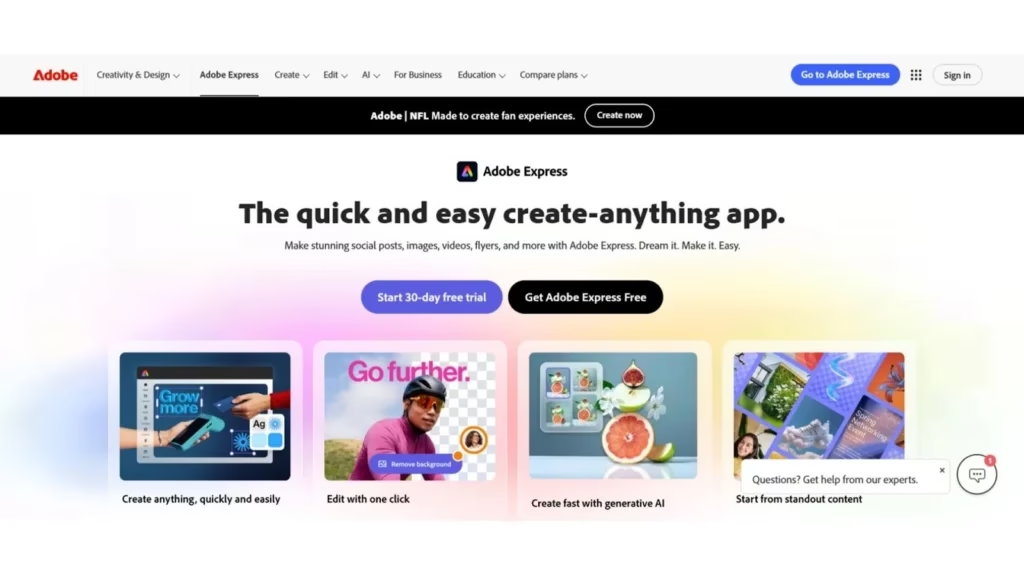
Adobe Express offers professional design tools in a simple and beginner-friendly platform. Using Adobe’s generative AI, it helps you create social media posts, short videos, flyers, and other visuals with ready-made templates and quick edits. It is a good option when you want clean and professional designs quickly without using complex tools like Photoshop.
Features:
- 100k templates + 1 million stock assets (free)
- Generative AI credits for background removal, image expansion, and new visuals
- Built-in scheduling to 3 accounts per network
- Brand kits and advanced animation tools (Premium)
- 200 million stock assets and 30k fonts on Premium
Pros:
- Professional-quality templates and vast stock library
- Powerful generative AI features save hours
- Scheduling + brand governance built in
- Seamless Adobe ecosystem integration
Cons:
- Only 25 AI credits/month on free plan
- Watermarks on premium templates
- Credit limits and annual commitment surprises
Pricing:
Free $0; Premium $9.99/month or $99.99/year; Teams $9.99/user/month (annual, min. 2 users).
Video Creation & Editing Tools
5. CapCut
CapCut is a video editing tool developed by the team behind TikTok. It offers a free starting plan and is widely used for creating short-form videos. The tool works on both mobile and desktop, allowing creators to edit videos quickly and produce professional-looking content without expensive software. If you regularly create Reels, Shorts, or TikTok videos, CapCut can become a reliable tool in your daily content workflow.
Features:
- Multi-track editing, keyframes, green-screen, and stabilization (free)
- AI voiceover, auto captions, background removal, and motion tracking (Pro)
- 4K HDR export and 1 TB cloud storage (Pro)
- Thousands of templates and effects
- Direct TikTok/YouTube publishing
Pros:
- Surprisingly capable free tier
- AI tools dramatically speed up captioning and tracking
- Beginner-friendly templates for polished clips fast
- Cross-platform (mobile + desktop)
Cons:
- Standard plan mobile-only
- Music licensing and extra storage add-ons cost extra
- Long-form or advanced color grading still needs pro software
Pricing:
Free $0; Standard $9.99/month; Pro $19.99/month or $179.99/year.
6. Filmora

Filmora offers a good balance between useful features and ease of use. It is a good option for creators who need more tools than basic editing apps but do not want to learn complex professional software. It includes built-in AI tools and many effects that help create polished videos for YouTube and social media. With its simple interface, creators can edit and publish videos much faster.
Features:
- Drag-and-drop 4K editing with motion tracking and color correction
- AI auto-captions, audio stretch, background removal, and portrait tools
- Screen recording + thousands of templates/effects
- Direct publish to YouTube/Vimeo
- Cross-platform (Windows, Mac, iOS, Android)
Pros:
- Extremely beginner-friendly interface
- Huge effects library and unlimited exports
- AI handles repetitive tasks quickly
- Affordable perpetual license option
Cons:
- Advanced color grading is limited
- Some premium effects and heavy AI need modern hardware
- Lower plans have only 1 GB cloud storage
Pricing:
Basic Annual $49.99/year; Perpetual $79.99 (v14); Premium Annual $99.99/year (2.3M assets + 100 GB storage + 2,000 AI credits).
Caption & Copywriting Tools (AI + Creative Writing)
7. ChatGPT
ChatGPT is a very useful social media writing tool for content creators. It can help with many tasks, such as coming up with video ideas, writing social media captions, and creating full threads or content drafts. Its latest versions can do these tasks quickly and with good quality. It works like a writing partner that is always available whenever you need help.
Features:
- GPT-5.3 Instant with message/image limits (free)
- 10× more usage, longer memory, and advanced models (Go & Plus)
- Sora video generation, custom GPTs, projects, and research agents (higher tiers)
- Unlimited messages, uploads, and faster image generation (Pro)
Pros:
- Versatile for brainstorming, captions, scripts, and research
- Custom GPTs create personalized workflows
- Higher tiers include video generation and research agents
- Works across every content stage
Cons:
- Message caps on free/Go plans
- Big price jump from Plus to Pro
- Pro ($200/month) overkill for casual creators
Pricing:
Go $8/month; Plus $20/month; Pro $200/month; Team $30/user/month (min. 2 seats).
8. Jasper
Jasper is an AI writing tool made for marketers and content creators who need content quickly. It can learn your brand’s voice and writing style, so the content it generates stays consistent with your tone. With Jasper, you can create social media captions, ads, and even blog posts in a short time. It helps produce marketing content faster while keeping the message aligned with your brand.
Features:
- 50+ templates for social, ads, blogs, and emails
- Train brand voice with style guides or past content
- Unlimited words, Content Improver, Command mode, and Jasper Art
- Surfer SEO integration for optimized posts
Pros:
- Extremely fast on-brand content creation
- Templates and Command feature feel like having an assistant
- Plagiarism-free output with SEO tools
- Great for campaigns and multiple brands
Cons:
- Technical topics still need human fact-checking
- Long-form can become repetitive
- Plagiarism checker is extra cost
Pricing:
Pro $59/month (annual) or $69 monthly; Business custom (7-day free trial).
Audio & Podcast Tools
9. Descript
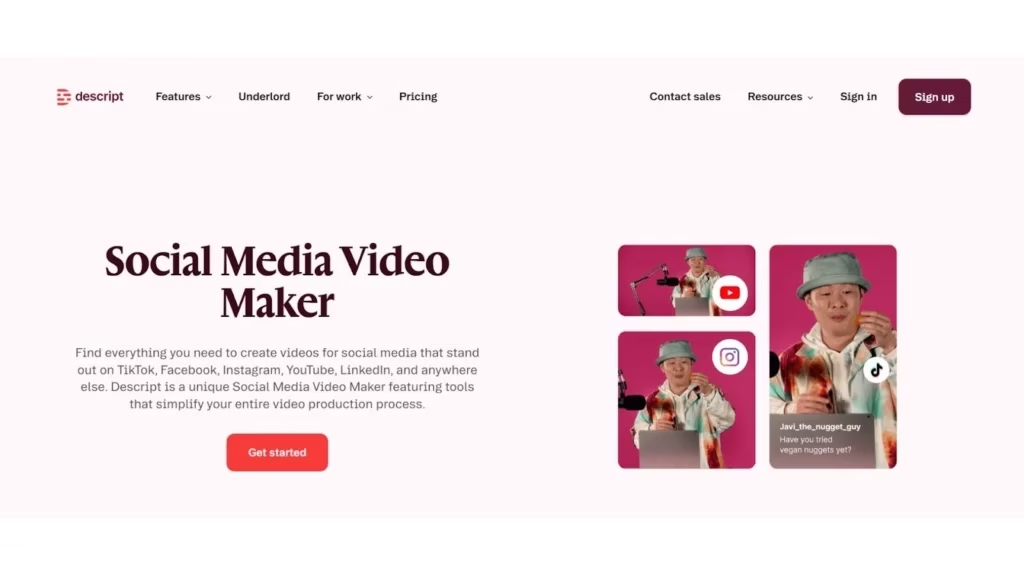
Descript makes audio and video editing much easier. It works like editing a document. You can delete or change words in the text, and the audio or video updates automatically. It also includes AI voice tools and other helpful features. This makes it a great tool for podcasters, YouTubers, and anyone who regularly records talking videos.
Features:
- Edit by text, remove filler words, and Studio Sound noise removal
- Underlord AI co-editor for clips, eye-contact fix, and regeneration
- 30+ AI tools including dubbing and translation
- Media Minutes + AI Credits system
- Team Brand Studio and 4K exports (higher plans)
Pros:
- Text-based editing is a massive time-saver
- Studio Sound and filler-word removal are game-changers
- Underlord AI automates clip creation
- Strong collaboration features
Cons:
- Heavy users must buy minute/credit top-ups
- Best for short/mid-length content
- Complex effects still need separate software
Pricing:
Free (60 min); Hobbyist $16/month annual; Creator $24/month annual; Business $50/month annual.
10. Headliner
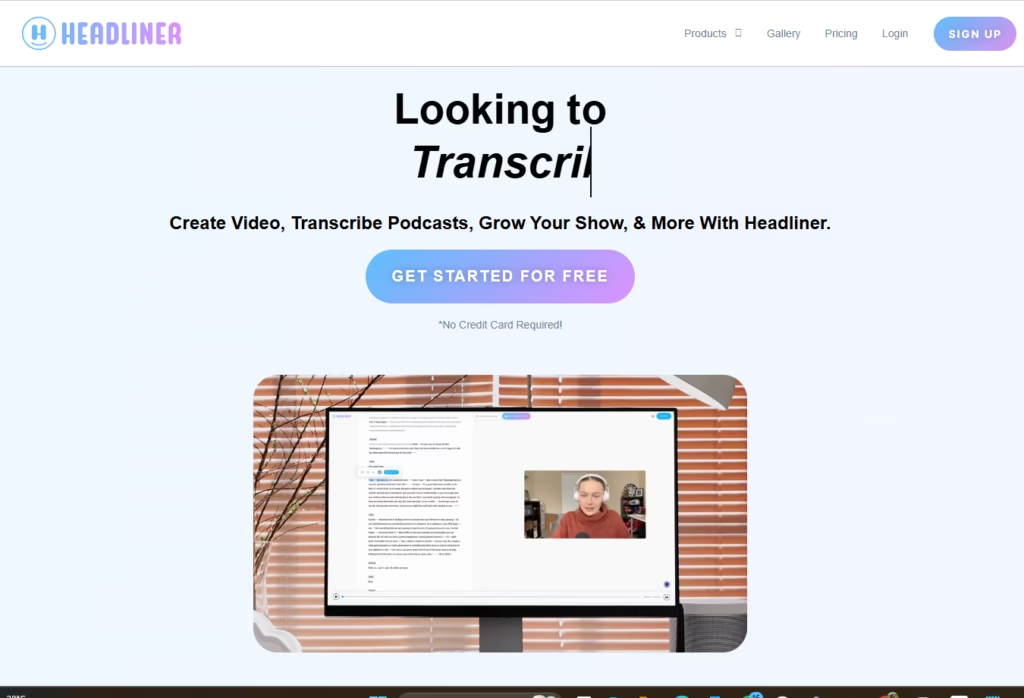
Headliner helps make podcast promotion easier. It can turn full podcast episodes into short social media clips and audiograms that are ready to share. This social media tool is built for podcasters and creates simple visuals with captions and branding. This helps your podcast clips look more engaging and reach more people on different social media platforms.
Features:
- Auto-generates audiograms and short video clips
- Unlimited watermarked videos + 5 unwatermarked/month (free)
- Full-episode transcription (15 hrs/month on Pro)
- Custom templates, fonts, intros/outros
- Direct YouTube publishing automation
Pros:
- Dead-simple for podcast promotion
- Platform-specific sizing and unlimited videos on Pro
- Text animations and GIF overlays look professional
- Backlog upload feature saves hours
Cons:
- Only handles promotion not recording or full editing
- May outgrow for very large podcasters
- No advanced video effects
Pricing:
Forever Free $0; Basic $7.99/month; Pro $19.99/month; Enterprise custom.
Final thoughts
The market for social media tools has become very crowded, but each tool in this list is strong in a specific area. Buffer and Sprout Social work well for scheduling posts and tracking performance.
Canva and Adobe Express help people create graphics even without design skills. CapCut and Filmora make video editing easier for short-form content. ChatGPT and Jasper help with brainstorming ideas and writing captions, though they differ in price and customization. Descript makes audio and video editing easier by letting you edit media through text, while Headliner focuses on turning podcast episodes into short social clips.
There is no single tool that works for everyone. The right choice depends on your content type, team size, and budget. It is often best to start with free plans to see how the tool fits into your workflow, then upgrade only when needed. Also check for extra costs such as user licenses, AI usage limits, or storage fees, and be open to switching tools if your needs change.