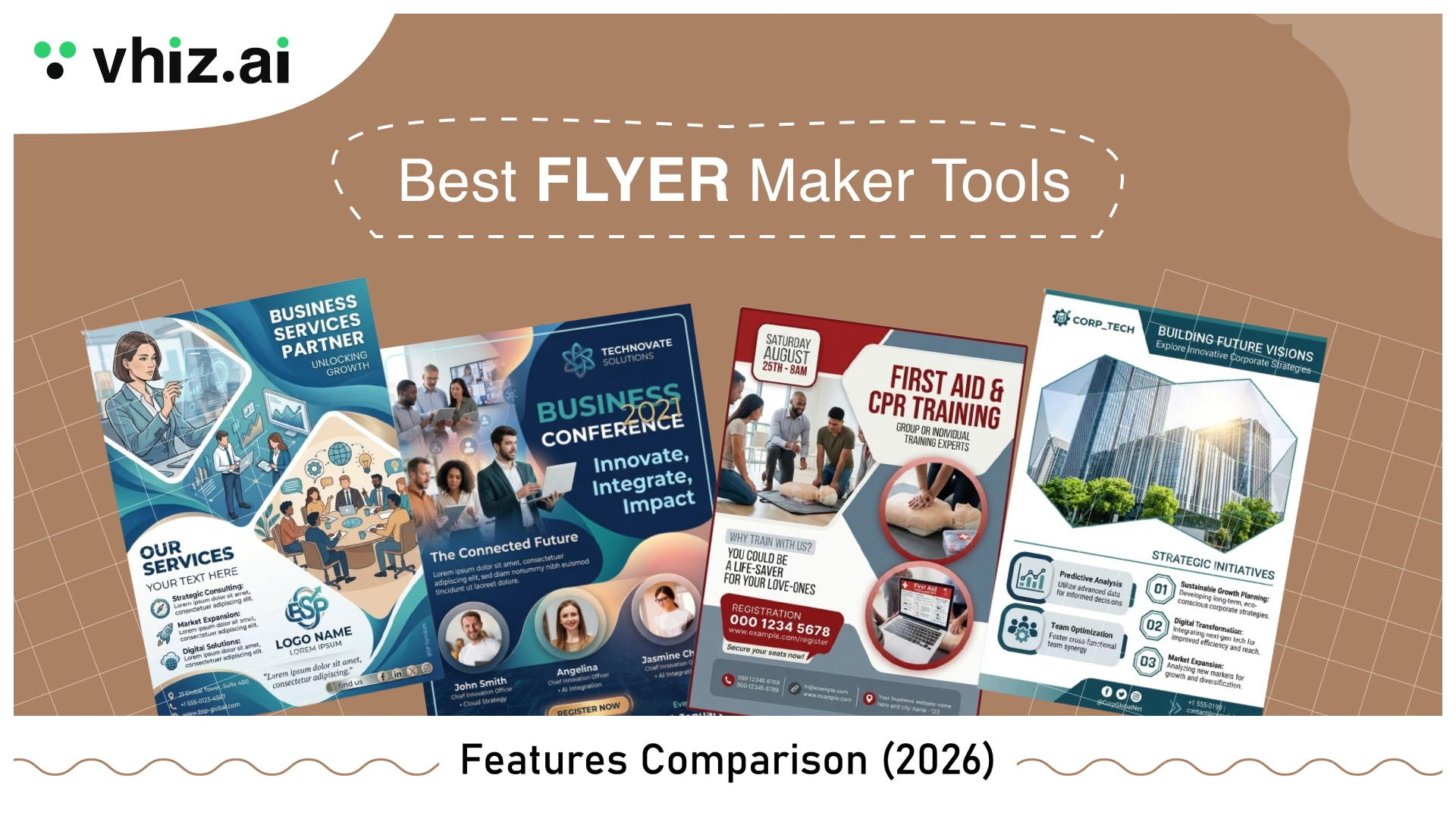

Whether you are promoting a local event, launching a product, or running a marketing campaign, flyers still hold their ground as one of the most effective ways to communicate visually in 2026.
The real challenge is not creating a flyer; it is choosing the right flyer creator from a crowded market filled with AI-powered platforms, template-driven editors, and professional flyer design software.
This guide breaks down the best flyer maker tools available right now, based on real usage and practical testing. Each platform was evaluated across essential factors like ease of use, template quality, AI capabilities, print output, and pricing.
By the end, it should be clearer which tool actually fits your workflow, whether that is quick social media flyers, print-ready designs, or structured business content.
From solo creators to marketing teams, there is a solution here that aligns with how different people prefer to create flyers online.
How We Evaluated These Flyer Maker Tools
To keep this comparison fair and useful, every tool in this list was tested against the same core criteria. The idea was simple: focus on what actually matters when you are trying to create flyers online without wasting time.
Template Variety
We looked at how many templates each flyer design software offers but, more importantly, how modern and usable they feel. Some tools have thousands of templates, but many look outdated or overused. That difference matters.
Ease of Use
This focused on how quickly you can go from a blank canvas to a finished design. We tested drag-and-drop functionality, navigation, and how beginner-friendly each flyer maker is without needing tutorials.
Export and Print Quality
Not all tools handle printing well. We reviewed supported formats like PDF, PNG, and sometimes SVG, along with resolution quality and whether the final output holds up in real-world printing.
AI Features
AI is now built into most online flyer maker tools, but not all AI is useful. We checked for practical features like layout generation, background removal, image creation, and smart resizing that actually speed up design work.
Pricing and Value
We compared free plans, feature limitations, and paid tiers to see which tools offer real value. Some platforms look affordable at first, but restrict key features behind paywalls.
Use-Case Fit
Finally, we looked at where each tool performs best. Some are built for event flyers, others for corporate materials, data-heavy content, or digital-first campaigns. Matching the tool to the use case often matters more than features alone.
Best Flyer Maker Tools Comparison (2026)
| Tool | Best For | Free Plan | AI Features | Print Quality | Starting Price |
| Zoviz | AI-generated flyers with zero design effort | Yes | Yes (core feature) | High | Free / ~$9.99/mo |
| Canva | Template variety and beginner-friendly design | Yes | Yes (Magic Studio) | High | ~$12.99–$15/mo |
| Adobe Express | Quick professional flyers with the Adobe ecosystem | Yes (limited) | Yes | Very High | ~$9.99/mo |
| PosterMyWall | Event flyers with built-in promotion tools | Yes | Partial (credit-based) | Medium | ~$13/mo |
| Piktochart | Data-driven and informational flyers | Yes (limited) | Yes | Medium–High | ~$14/mo |
| Visme | Interactive and detailed one-page flyers | Yes (limited) | Yes | Medium–High | ~$12.25/mo |
| VistaCreate | Fast template-based and social media flyers | Yes | Partial | Medium | ~$10/mo |
Zoviz Flyer Maker
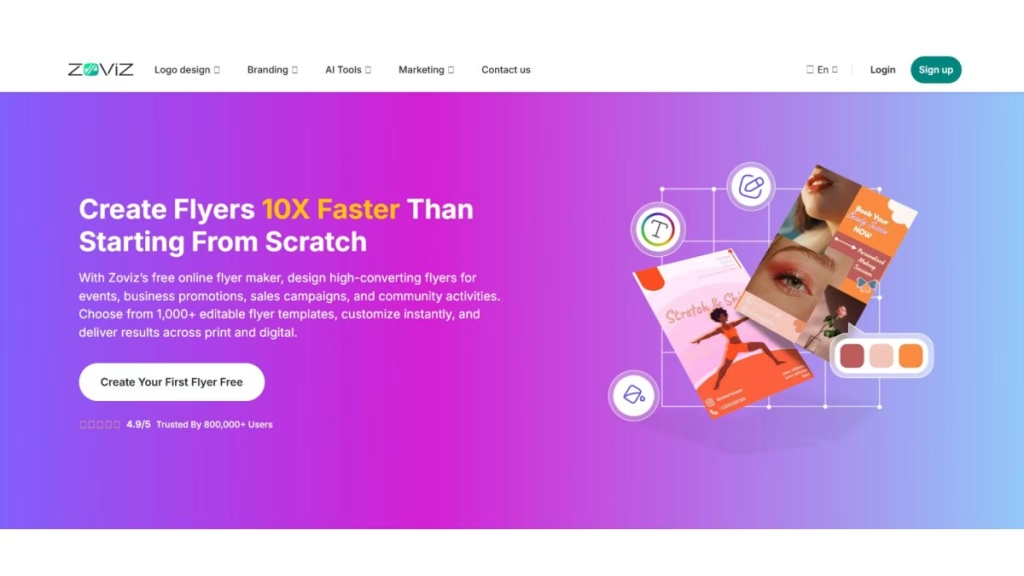
Zoviz’s AI flyer generator creates complete flyer layouts for you. You simply enter basic details like your business name, offer, and industry, and the tool quickly generates multiple flyer design options.
It is designed for users who want to make a flyer without making design decisions themselves. The platform handles layout, colors, and structure, making it feel closer to an automated design assistant than a traditional design tool.
For beginners or busy business owners, it removes most of the friction in flyer creation.
Why Zoviz Stands Out
Zoviz stands out because it shifts the workflow from designing to selecting.
Instead of starting from a blank canvas or static flyer template, you begin with AI-generated concepts. From there, you refine rather than build. This approach saves time and reduces the need for creative input, which is often the hardest part for non-designers.
It also includes smart brand adaptation and image enhancement, which helps maintain a professional look without manual editing.
Key Features
- AI-powered flyer generation from simple prompts
- Multiple instant design concepts based on user input
- One-click brand adaptation (colors, fonts, logo placement)
- Built-in image enhancer (lighting, sharpness, color correction)
- AI object remover for cleaner visuals
- Multilingual flyer generation for a wider audience reach
- High-resolution export options (premium)
- Commercial usage rights in paid plans
Pros
- Extremely fast flyer creation with minimal effort
- No design experience required
- AI handles layout, color, and structure decisions
- Built-in image editing tools save time
- Multilingual support expands reach
- Affordable entry-level pricing
Cons
- Limited manual customization compared to traditional tools
- Heavily dependent on AI output quality
- Less control for detailed or brand-specific design tweaks
- May require refinement to avoid generic-looking results
- Newer platform with a smaller ecosystem
Pricing Plans
- Free Plan: Basic templates and limited AI features
- Premium Plan: Starts at ~$9.99/month (high-res exports, advanced AI tools, commercial rights)
Canva
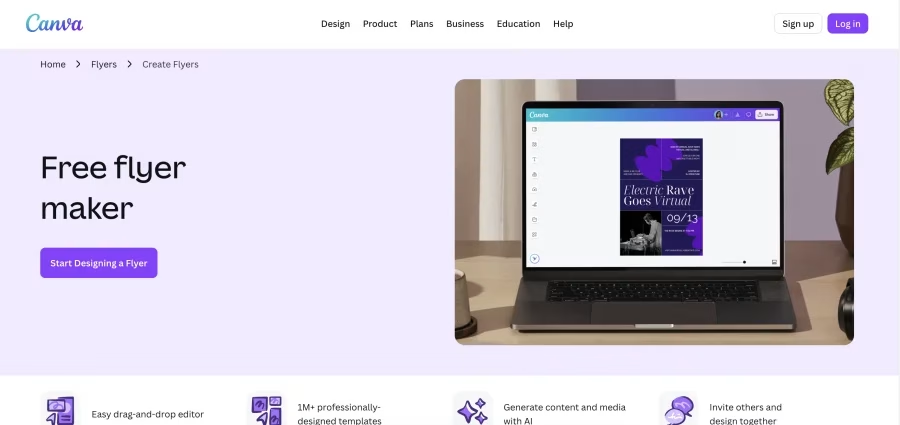
If you are looking for an easy and free flyer maker that does not require design skills, Canva usually comes up first, and for good reason.
It is a browser-based flyer design software that lets you create flyers online using pre-built flyer templates, drag-and-drop editing, and ready-to-use assets. You can design everything from business flyers to event posters in just a few minutes.
The free version covers most basic needs, while paid plans unlock premium templates, advanced features, and brand tools.
Why Canva Stands Out?
Canva stands out because it removes complexity. There is no steep learning curve.
You start with a template, customize text, colors, and images, and export a print-ready file. That simplicity is exactly why it is considered one of the best flyer maker tools for beginners and small businesses.
It also includes AI-powered features (Magic Studio), collaboration tools, and built-in print support, making it a complete platform for quick marketing design.
Key Features of Canva Flyer Maker
- Drag-and-drop flyer editor for fast design
- 8,000+ free flyer templates (plus thousands more in Pro)
- Library of 1M+ photos, icons, and fonts
- AI tools (Magic Studio) for content and layout assistance
- Real-time team collaboration and sharing
- Print-ready exports (PDF Print, Canva Print)
- Built-in brand kit and design consistency tools
Pros of Using Canva for Flyer Design
- Beginner-friendly interface with no learning curve
- A large collection of flyer templates for every niche
- Free plan available with solid features
- Quick workflow to make a flyer online for free in minutes
- Ideal for social media flyers and marketing materials
Cons of Canva
- Templates are widely used and can look generic
- Many premium designs and assets require payment
- Limited control for advanced or professional layouts
- Cloud-based only (no offline file access)
- Free version includes watermarked elements
Canva Pricing Plans
- Free Plan: Limited templates, assets, and storage
- Canva Pro: ~$119.99/year or ~$12.99–$15/month per user
- Canva for Teams: ~$300/year for up to 5 users
Adobe Express
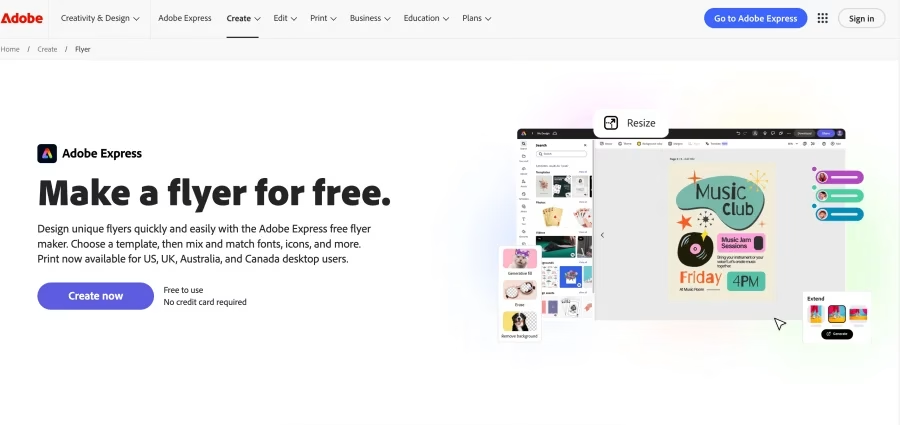
Adobe Express is a lightweight flyer design software designed for users who want to create flyers online without dealing with complex AI design tools like Photoshop or Illustrator.
You get ready-made free templates for flyers, simple editing controls, and AI-powered features that help generate layouts quickly. It works well for both digital flyers and basic print designs, making it a practical option for everyday marketing needs.
If Canva feels familiar, Adobe Express is the best Canva alternative, though with stronger ties to the Adobe ecosystem.
Why Adobe Express Stands Out
Adobe Express stands out for one reason: efficiency.
The platform focuses on helping users go from idea to finished flyer in minimal time. Templates are clean, layouts feel structured, and branding tools make it easy to keep designs consistent.
It also integrates with Adobe Creative Cloud, which can be useful if you already use other Adobe tools. That said, it remains a simplified tool rather than a full design suite, which is both its strength and limitation.
Key Features
- AI-powered flyer generation from prompts
- Pre-designed flyer templates for quick editing
- Drag-and-drop editor with simple layout controls
- Advanced font filtering and typography tools
- Integration with Adobe Creative Cloud
- Export options: JPG, PNG, PDF (print-ready)
- Social media sharing and scheduling
- Access to stock images and design assets
- Basic video and animation support for digital flyers
Pros
- Easy to use for beginners and non-designers
- Clean, professional-looking templates
- Fast workflow for creating flyers online
- Strong typography and font search tools
- Works across web and mobile devices
- Seamless integration with the Adobe ecosystem
Cons
- Limited design flexibility compared to advanced tools
- Some features require a Creative Cloud account
- Premium assets and features locked behind a paywall
- Performance can slow down on complex or heavy designs
- Free plan may include watermark limitations (in some assets)
Pricing Plans
- Free Plan: Limited templates, assets, and features
- Premium Plan: ~$9.99/month or ~$99.99/year
- Teams Plan: Starts at ~$77.88/year per user (minimum seats may apply)
PosterMyWall Flyer Maker
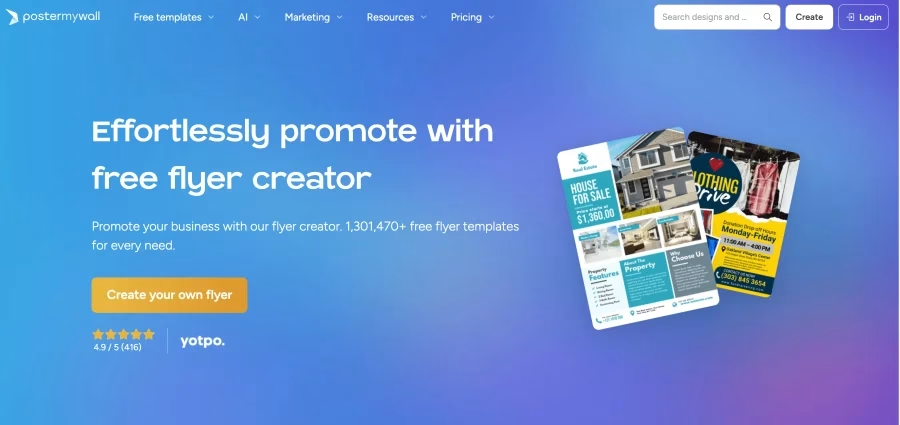
PosterMyWall is more than a typical flyer creator. It combines flyer design with built-in marketing tools, so you can create flyers and promote them from the same platform.
Along with templates and an easy editor, it includes email campaigns, social media scheduling, and AI tools. This makes it a strong option for users who do not just want to make flyers online but also distribute them without switching platforms.
It works fully online, with a quick setup that feels similar to other drag-and-drop flyer design software, but with added marketing functionality.
Why PosterMyWall Stands Out
PosterMyWall stands out because it connects design with promotion.
Most tools stop at helping you design flyers. PosterMyWall goes further by letting you publish content, send email campaigns, and schedule social posts directly.
For small businesses or event-based marketing, this can save time and reduce the need for multiple tools. The tradeoff is a slightly more complex pricing model due to its credit-based system.
Key Features
- Large flyer template library for multiple industries
- Drag-and-drop editor for fast flyer creation
- Email marketing and campaign tools
- Social media publishing and scheduling
- AI-powered design tools (credit-based usage)
- Brand Kit for consistent design elements
- Video and animated flyer support
- Folder and asset organization system
- Print and download options
Pros
- Combines flyer creation and promotion in one platform
- Easy to use with a quick design workflow
- Strong template variety, including nonprofit and event templates
- Supports animated and video flyers
- Useful for social media and email marketing campaigns
- Built-in organization for media and projects
Cons
- A credit-based system can make pricing less straightforward
- Free plan includes watermarks and limitations
- Some templates can feel overly busy or flashy
- Limited export flexibility compared to advanced tools
- Occasional customization limitations for detailed designs
Pricing Plans
- Free Plan: Limited access with watermarked downloads
- Premium Plans: Start at ~$13/month
- Higher Tiers: ~$29.95/month for expanded features
- Credits: Required for certain AI tools and premium assets
Piktochart Flyer Maker
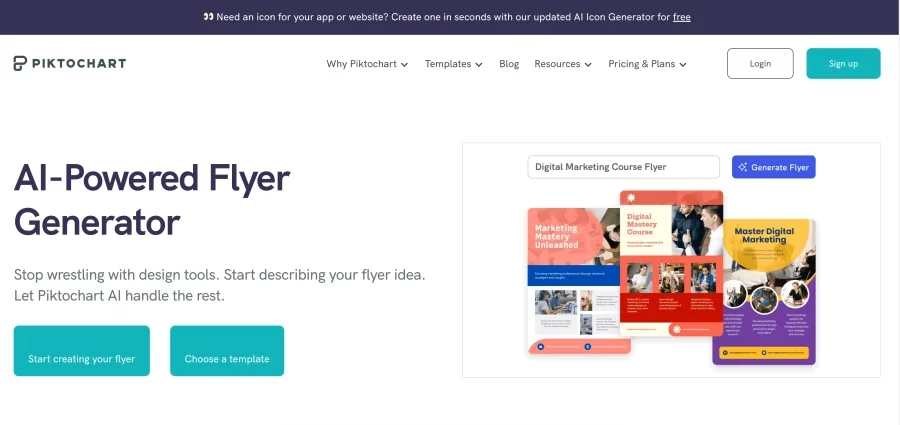
Piktochart is specialized flyer design software focused on clarity over decoration. It works best when your goal is to explain something rather than just grab attention.
Unlike typical template-heavy tools, Piktochart focuses on structured layouts, charts, and data visualization. It combines flyer templates, AI drafting tools, and collaboration features to help turn complex information into clear, visual content.
It supports PNG and PDF exports, making it suitable for both digital sharing and print-ready flyers.
Why Piktochart Stands Out
Piktochart stands out because it bridges design and communication.
Instead of prioritizing flashy visuals, it helps users present structured information through charts, grids, and clean layouts. The built-in AI flyer generator also speeds up the first draft, especially when working with content-heavy designs.
For users creating educational, nonprofit, or business flyers, this approach often makes more sense than traditional template-heavy tools.
Key Features
- Dedicated flyer template library for structured designs
- AI flyer generator for quick content-based drafts
- Built-in charts, graphs, and data visualization tools
- Drag-and-drop editor with grid-based layout control
- Brand Kit for consistent colors, fonts, and logos
- Team collaboration and commenting tools
- High-resolution export (PNG, PDF)
- Asset library with images, icons, and illustrations
- Password protection and file sharing options
Pros
- Ideal for data-driven and informational flyers
- Clean, professional layouts with strong structure
- Easy drag-and-drop interface for beginners
- High-quality export for print and digital use
- Strong collaboration features for teams
- Brand consistency tools built in
Cons
- Limited creative flexibility for highly visual or promotional flyers
- Fewer traditional flyer templates compared to competitors
- The free plan has usage and storage limits
- Some users report chart readability issues in complex designs
- Editing options can feel restrictive for advanced customization
Pricing Plans
- Free Plan: Limited projects and features
- Pro Plan: ~$14/month per user (billed annually, ~100GB storage)
- Business Plan: ~$24/month per user (team features, ~250GB storage)
- Enterprise: Custom pricing based on needs
Visme Flyer Maker
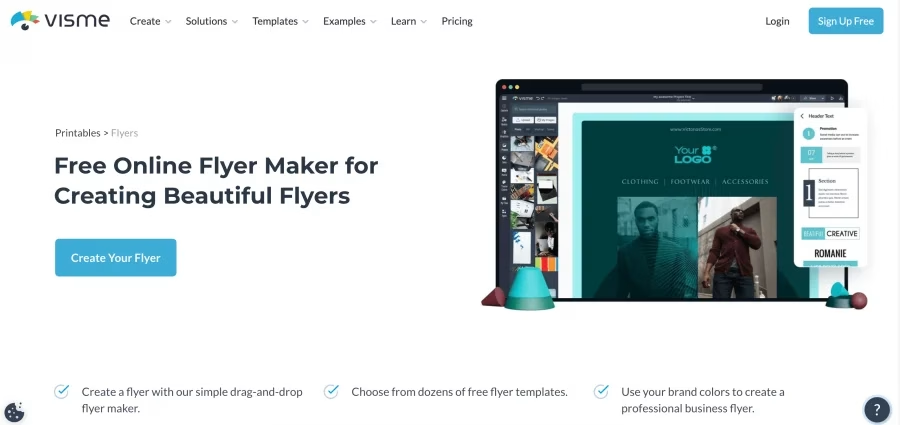
Visme is a versatile flyer maker online built for content that needs structure, not just visuals. It sits somewhere between a traditional design tool and a presentation platform, which makes it useful for more detailed, information-heavy flyers.
You can create flyers online using templates, charts, data widgets, and interactive elements. It also supports both print-ready exports and online sharing, which adds flexibility depending on how the flyer will be used.
For users who want more than a basic promotional design, Visme offers a more layered approach.
Why Visme Stands Out
Visme stands out because it treats flyers as part of a broader business communication strategy.
Instead of focusing solely on templates, it gives you tools to structure information, visualize data, and even add interactive elements such as animations and clickable content. That makes it especially useful for one-page flyers that need to explain something clearly.
Its brand controls also help maintain consistency, which matters when creating recurring marketing materials.
Key Features
- Flyer templates within a broader design tool ecosystem
- Drag-and-drop editor with built-in grid for alignment
- Charts, graphs, and data visualization widgets
- Interactive elements (animations, clickable content)
- Brand Kit for colors, fonts, and logos
- Collaboration and team sharing
- Large library of images, icons, and fonts
- Export options: image (free), PDF (paid plans)
- Online publishing and sharing options
Pros
- Strong for detailed, structured flyer designs
- Supports interactive and animated content
- Wide range of fonts, shapes, and design elements
- Built-in alignment grid improves layout precision
- Good option for branded business materials
- Suitable for both digital and print workflows
Cons
- The free plan is very limited (projects and watermark restrictions)
- PDF export is locked behind paid plans
- The editor can slow down on complex designs
- Some users report text-editing glitches
- Stock library may feel limited for niche searches
Pricing Plans (Annual Billing)
- Free Plan: Limited projects with a watermark
- Starter/Standard Plan: ~$12.25/month
- Higher Plans: ~$20/month+ with advanced features
- Nonprofit Discounts: Available (approx. 25%)
VistaCreate Flyer Maker
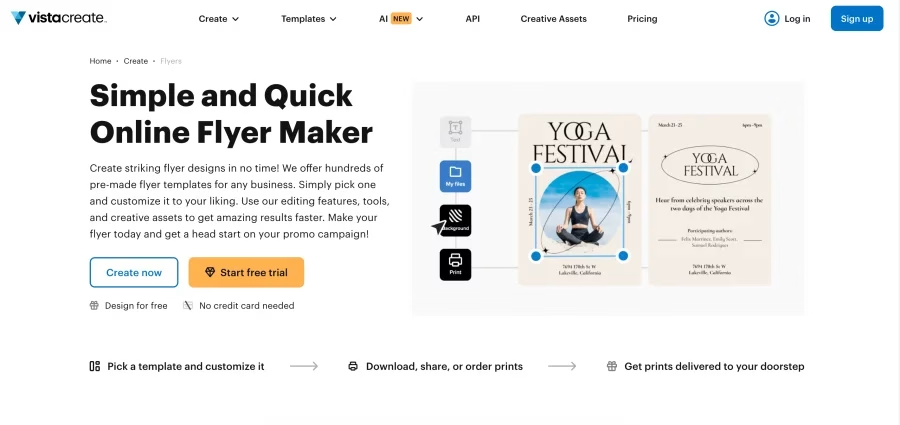
VistaCreate is a beginner-friendly flyer maker that focuses on template-based design, making it easy to create flyers online without needing prior experience.
The platform offers a large template library, a simple drag-and-drop editor, AI tools, and brand features. It supports both digital and print-ready flyers, though it leans more toward digital-first design, especially for social media content.
If the goal is quick output with minimal effort, VistaCreate fits that workflow well.
Why VistaCreate Stands Out
VistaCreate stands out for how quickly you can go from idea to finished design.
Templates are modern and easy to customize, and features like background removal, animation, and smart resizing make them especially useful for digital campaigns. It also includes AI tools for generating images and writing content, which helps speed up the process even further.
While it does not offer deep customization like advanced design tools, it keeps the experience smooth and accessible for everyday use.
Key Features
- Large library of free flyer templates for multiple industries
- Drag-and-drop editor designed for non-designers
- AI image generation (monthly credits)
- AI Writer for content creation
- Brand Kit for logos, fonts, and colors
- Background remover and sticker generator
- Animated elements and video flyer support
- Smart resize for multiple platforms
- Collaboration and team features
- Export for digital and print formats
Pros
- Very easy to use with a fast learning curve
- Strong template variety with modern designs
- Excellent for social media and digital flyers
- Animation and motion features add visual impact
- Built-in tools like background remover save time
- Affordable pricing for small teams
Cons
- Limited flexibility for advanced or custom designs
- Some key features are locked behind a paid plan
- Less control over detailed print specifications
- Can slow down on older devices
- Not ideal for highly structured or data-heavy flyers
Pricing Plans
- Free Plan: Limited templates, assets, and storage (approx. 10GB)
- Pro Plan: ~$10/month per user
- Free Trial: 14-day access to premium features
Conclusion: Which Flyer Maker Tool Should You Choose in 2026?
In 2026, creating high-quality flyers no longer requires design experience. Modern flyer maker tools now come with AI features, large flyer template libraries, and print-ready export options as standard.
For most users, Canva remains the best overall free flyer maker. It balances ease of use, template variety, and a generous free plan, making it a reliable choice for everyday flyer design.
If print quality is the priority, Adobe Express stands out with its professional export capabilities and polished templates. For event-driven use cases, PosterMyWall offers a more focused workflow by combining flyer creation with promotion tools.
Before upgrading to a paid plan, it is worth exploring the free versions. Most of these flyer design software tools provide enough features to handle basic and intermediate design needs without upfront cost.
Frequently Asked Questions
What is the best free flyer maker?
Canva offers the strongest free plan in this roundup, with access to thousands of free flyer templates, basic AI tools, and high-quality PNG and PDF exports. VistaCreate is a close second for users who want animation support on the free tier.
Can I make a flyer online without design experience?
Absolutely. Tools like Canva, VistaCreate, and PosterMyWall are specifically designed for non-designers. Start with a template, swap out the text and images, and you can have a professional-looking flyer in under 10 minutes.
Which flyer maker is best for printing?
Adobe Express is the strongest choice for professional printing, thanks to its CMYK export support, high-resolution PDF output, and access to Adobe Fonts. VistaCreate also deserves mention for its built-in VistaPrint integration, which lets you design and order printed flyers in the same workflow.
Are AI flyer makers worth it in 2026?
Yes. AI tools have become genuinely useful rather than gimmicky. Features like AI layout generation (Canva Magic Design, Piktochart AI), background removal, and smart resizing save meaningful time on repetitive tasks. If your chosen tool includes AI features in its free tier, there is no reason not to use them.