
Pick the right AI video generator for your content without wasting time testing everything.
The process started when it felt like every platform promised fast video creation, but the results were all over the place. Some tools looked impressive at first, then struggled with basic things like timing, voice sync, or even keeping scenes consistent. Others worked surprisingly well, especially for quick marketing clips or simple explainer videos. After trying a mix of them, clear differences began to stand out.
Three main types kept appearing. Avatar-based tools that work well for training and presentations. Prompt-driven tools that try to generate more cinematic videos. And hybrid platforms that sit somewhere in between. Each tool offers its own strengths but also introduces limits depending on what you create.
The tricky part is that there isn’t one tool that does everything well. A tool that handles training content smoothly can feel too rigid for ads or social media. This guide walks through what actually worked in practice, where certain tools fall short, and how to choose one that fits the content without wasting time or credits.
What is an AI video generator?
An AI video generator is a tool that creates videos from a script, prompt, image, or even a link, without needing a camera, studio setup, or a full production team.
The result largely depends on the tool you choose. Some tools use avatars, with a digital presenter delivering the script on screen. Others generate footage that feels closer to filmed video. Then there are hybrid tools that try to combine both approaches, depending on the use case.
One thing stays consistent across all of them. The time it takes to go from idea to finished video is short, often just a few minutes. And the cost is relatively low too, usually priced per video rather than the kind of budget traditional production would require.
Top AI video generators: Detailed Comparison
| Product | Core Features | Target Audience | Unique Selling Points | Pricing Model |
| Runway (Gen 4.5) | Gen‑4.5 text-to-video, image-to-video, editor, motion capture | Production teams, VFX creators, collaborative studios | Multiple generative models, photoreal quality, robust editor & workflows | Credit-based generations; paid tiers remove restrictions (Free, Standard $15/mo, Pro $35/mo, Unlimited $95/mo) |
| HeyGen | AI-powered video translation, custom avatar creation, and interactive avatars | Business communications, localization, presenter videos, and marketing teams | Lifelike single-photo avatars, strong lip-sync & gestures, multi-language support | Tiered plans: Free (3 videos/mo), Creator $29/mo, Team $39/seat/mo |
| OpenAI Sora | Long-form video generation, strong narrative consistency, integrated with ChatGPT | Storytellers, narrative video creators | Cohesive scene sequencing, simple workflow for narrative videos | Included with ChatGPT Plus $20/mo (limited 480p videos), Pro $200/mo for higher limits |
| Kling AI | Realistic human generation, strong lip-sync, fast generation times | Social media creators, marketers, and dialogue-based video creators | Most natural-looking human movement, photorealistic actors | Free Basic plan (daily credits), Standard $10/mo, Pro $37/mo, Premier $92/mo |
| Luma Dream Machine | Cinematic output, multi-shot video, high-quality motion capture | Cinematic content creators, short-form filmmakers | Realistic motion & grounded physics, fast rendering, multi-shot depth | Free plan, Lite $7.99/mo, Standard $23.99/mo, Plus $51.99/mo, Pro $79.99/mo |
| Synthesia | Script-to-video, AI avatars, multi-language support, dubbing | Enterprises, training, onboarding, and localization teams | 140+ realistic avatars, 120+ languages & accents, editor for easy customization | Free Basic plan, Starter $29/mo, Creator $89/mo, Enterprise custom pricing |
| Pika | Fast short-clip generator, multiple models (Turbo/Pro), creative toolkit | Social media creators, short-form marketers, artists | Rapid video iteration, creative filters (Pikaswaps, Pikaffects), very fast rendering | Credit-based system; free tier with daily credits; paid plans unlock more credits/features |
| Adobe Express / Firefly Video | Prompt-to-video via Firefly, Adobe Stock assets, brand kit & social scheduler | Adobe users, small businesses, creatives, and brands | Commercially safe AI content, seamless CC integration, brand kit & templates | Free plan with limited credits, Premium $9.99/mo for full stock library & advanced features |
Runway (Gen 4.5)
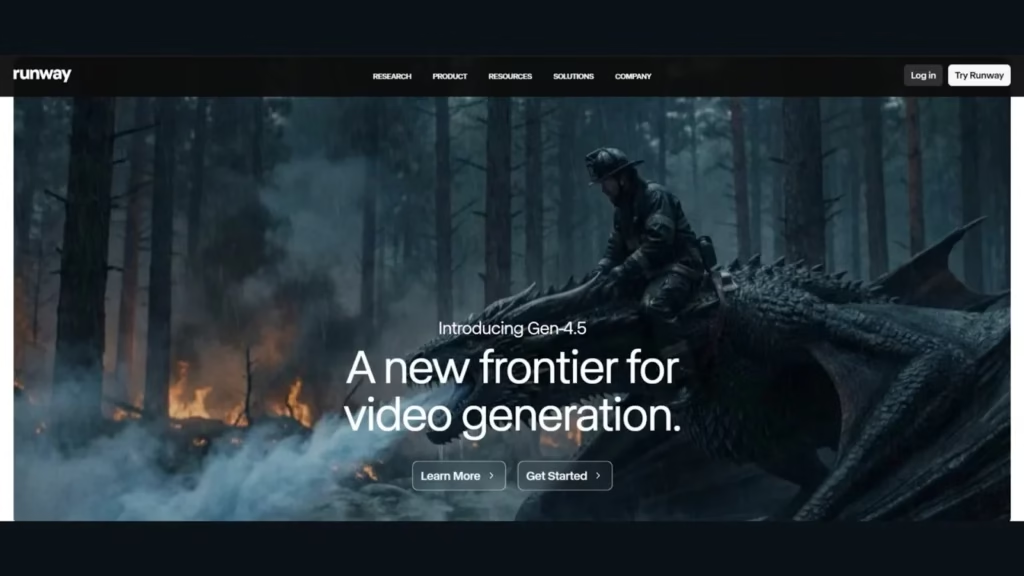
Runway has built a strong name in the AI video space, especially for users who want more control over how their videos turn out. It’s not just about generating a clip from a prompt. The platform gives users full control to tweak and refine the output, attracting filmmakers and VFX artists.
Key Features
- Advanced Camera Controls: You can fine-tune camera movement, whether it’s pan, tilt, or zoom. This makes it easier to create shots that feel more intentional instead of random.
- Multi-Motion Brush: This feature stands out. It gives you control to animate specific parts of an image or video instead of the whole scene. You can bring small elements to life while keeping the rest static
- AI Training: There’s also the option to train your own models. This can be useful if you’re trying to maintain a certain style or keep visuals consistent across multiple videos.
Test Result
Prompt Used
A young woman standing outside a small ramen shop at night in Tokyo, warm neon lights glowing, light rain falling, reflections on the street, steam rising from food stalls, cinematic lighting, shallow depth of field, realistic skin texture, natural eye movement, soft camera push-in
Video Generated
What was liked and what was not liked
| What was liked | What was not liked |
| Multiple model options (Gen-4.5, Veo) | The interface feels overwhelming at first |
| Decent generation speed | Facial glitches appear in generated characters |
| Most of the prompt details were captured | Movement can look stiff or unnatural |
Pricing
Runway offers a free plan with a one-time 125 credits, though that didn’t work in this case, so results may vary. It is mostly suited for image and image-to-video generation.
The Standard plan costs $15/month and includes 625 credits that refresh monthly, along with access to multiple video models.
The Pro plan at $35/month increases that to 2,250 credits and adds features like custom voices for lip sync.
For heavier usage, there’s an Unlimited plan at $95/month. It allows unlimited generations, though at a slower processing rate.
HeyGen
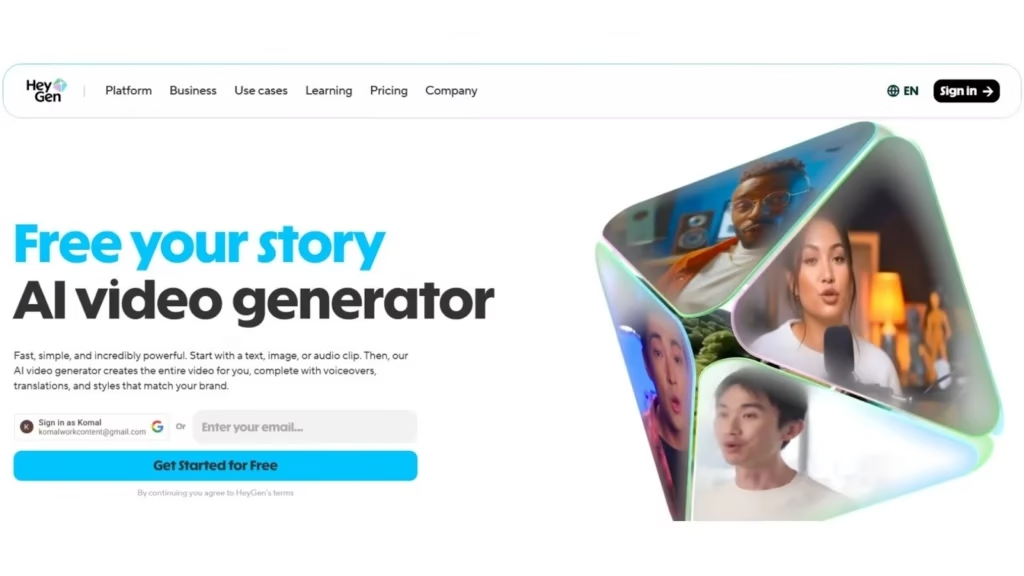
HeyGen focuses heavily on personalized and translated video content. Teams use it to create customized videos at scale, especially for sales, marketing, and global audiences. Instead of just generating visuals, it leans more toward communication and message delivery.
Key Features
- AI-Powered Video Translation: One of its strongest features. It can translate videos into multiple languages while keeping the voice and delivery fairly natural.
- Custom Avatar Creation: You can create your own avatar using voice cloning, making it easier to produce personalized videos instead of using generic presenters.
- Interactive Avatars: HeyGen also offers interactive avatars for sales and marketing content, making videos feel more engaging than static outputs.
Test Result
Prompt Used
A lone traveler stands on a vast desert dune as the first light of sunrise spreads across the horizon. Wind moves gently through the sand, creating ripples that shift underfoot. A long scarf flows behind him as he takes a slow step forward. The camera circles around him, revealing endless dunes fading into golden light. Warm tones, cinematic wide shot, soft haze, natural lighting, calm and reflective mood.
Video Generated
What was liked and what was not liked
| What was liked | What was not liked |
| Clean and easy-to-use interface | Avatars look more like video game characters |
| Overview outline shown before generation | Movement feels unnatural at times |
| Longer video length options (up to 3 minutes) | Character consistency issues across frames |
Pricing
HeyGen offers a free plan that allows up to 3 videos per month, which is useful for testing.
The Creator plan costs $29/month and unlocks unlimited video generation.
For teams, there’s a Team plan at $39 per seat per month (minimum 2 seats), which includes collaboration features and 4K video export.
OpenAI Sora
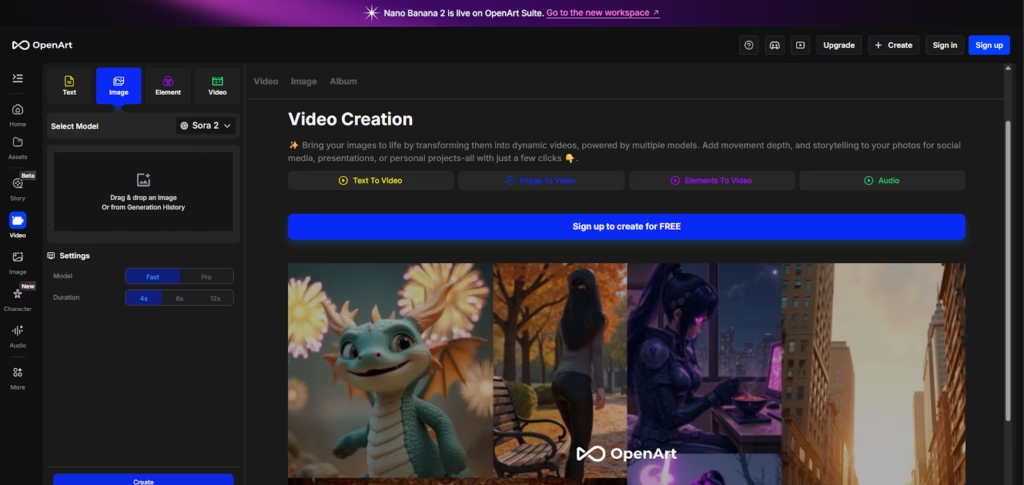
OpenAI’s Sora has gained a lot of attention, mostly because of how well it handles storytelling. It’s not just about generating clips; it tries to create scenes that feel connected and intentional. For anyone focused on narrative-style videos, this is where it stands out.
Key Features
- Long-Form Video Generation: Sora can generate videos up to about a minute, longer than most tools currently offer.
- Strong Narrative Consistency: It does a better job than most tools at keeping scenes connected, so the output feels more like a sequence than a random collection of shots.
- Integrated with ChatGPT: ChatGPT includes it, so the workflow feels familiar. You can start without learning a separate platform.
Test Result
Prompt Used
A motorbike rider moves through a dimly lit city street at night, neon lights reflecting off wet asphalt. The camera follows from behind, then shifts to a low side angle as the bike passes glowing signs and narrow alleys. Light fog in the air, smooth motion, cinematic reflections.
Video Generated
First Video Generated:
Second Video Generated:
What was liked and what was not liked
| What was liked | What was not liked |
| Quick generation time | The walking movement looks unnatural |
| Multiple output variations | Region restrictions for Sora 2 |
| Easy-to-use interface | Lower resolution in the free version |
Pricing
Sora is not available as a standalone tool. It comes bundled with ChatGPT.
The ChatGPT Plus plan at $20/month provides limited access to Sora video generation, typically up to 50 videos at 480p or lower, with higher-resolution options available at higher prices.
For extended use, the ChatGPT Pro plan at $200/month offers higher limits and more advanced output options.
Kling AI
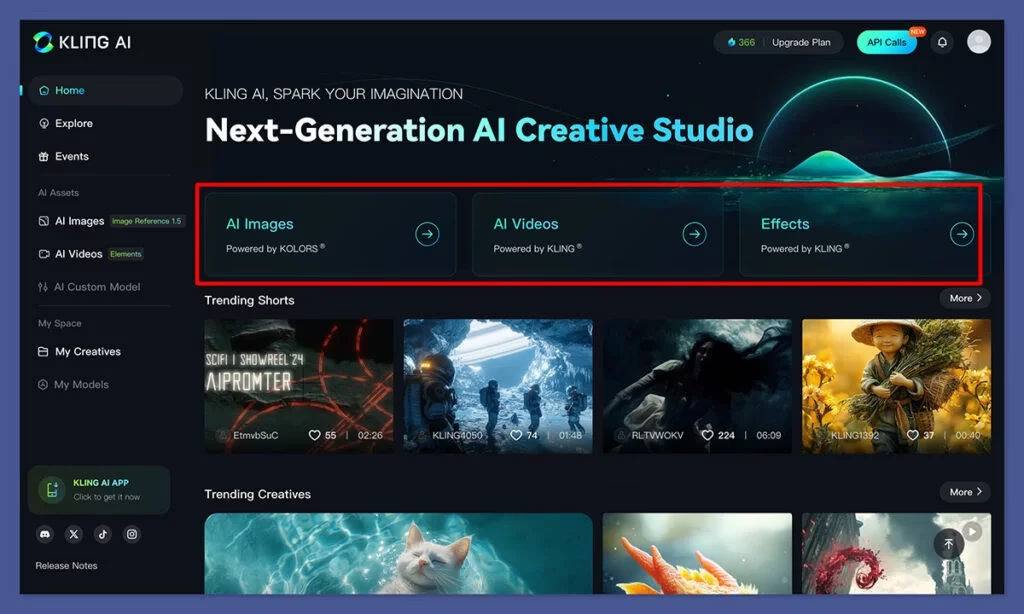
Kling AI stands out for its ability to handle realistic human characters. While many tools struggle with natural movement, this one gets surprisingly close. It’s a strong option for creators who need a believable human presence in videos, especially for social content or marketing.
Key Features
- Realistic Human Generation: For generating human faces and body movements that feel natural rather than artificial.
- Strong Lip-Sync Capabilities: It handles lip-sync fairly well, which makes it more usable for dialogue-based videos.
- Fast Generation Times: Compared to most tools, generation is quick, making it easier to test and iterate without waiting too long.
Test Result
Prompt Used
A professional man standing in a bright office, speaking confidently while gesturing naturally with his hands. Clean desk setup in the background, soft natural light from large windows. The camera slowly pushes in. Realistic movement, corporate video style.
Video Generated
What was liked and what was not liked
| What was liked | What was not liked |
| Most natural-looking human movement | Some features locked behind VIP tiers |
| Fast generation time | Color accuracy could be off |
| Easy-to-navigate prompt-to-video flow | Missed finer details like reflections |
Pricing
Kling AI offers a free Basic plan with daily credits, though access can depend on traffic availability.
The Standard plan starts at $10/month (around $8.80 with discounts) and includes 660 credits.
The Pro plan at $37/month increases this to 3,000 credits.
For higher usage, the Premier plan at $92/month includes 8,000 credits and priority access to new features.
Luma Dream Machine
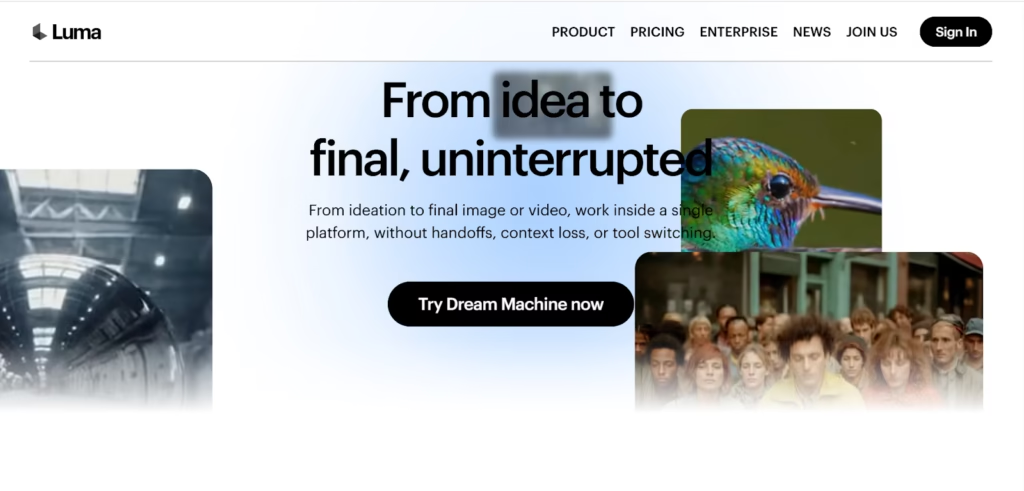
Luma Dream Machine focuses heavily on cinematic output. It creates short, visually rich clips that resemble film shots more than typical AI videos. Instead of structured or avatar-based content, it leans toward creative storytelling and atmosphere.
Key Features
- High-Quality Cinematic Output: The tool creates visually detailed clips that look closer to real footage, particularly in lighting and motion.
- Multi-Shot Video Generation: Each video can include multiple shots within a short duration, adding more depth than single-frame clips.
- Fast Rendering Speed: Luma is relatively quick, often generating short clips within a couple of minutes, depending on complexity.
Test Result
Prompt Used
A person walking through a quiet street covered in light fog early in the morning. Streetlights fade into the background. The person walks slowly, hands in pockets. The camera tracks from the front at a steady pace. Soft lighting, muted colors, atmospheric feel.
Video Generated
What was liked and what was not liked
| What was liked | What was not liked |
| Strong cinematic feel and visual quality | Some generations take longer with complex prompts |
| Handles motion better than many tools | High discard rate for usable outputs |
| Multi-shot clips add more depth | Occasional distortion or random elements |
Pricing
Luma Dream Machine offers a free plan with limited usage.
The Lite plan starts at $7.99/month.
The Standard plan is priced at $23.99/month, followed by the Plus plan at $51.99/month.
For heavier usage, the Pro plan costs $79.99/month and provides higher limits and priority access.
Synthesia
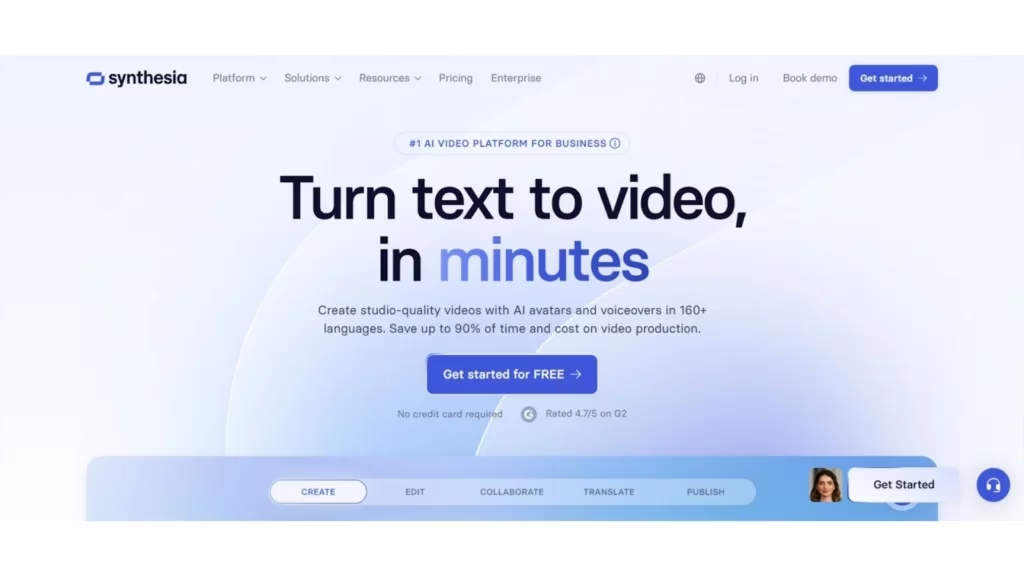
Businesses and teams use Synthesia for training and corporate content because it simplifies the entire process. Instead of focusing on cinematic visuals, it creates structured, professional videos that teams can produce at scale. Corporate teams rely on it for onboarding and educational content.
Key Features
- Library of 140+ AI Avatars: There’s a large selection of avatars, mostly designed for professional use, which makes it easier to match different business contexts.
- Support for 120+ Languages and Accents: The platform supports multiple languages and accents, making it useful for global teams creating localized content.
- Script-to-Video Editor: The editor is straightforward. You can paste a script, choose an avatar, and generate a video without much setup.
Test Result
Prompt Used
Create a short, visually engaging product launch video that introduces the product clearly and quickly. Start with a strong opening shot that highlights the product in use or in a clean setup. Show key features through simple, realistic scenes instead of heavy effects. Include smooth camera movements like slow zoom or pan. Keep the tone modern and professional, with clear focus on benefits rather than just features. Add subtle background music and clean text overlays for key points. End with a clear closing shot and a call-to-action.
Video Generated
What was liked and what was not liked
| What was liked | What was not liked |
| Clean and user-friendly interface | Some logical inconsistencies in the scene |
| Audio (rain + music) included automatically | Didn’t fully follow prompt instructions |
| Editor mode allows further customization | Download requires paid plan |
Pricing
Synthesia offers a free Basic plan to explore the platform.
The Starter plan costs $29/month and includes 120 minutes of video per year along with access to 125+ avatars.
The Creator plan at $89/month increases usage to 360 minutes and unlocks more features.
For larger teams, there’s an Enterprise plan with custom pricing and higher limits.
Pika
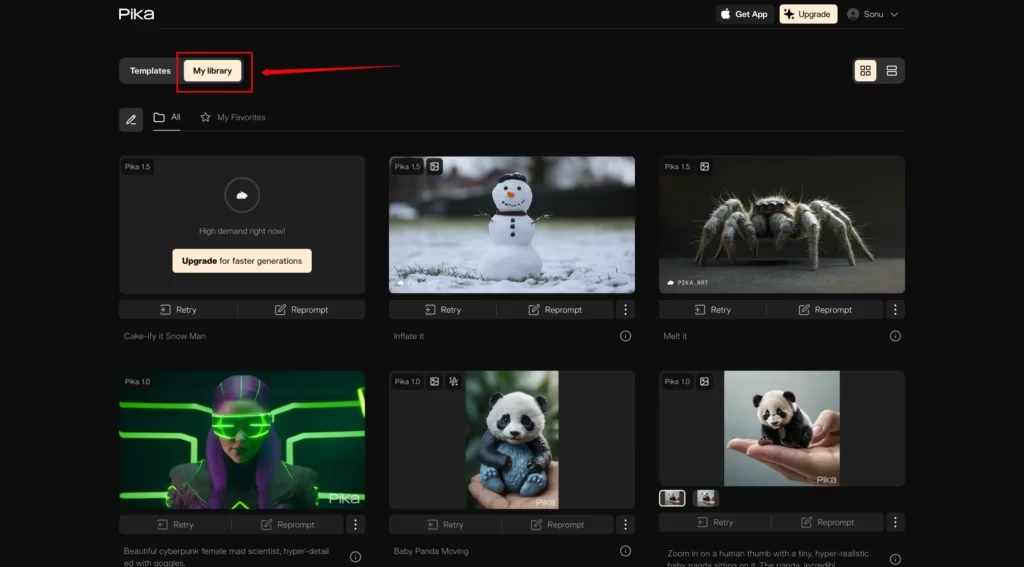
Pika has built a reputation for speed and creativity, making it ideal for short, eye-catching videos. It’s especially popular among social media managers, artists, and creators who need quick iterations rather than long cinematic productions. The platform balances fast drafts and polished outputs by offering multiple models, such as Turbo (for speed) and Pro (for higher quality).
Key Features
- Fast, Stylized Video Generation: Pika excels at producing short, dynamic clips perfect for social media, memes, or conceptual visuals.
- Creative Toolkit: Features such as Pikaswaps (object modification) and Pikaffects (stylistic filters) allow users to experiment freely and quickly create multiple variations.
- Discord Integration: The platform is accessible through Discord, making it easy to generate videos, share, and iterate within a community-driven environment.
Test Result
Prompt Used
A young man in a sleek silver jacket glides on a hoverboard through a neon-lit futuristic city at night. Holographic billboards flash around him. Rain slicks the ground, reflecting pink and blue lights. The camera slowly tracks from a side angle, capturing his fluid movement. Cinematic lighting, shallow depth of field, motion blur, high-tech cyberpunk vibe.
Video Generated
What was liked and what was not liked
| What was liked | What was not liked |
| Very fast rendering for short clips | Pricing details often require a login |
| Free tier with daily credits | The credit system and allowances can change |
| Frequent model updates and new effects | Limited to longer cinematic storytelling |
| Creative tools for rapid experimentation | Discord integration may be unfamiliar to some users |
Pricing
Pika uses a credit-based system.
- Free tier: Daily credits to get started.
- Paid plans: More credits and advanced features; names and details vary and are visible after logging in.
Adobe Express / Firefly Video
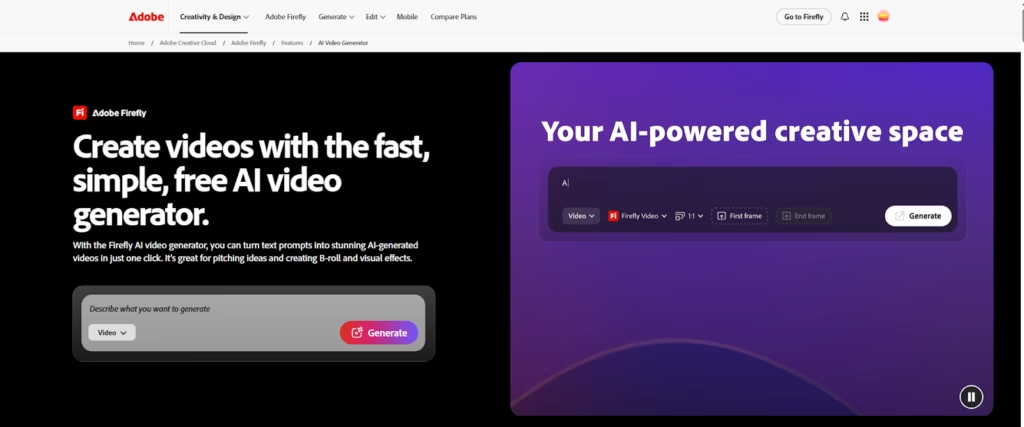
Adobe Express combines the power of Firefly Video with a user-friendly, all-in-one content platform. It’s particularly strong for creatives and businesses already using the Adobe ecosystem. Its key advantage is commercial safety: all AI-generated content is trained on licensed Adobe Stock assets, minimizing copyright risks for brands.
Key Features
- All-in-One Workflow: Text-to-video generation is fully integrated with templates, brand kits, Adobe Stock assets, and a social media scheduler. This allows users to go from concept to post without leaving the platform.
- Commercially Safe AI Video: Generates videos using licensed assets to ensure brands avoid copyright issues.
- Template and Brand Kit Integration: Users can add logos, brand fonts, colors, and other design elements directly to generated videos.
Test Result
Prompt Used
A sleek, modern perfume bottle sits on a reflective surface under soft studio lighting. Gentle rays highlight the contours of the bottle. The camera slowly rotates from side to front for a dynamic view. The background is minimal, elegant, and blurred. Cinematic lighting, shallow depth of field, smooth motion.
Video Generated
What was liked and what was not liked
| What was liked | What was not liked |
| Commercially safe content with Adobe Stock assets | Video length is limited to very short clips |
| Deep integration with Adobe Creative Cloud tools | Features depend on the credit system |
| Brand kit integration for logos, fonts, and colors | Credit usage can make frequent generation expensive |
| Streamlined workflow from creation to social posting | Limited flexibility compared to standalone advanced generators |
Pricing
Adobe Express offers a free plan with a limited number of monthly generative credits.
The Premium plan starts at $9.99/month, unlocking more credits, full access to the stock library, and advanced features.
Wrapping Up: Finding the Right AI Video Generator
AI video generators in 2026 aren’t one-size-fits-all. Some are great for cinematic storytelling, others for fast social clips, and a few are perfect for training or corporate videos.
Runway lets you control every detail; HeyGen brings avatars to life; Sora keeps stories connected; Kling AI nails natural human movement; Luma gives that cinematic vibe; Synthesia makes professional videos easy; Pika is all about quick, eye-catching clips; and Adobe Express keeps things brand-safe.
The trick is choosing a tool that fits your style, your workflow, and what you need the video to do. Pick wisely, and what used to take hours can now be done in seconds, letting your ideas come to life faster than ever.