
In the past, producing high-quality visuals required design skills and expensive software. AI image generators have simplified this process. With just a short text prompt, these tools can create detailed images in seconds, making visual creation accessible to beginners and professionals alike.
This guide explores the best 10 AI image generators available today, including both free and paid options, to help you find the tool that fits your needs.
What Are AI Image Generators?
AI image generators use artificial intelligence to create images. Instead of designing visuals from scratch, you simply describe what you want to see, and the software generates an image based on that description.
These tools rely on machine learning models trained on large collections of images, styles, and visual patterns. By studying those examples, the system learns what different objects, scenes, and artistic styles usually look like.
The process is simple. You type a short description (called a prompt) into the tool. The AI reads the prompt, interprets the details, and produces an image that reflects what you described.
Which AI Image Generators Are the Best?
AI image generators have improved significantly in recent years. Early versions often produced unrealistic or inconsistent results. Today, many models can generate detailed visuals and even render text more accurately.
Because several tools now offer strong image quality, other factors matter just as much. Ease of use, customization options, pricing, and reliability all play a role in determining which tools stand out.
How the Tools Were Evaluated
The comparison focused on platforms that generate images directly from text prompts. Tools designed primarily to create AI portraits from uploaded photos were not included.
The evaluation also examined standalone AI image generators, rather than platforms that merely provide access to multiple external models.
Each tool was assessed based on:
- Image quality
- Ease of use
- Customization and editing options
- Pricing structure
- Consistency of results
All platforms were tested using the same prompts to compare their accuracy in interpreting instructions and generating images.
Here is the List of the top 10 Best AI image generators
| Tool | Best For | Prompt Accuracy | Image Quality | Text in Images |
| DALL·E | Marketing graphics and concept visuals | Very High | High | Medium |
| Nano Banana | Infographics, posters, branded visuals | High | High | High |
| Midjourney | Cinematic artwork and photorealistic scenes | Medium | Very High | Low |
| Microsoft Copilot | Quick visuals for presentations | Medium–High | Medium | Low–Medium |
| Stable Diffusion | Custom AI pipelines and full control | Variable | High | Low |
| Leonardo AI | Game assets and creative concept art | Medium | High | Medium |
| Adobe Firefly | Commercial-safe design assets | Medium–High | Medium | Low |
| Ideogram | Posters, thumbnails, text graphics | Medium–High | Medium | Very High |
| WOMBO Dream | Mobile AI art and quick visuals | Medium | Low–Medium | Low |
| Recraft | Brand design, vector graphics, mockups | Medium–High | High | High |
DALL-E
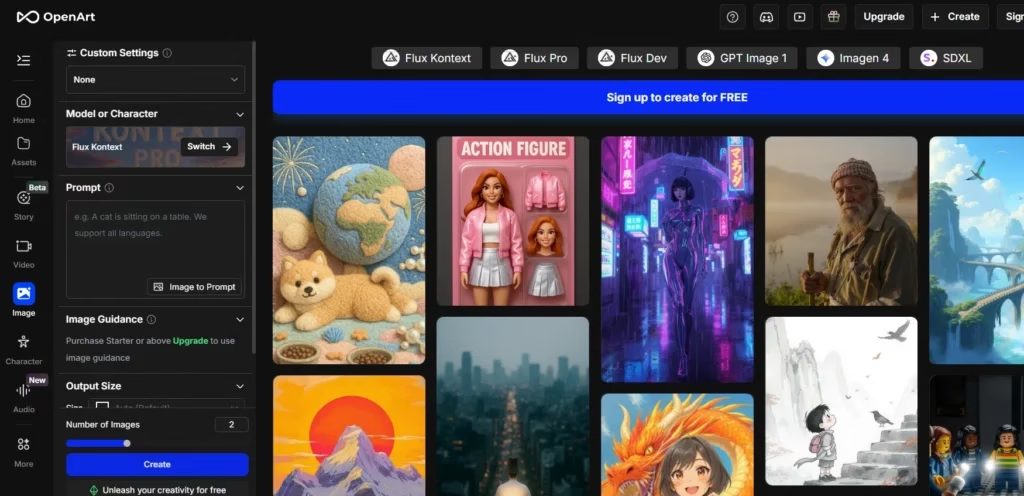
DALL·E is an AI image generator developed by OpenAI, the same company behind ChatGPT. The model is based on the GPT (Generative Pre-trained Transformer) architecture and was designed to generate images directly from text prompts.
The tool has evolved through several versions. DALL·E was followed by DALL·E 2 and later DALL·E 3, each improving image quality and prompt accuracy.
How DALL-E Works
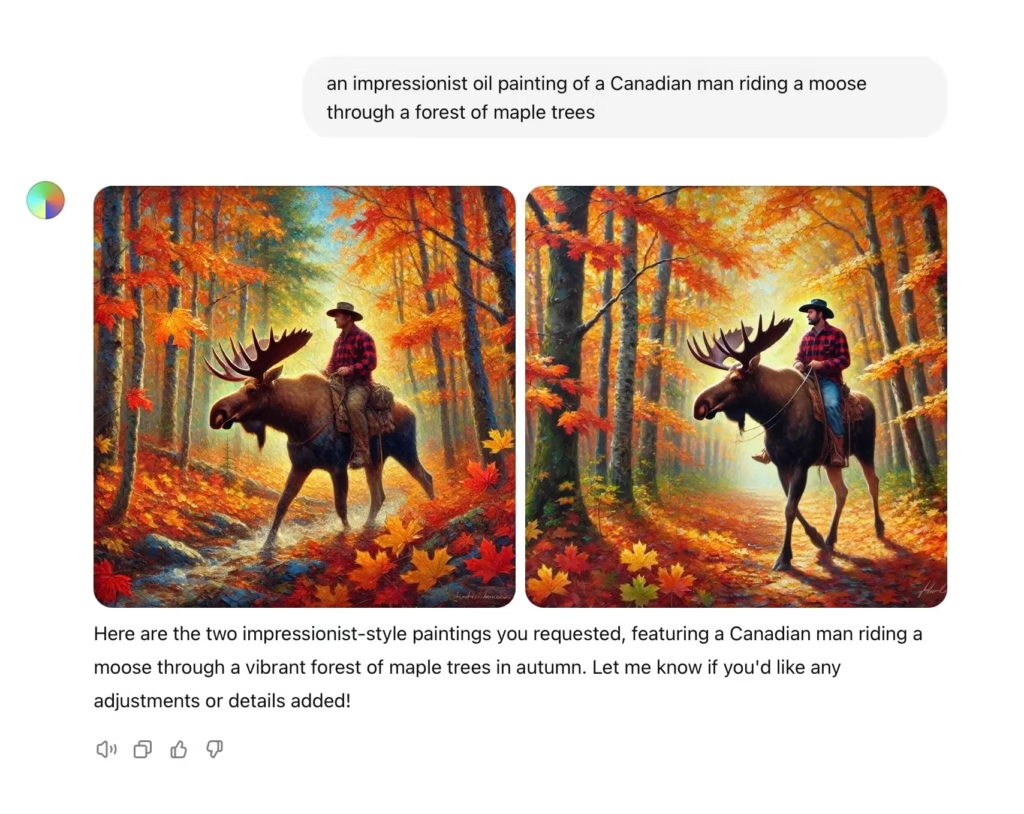
DALL·E can be used directly inside ChatGPT. Users simply enter a text prompt and the model generates images based on the description. Two images are usually produced per prompt, allowing users to choose the better result.
Developers can also access DALL·E through the OpenAI API and integrate it into their own applications.
Image Quality
DALL·E produces detailed images in a wide range of styles. One of its strengths is its accuracy in interpreting prompts. Most generated images closely match the original description.
However, photorealistic images are not its strongest area. Faces and people can sometimes appear slightly artificial.
Business Use
Images created with DALL·E can be used commercially. The tool works well for generating visual assets such as
- social media graphics
- presentation visuals
- marketing images
- product illustrations
Text inside images is still inconsistent, so titles or captions may need to be added later using a design tool.
Pricing & Resolution
- Free version: Yes (limited)
- Premium cost: $20/month
- Maximum resolution: 1792 × 1024
Pros
- High image quality with strong style variety
- Very good understanding of prompts
- Easy to use through ChatGPT
Cons
- Weak at photorealistic faces
- Prompt limits and pricing can be unclear
- Limited manual control compared with some other generators
Nano Banana Pro (Gemini 3)
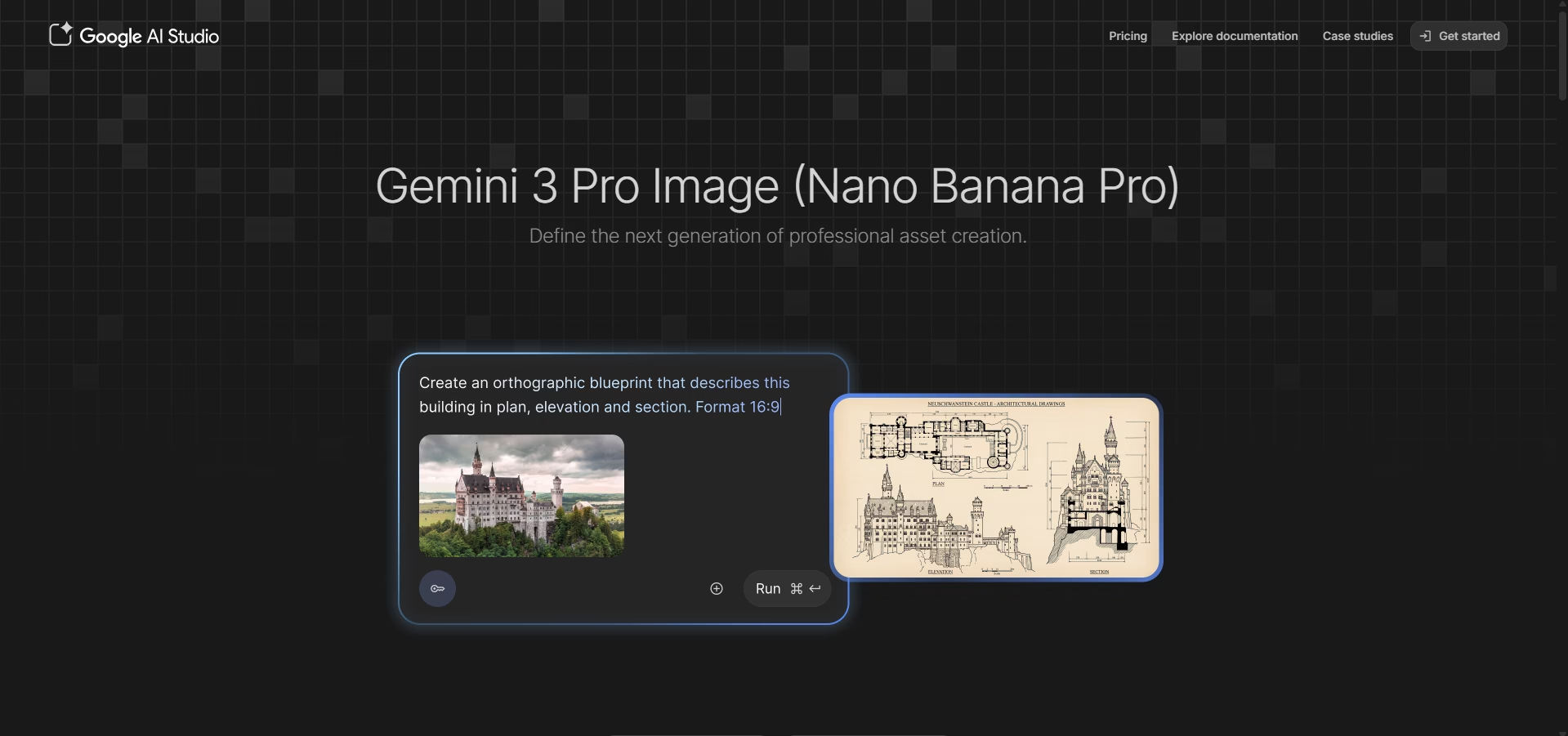
Nano Banana Pro is an AI image generator powered by Gemini 3 and available through Google Gemini. The model gained attention for its ability to maintain consistent character representations across images and to generate highly realistic visuals. It can create new images from prompts and edit existing ones.
How Nano Banana Pro Works
Nano Banana Pro runs inside Google Gemini and related tools such as Google Flow and NotebookLM.
Users can generate images by entering a text prompt or uploading an existing image to modify it. The model can change objects, adjust scenes, or transform elements within an image while keeping the rest of the image intact. It also performs well when generating graphics that include readable text.
Image Quality
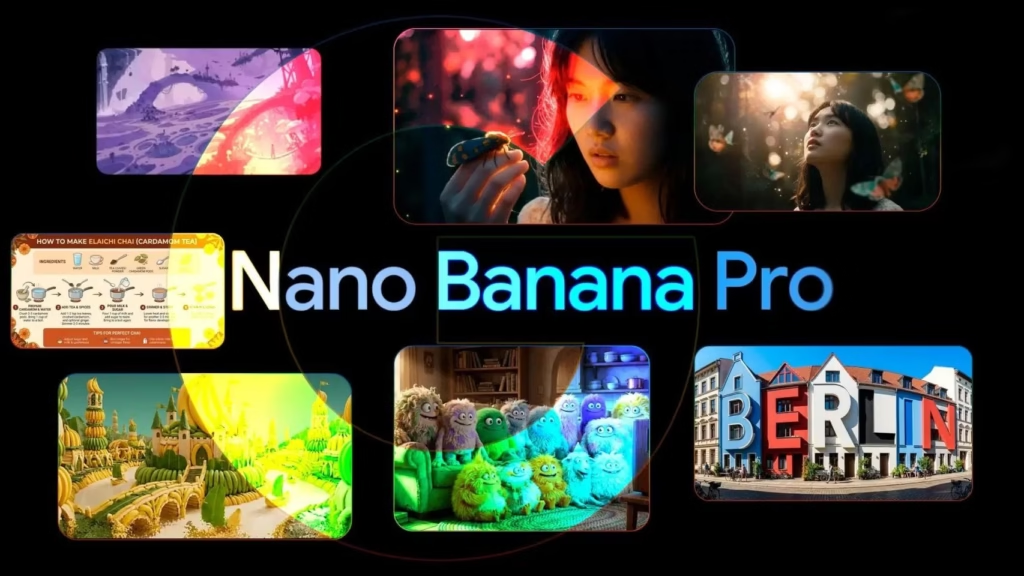
Nano Banana Pro produces detailed, realistic images and handles character consistency better than most AI image generators. It is particularly strong at generating text within images, making it useful for infographics and visual content.
However, generation can take longer than some competing tools. In addition, information or text within generated graphics may occasionally be inaccurate and should be reviewed carefully.
Business Use
Images created with Nano Banana Pro can generally be used for marketing materials, social media visuals, and other commercial projects, as long as they follow Google’s usage policies.
Because the model produces highly realistic images, it is recommended to disclose the use of AI when images are published or used in professional content.
Pricing & Resolution
- Free version: Limited access
- Premium cost: From $20/month (Google AI Pro plan)
Pros
- Strong character consistency across images
- Highly realistic and detailed visuals
- Capable of generating readable text in graphics
- Can edit existing images as well as generate new ones
Cons
- Image generation can be slower than some tools
- Text or factual information in graphics may be inaccurate
- Text and facts in generated graphics may need verification
Midjourney
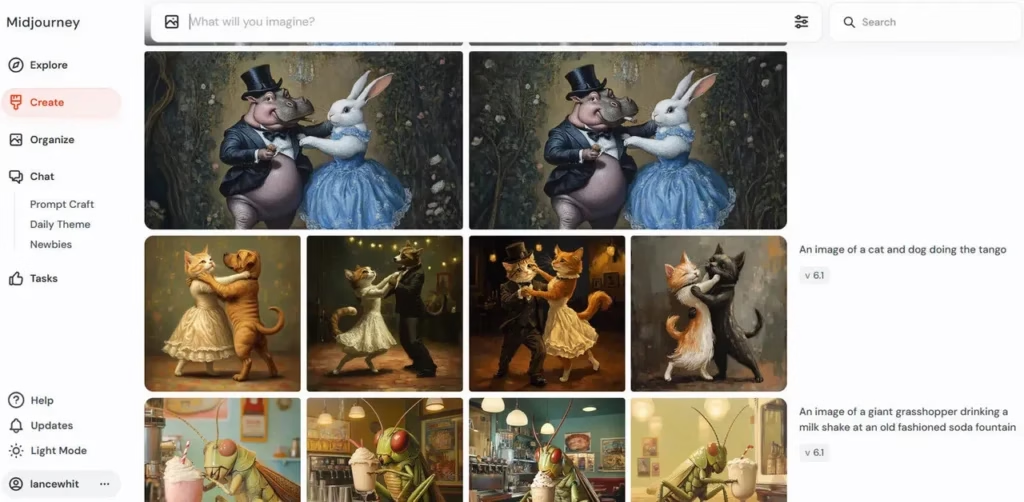
Midjourney is an AI image generator developed by the San Francisco research lab Midjourney Inc. It is known for producing highly detailed and visually striking images, particularly in photorealistic styles.
How Midjourney Works
Unlike most AI image tools, Midjourney does not have a traditional web dashboard. The generator runs through Discord.
Users interact with the Midjourney bot inside Discord channels. To generate an image, you enter a prompt using the /imagine command. The bot processes the request and produces image variations based on the description.
Images generated in public channels are visible to others. A private mode is available only on higher-tier plans.
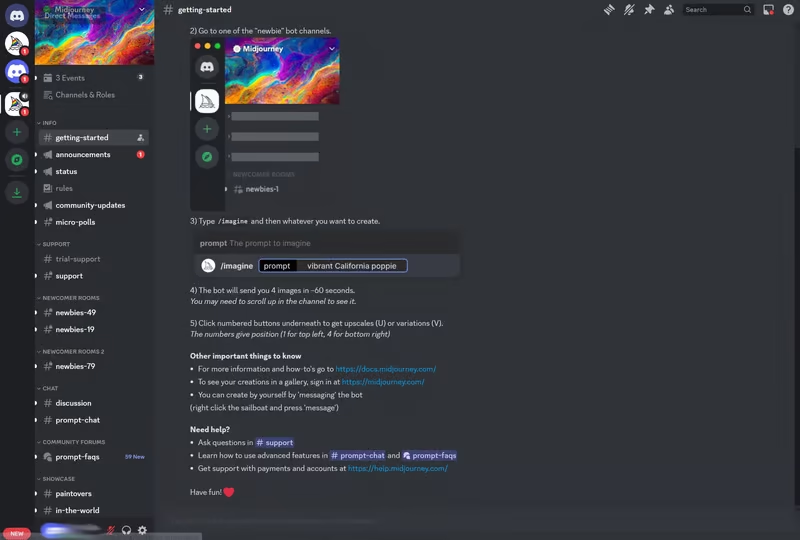
Image Quality
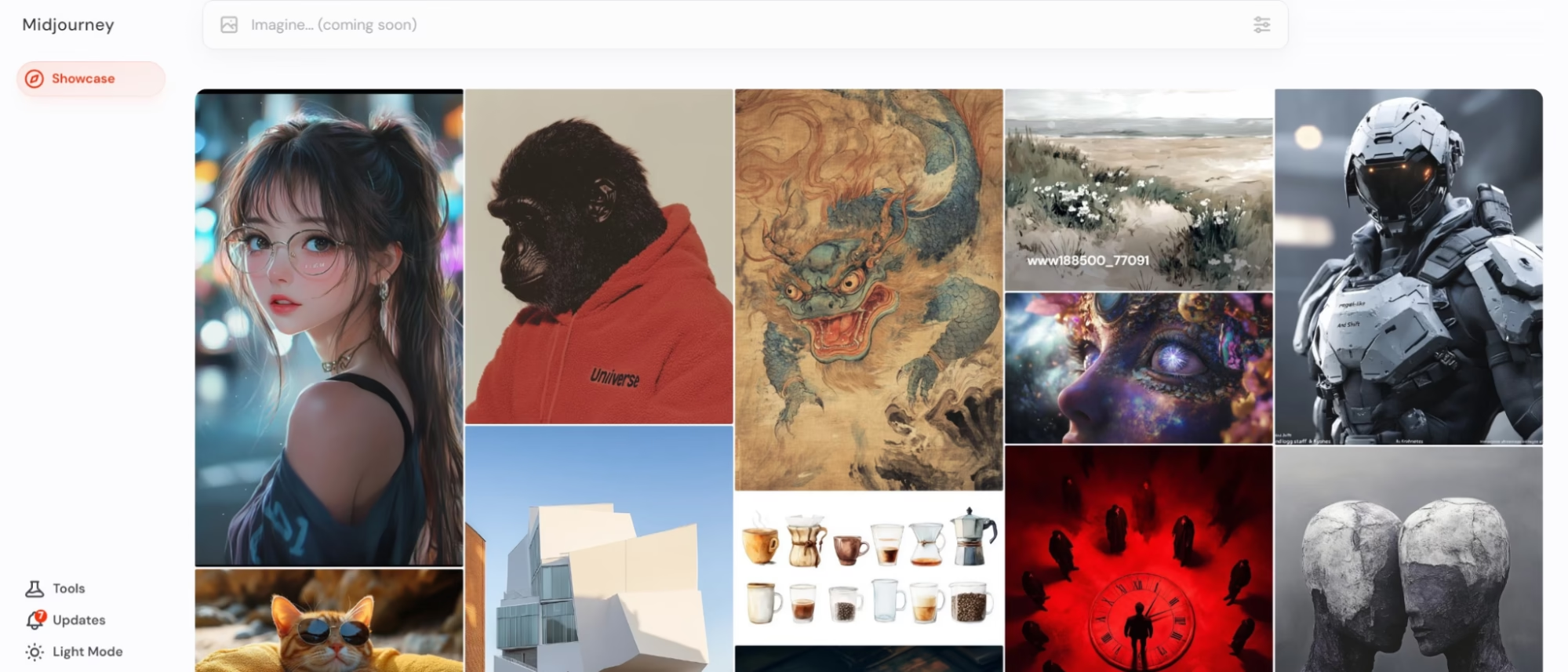
Midjourney is widely known for its strong visual quality. The platform produces highly detailed images and performs particularly well with photorealistic scenes, portraits, and artistic compositions.
However, its interpretation of prompts is sometimes less precise than tools like DALL·E 3. Certain requested elements may be missing or incorrectly rendered.
Business Use
Users receive commercial rights to images created with Midjourney. The tool can be used for design concepts, creative visuals, or marketing assets.
That said, generating business-ready graphics can take extra effort. Midjourney struggles with text inside images, and prompts sometimes need multiple adjustments to achieve the desired result.
Pricing & Resolution
- Free version: No
- Premium cost: From $10/month
- Maximum resolution: 1024 × 1024
Pros
- Exceptional image quality
- Strong photorealistic rendering
- Affordable entry plan
Cons
- Requires Discord, which can feel complicated
- Prompt interpretation is sometimes inconsistent
- Weak support for generating text inside images
Microsoft Copilot
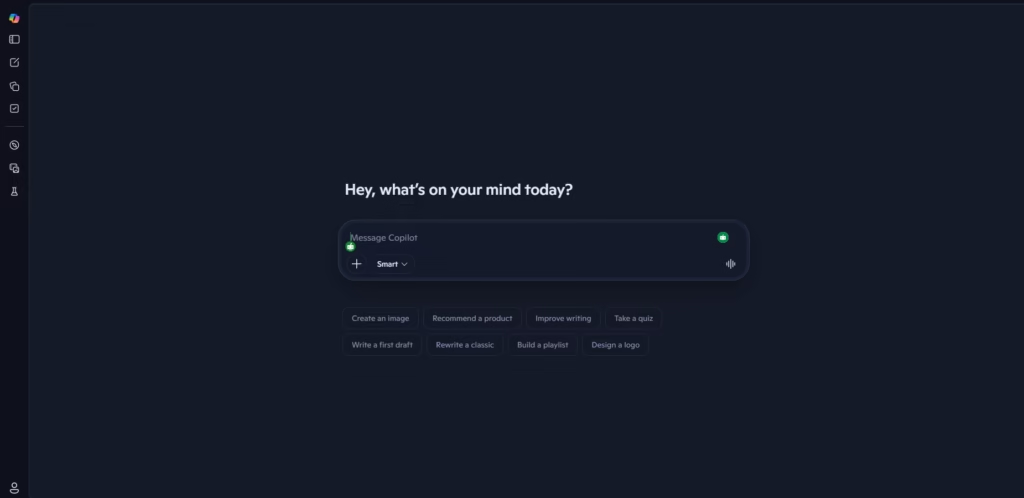
Microsoft Copilot gives users free access to image generation powered by DALL·E 3. After signing in with a Microsoft account, users can open Copilot Designer and generate images from simple text prompts.
How Microsoft Copilot Works
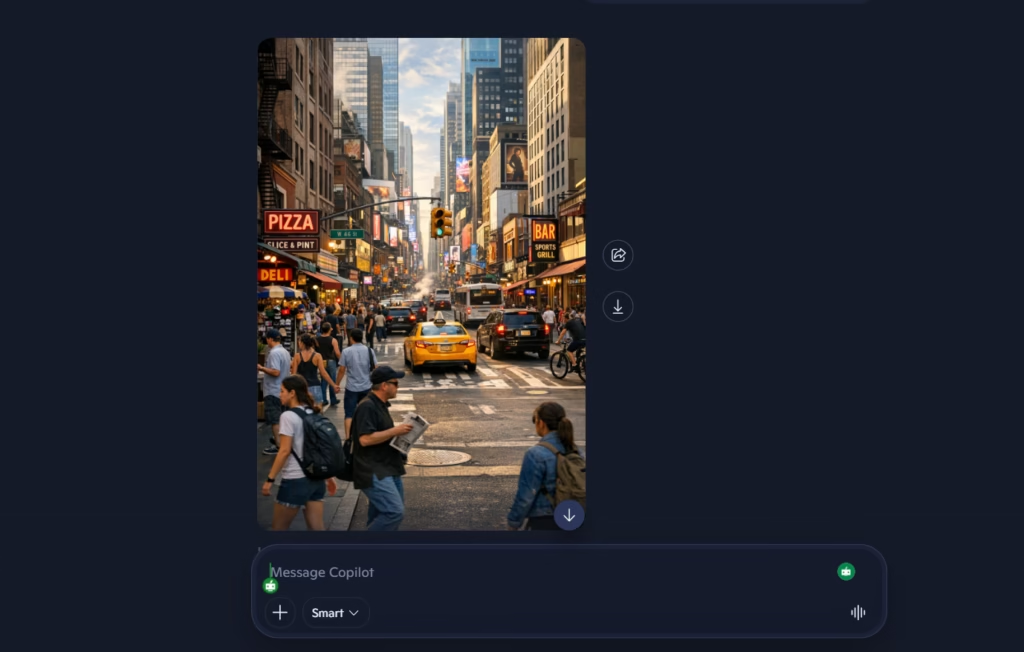
Copilot is a chatbot similar to ChatGPT. Users type a prompt and the system generates four image variations based on the request. Basic editing tools are also available to apply filters or adjust the generated images.
Microsoft currently offers several Copilot versions across different products, which can make the platform somewhat confusing for new users.
Image Quality
Because Copilot uses DALL·E 3, image quality is generally strong, and prompts are interpreted well. However, the platform applies stricter content filters. Some prompts, especially those involving real people or copyrighted events, may be blocked.
Business Use
Microsoft does not clearly state commercial image rights on Copilot’s website. Official terms emphasize personal use, although support responses suggest the images may be used commercially. Due to this ambiguity, businesses may need to review usage policies carefully.
Pricing & Resolution:
- Free version: Yes
- Premium cost: $30/month
- Maximum resolution: 1024 × 1024
Pros
- Free access to DALL·E 3
- Simple prompt-based interface
- Built-in image editing tools
Cons
- Multiple Copilot versions create confusion
- More restrictive prompt filtering
- Shares DALL·E’s limitations with photorealistic images and text rendering
Stable Diffusion
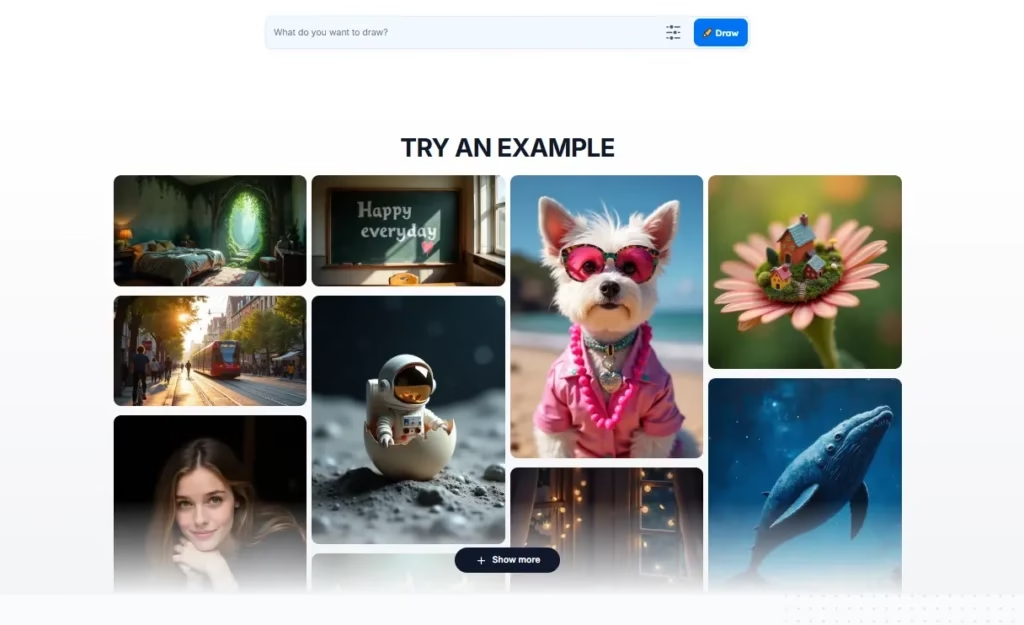
Stable Diffusion, developed by Stability AI, offers more control than most commercial AI image generators. Because the model is open source, users can run it locally and customize how images are generated. The trade-off is that it requires more technical knowledge to set up.
How Stable Diffusion Works
There are two main ways to use Stable Diffusion.
Local installation: Users can download the model from platforms such as GitHub and run it on their own computers. This approach requires compatible hardware, ideally with a strong GPU. In return, users gain full control over settings, privacy, and customization.
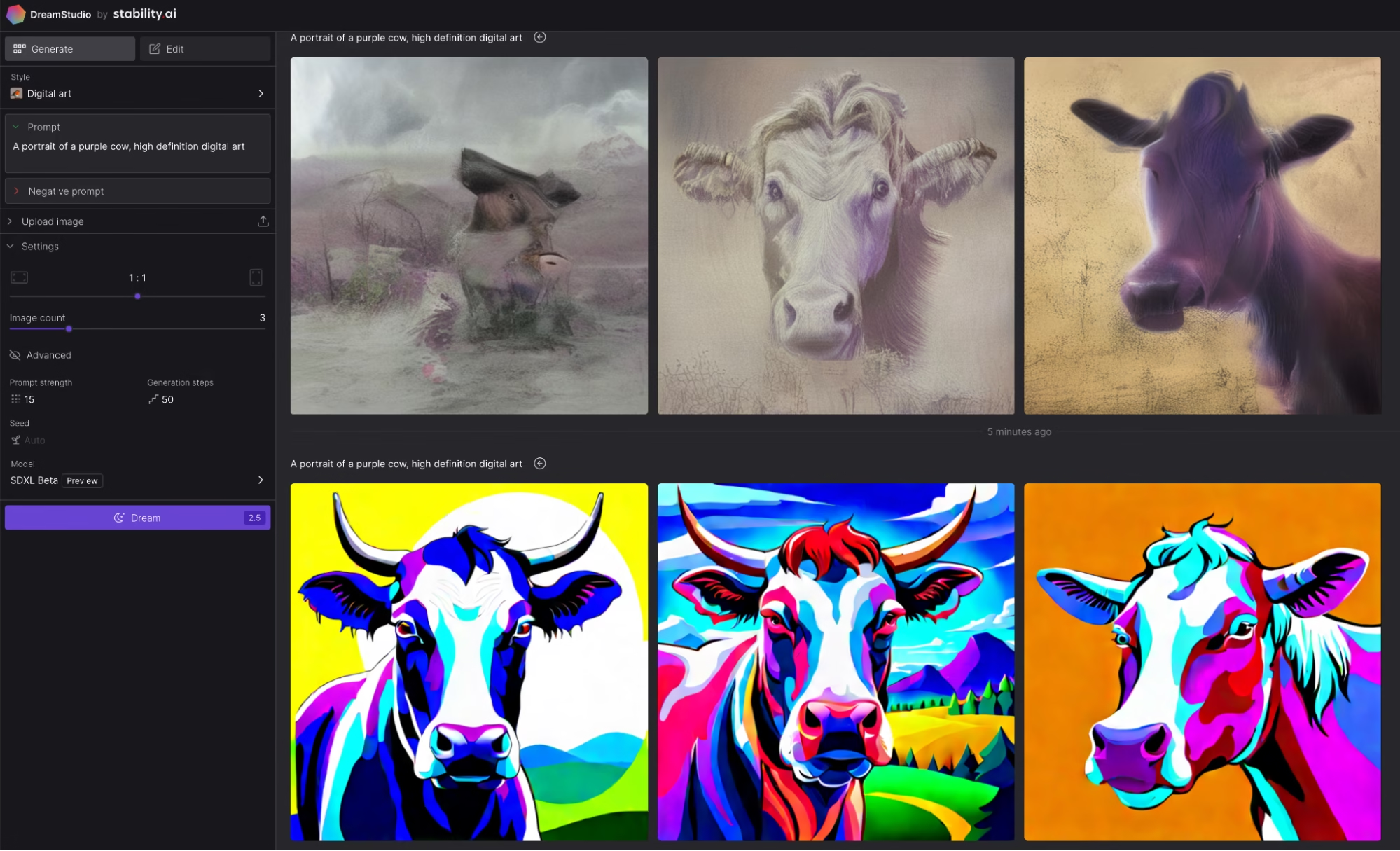
Cloud platforms: Stable Diffusion can also be accessed through web services such as DreamStudio. These platforms provide a simple interface where users enter prompts and generate images without installing the model.
Image Quality
Image quality depends on how the model is used. With cloud tools like DreamStudio, results are generally detailed and visually appealing. However, prompt interpretation can be inconsistent. In testing, some details from prompts were ignored or rendered incorrectly.
Business Use
Stable Diffusion operates under the CreativeML OpenRAIL-M license, which generally allows commercial use of generated images.
However, results for business assets were mixed. Some prompts were only partially interpreted, and the model struggled to generate readable text within images.
Pricing
- Free version: Yes (open source)
- Typical cost: ~$10 for about 5,000 images on cloud platforms
- Maximum resolution: 2048 × 2048
Pros
- Open-source and highly customizable
- Can run locally with full control and privacy
- High potential image quality with customization
Cons
- Requires technical setup for local use
- Prompt interpretation can be inconsistent
- Weak performance with text inside images
Leonardo AI
Leonardo AI is a flexible AI image generator that uses multiple models, including Stable Diffusion. It provides a web interface that lets users generate and refine images with a wide range of settings. While it’s popular for game assets, it can also be used for other creative tasks.
How Leonardo AI Works
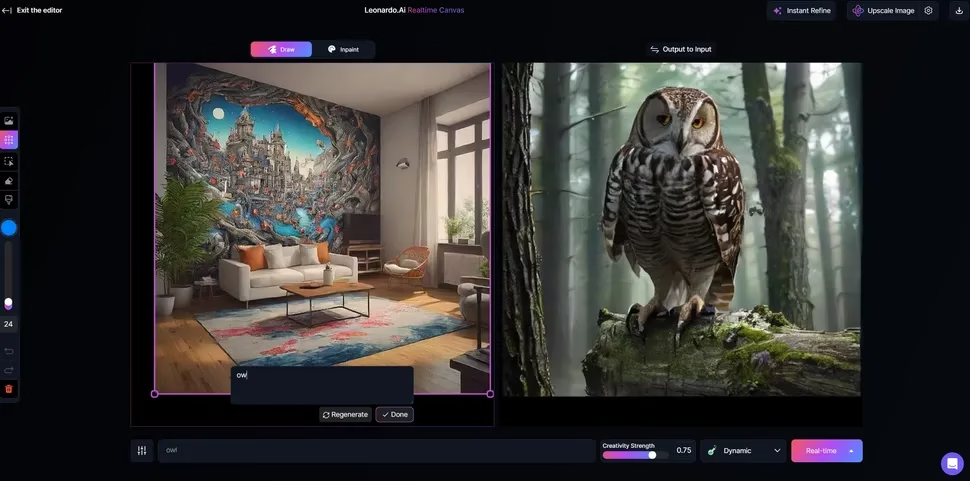
Leonardo AI runs through a browser-based platform where users enter prompts and adjust generation settings. The tool offers more configuration options than many competitors.
Users can control:
- image size and resolution
- number of images generated
- style and photorealism
- prompt weighting
- background transparency
It also supports custom datasets, allowing users to upload reference images to guide the visual style.
Image Quality
Leonardo AI produces detailed images with strong color and consistent visuals. Photorealistic outputs can be particularly impressive.
However, prompt interpretation can be inconsistent. In testing, some requested elements were ignored or generated incorrectly.
Images created with Leonardo AI can be used commercially. However, because the platform sometimes misses prompt details, it may require additional editing before it can be used in business materials.
Leonardo AI works better for creative and artistic visuals than for precise business graphics.
Business Use
Images created with Leonardo AI can be used commercially. However, because the platform sometimes misses prompt details, it may require additional editing before it can be used in business materials.
Leonardo AI works better for creative and artistic visuals than for precise business graphics.
Pricing
- Free version: Yes
- Premium cost: From $10/month
- Maximum resolution: 1536 × 1536
Pros
- High-quality images with strong detail
- Extensive configuration options
- Ability to train custom visual styles
Cons
- Prompt understanding can be inconsistent
- The token pricing structure can be confusing
- Free tokens run out quickly for complex images
Adobe Firefly
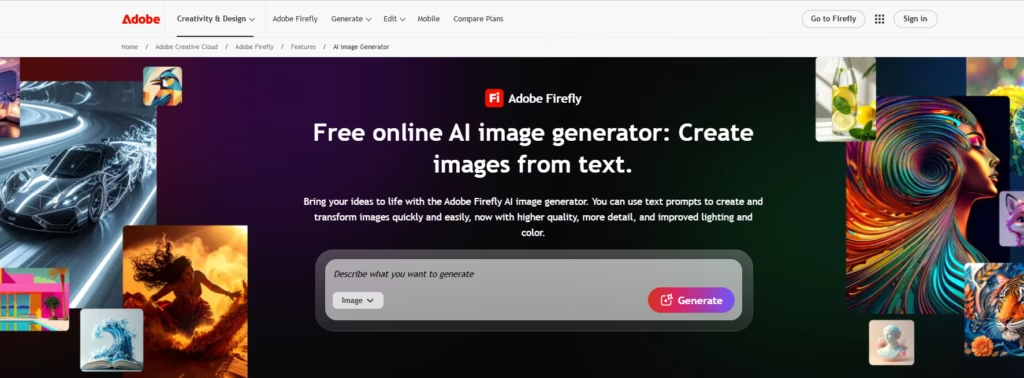
Adobe Firefly is Adobe’s AI image generator trained on licensed content, including Adobe Stock and royalty-free material. It focuses on creating safe, commercially usable images.
How Adobe Firefly Works
Firefly runs in a browser through an Adobe account. Users enter a prompt, and the tool generates four images. Results can be refined by adjusting settings such as style, aspect ratio, and visual effects.
Users can also upload reference images or choose from preset styles to guide the output. Generated images can be further edited using Adobe tools like Adobe Express.
Image Quality
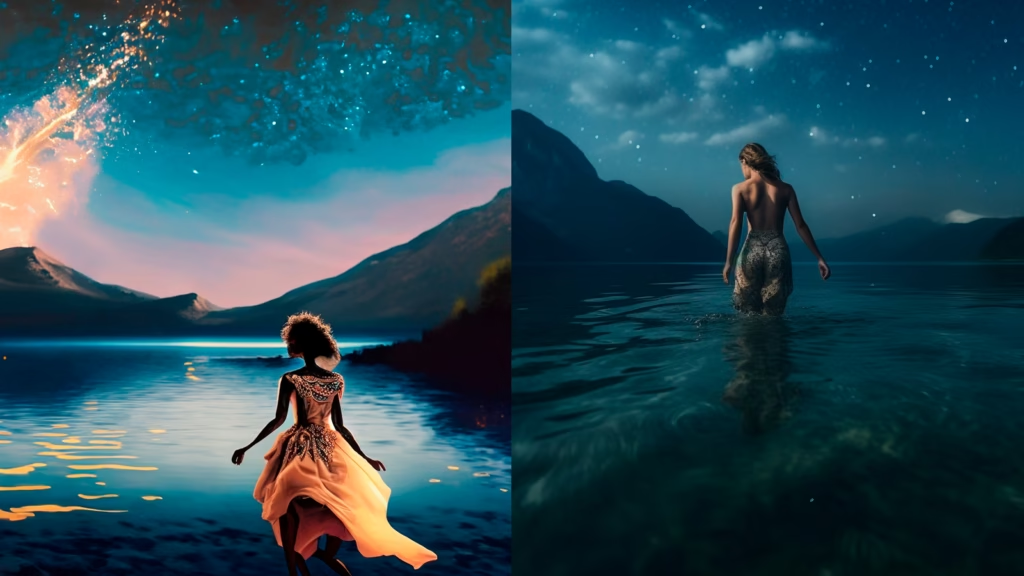
Firefly generally produces consistent and clean visuals. Images often resemble professional stock photos. However, the results may appear less creative than those from tools like Midjourney or DALL·E.
The model also avoids generating images of real people or historical figures.
Business Use
Adobe allows commercial use of images generated with Firefly. This makes it useful for marketing visuals and design work. However, the tool sometimes ignores detailed prompt instructions, especially when text elements are requested.
Pricing
- Free version: Yes
- Premium cost: From $4.99/month
- Maximum resolution: 2000 × 2000
Pros
- Included with Adobe subscriptions
- Simple and easy-to-use interface
- Consistent, high-quality visuals
Cons
- Results can feel generic or stock-photo-like
- Restrictions on real people and certain topics
- Text prompts inside images are often ignored
Ideogram
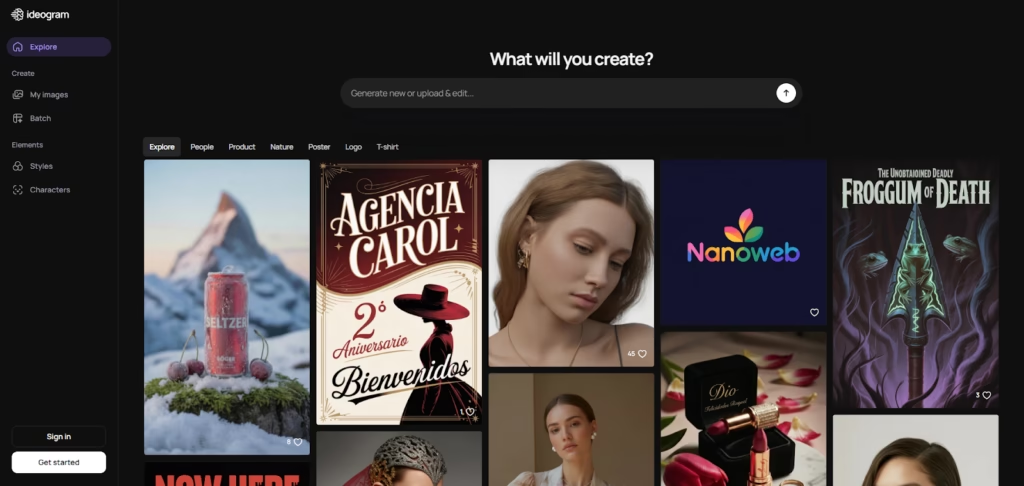
Ideogram is a text-to-image platform designed to handle text inside images better than most AI generators. This makes it useful for creating posters, social media graphics, and presentation visuals.
How Ideogram Works
Ideogram runs through a simple web interface where users enter prompts and adjust basic design settings. The platform generates images based on the description, and premium users can further refine results using the built-in editor.
Image Quality
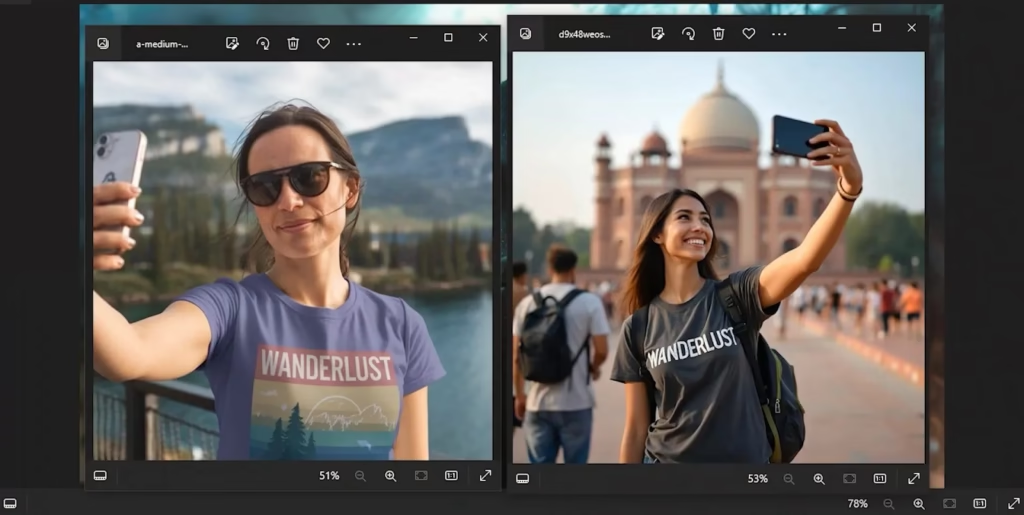
Stylized images often look strong and visually appealing. However, photorealistic results are less convincing. In testing, realistic images lacked detail and sometimes included visual errors.
Business Use
Ideogram performs well for business graphics because it can generate images that include readable text. This makes it suitable for marketing visuals, presentations, and social media assets. While the text may not always be perfect, it is usually close to the intended wording.
According to the platform’s terms, generated images can be used commercially.
Pricing
- Free version: Yes
- Premium cost: From $7/month
- Maximum resolution: 1024 × 1024
Pros
- One of the best AI tools for images with text
- Free daily image generation
- Image remix feature for modifying uploads
Cons
- Weak photorealistic output
- Text generation is still not perfectly accurate
WOMBO Dream
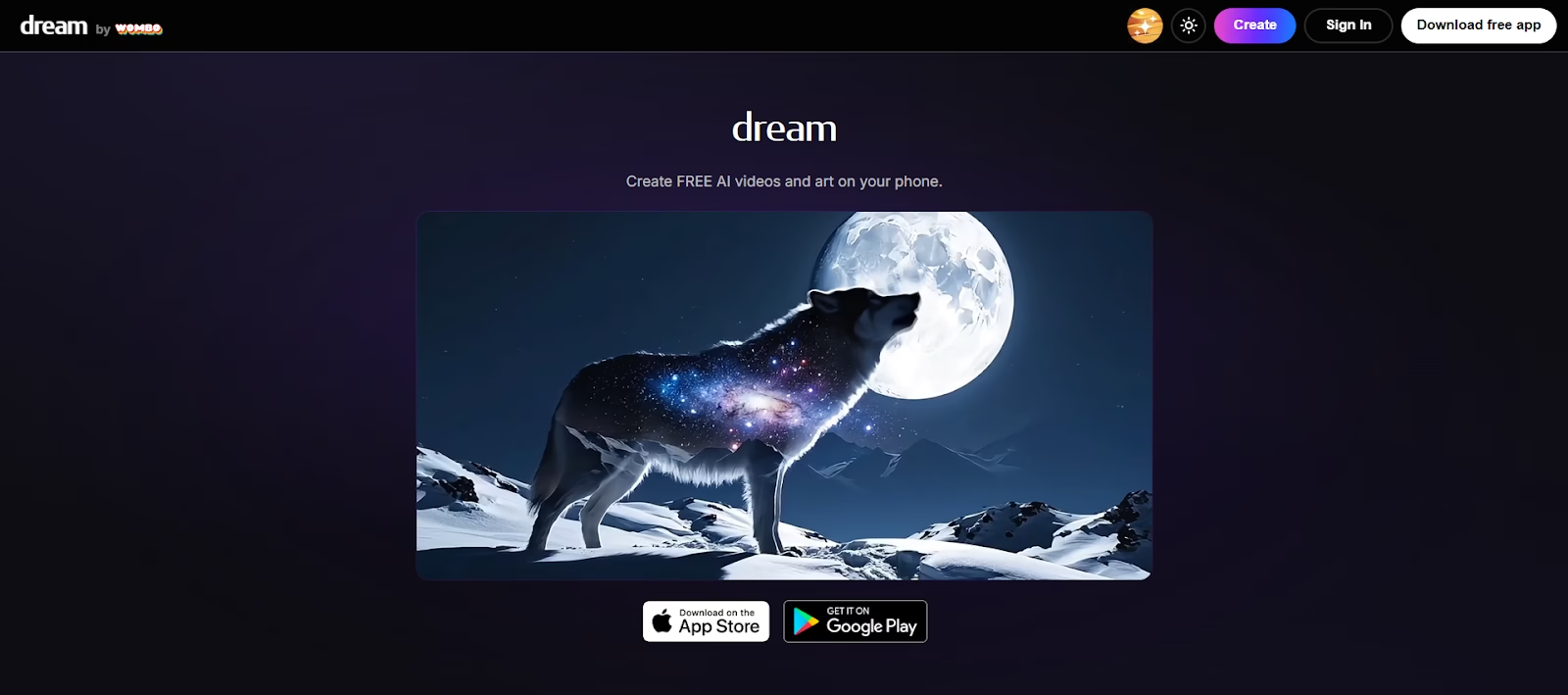
WOMBO Dream is designed for users who want to generate AI images directly on their phones. While many mobile AI apps offer limited functionality, WOMBO Dream provides a simple way to quickly create images.
How WOMBO Dream Works
The app is available on both iOS and Android. Users enter a prompt, select an art style, and choose an aspect ratio. The app then generates an image within seconds. Generated images can be downloaded or further edited within the app.
WOMBO also supports image-to-image editing, allowing users to transform existing photos or create AI avatars.
Image Quality
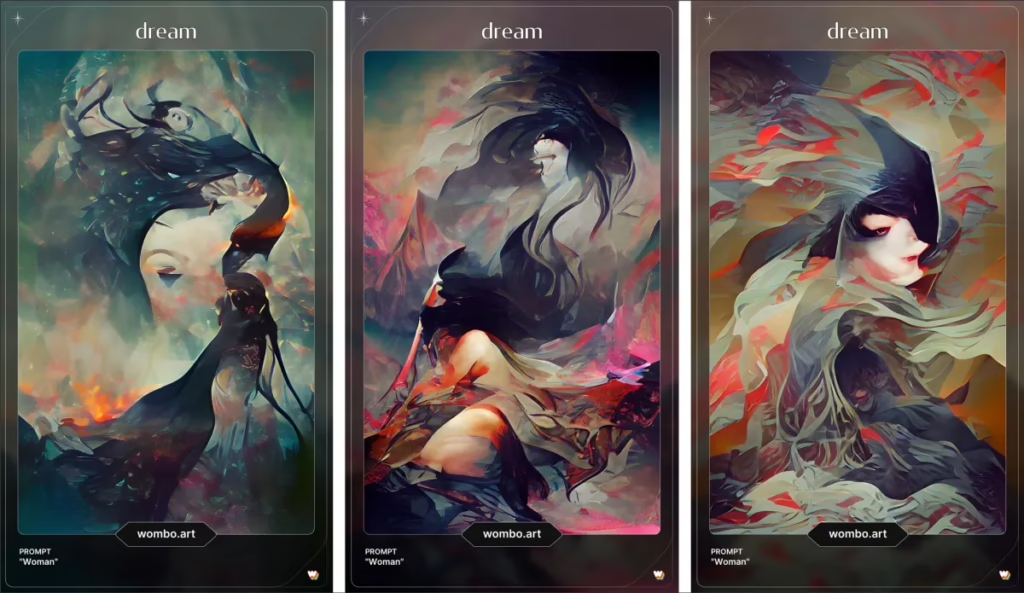
WOMBO produces decent results for casual use. Images generally follow the prompt and work well for wallpapers, social posts, or avatars. However, the level of detail is lower than that of top AI generators, and producing photorealistic images is difficult.
Pricing
- Free version: Yes
- Premium cost: About $7/month
Pros
- Easy AI image creation on smartphones
- Supports text-to-image and image-to-image editing
- Free version available
Cons
- Lower image quality than leading AI generators
- Prompts are sometimes only partially interpreted
- The free version includes ads and watermarks
Recraft
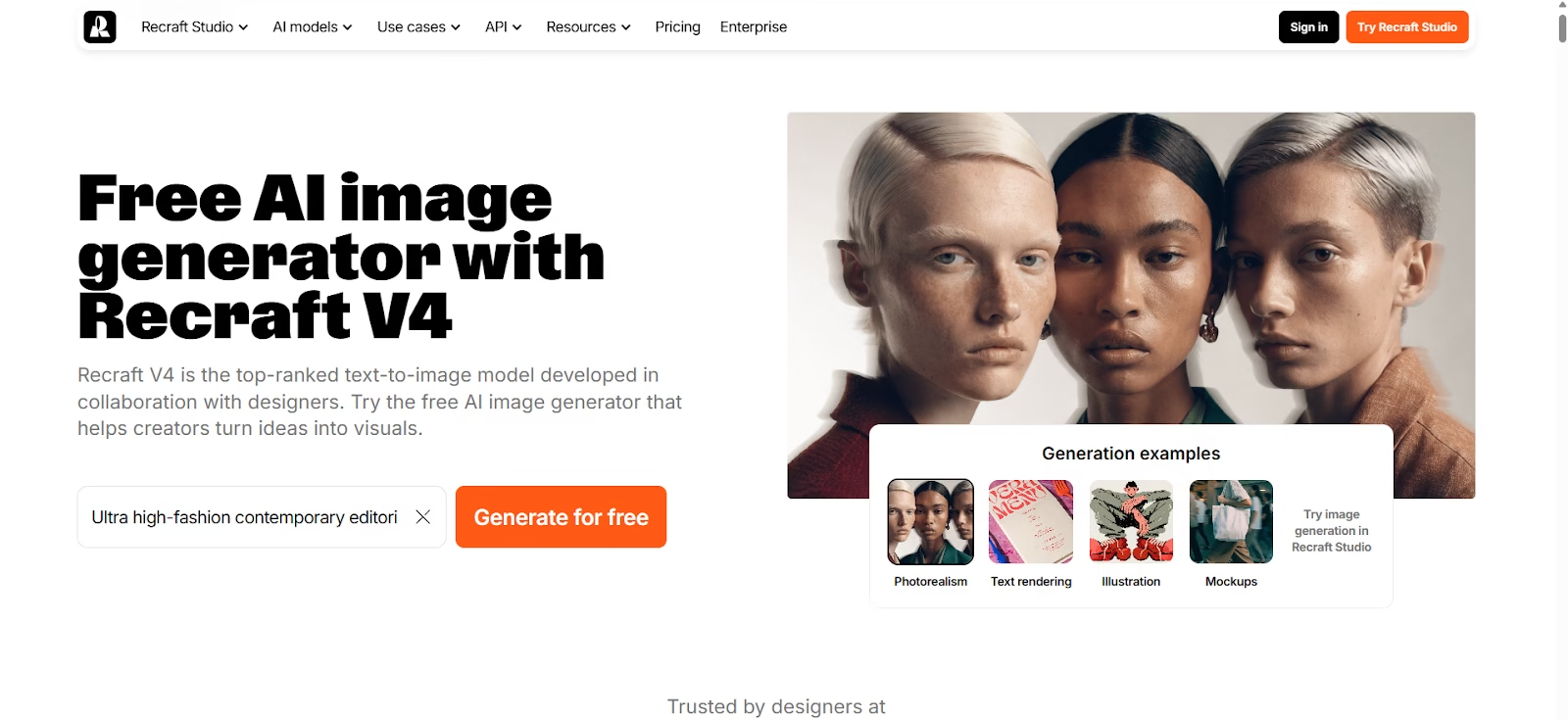
Recraft V4 is a powerful AI image generator built with designers in mind. While many AI tools focus mainly on generating images, Recraft combines strong image generation with advanced graphic design tools and editing features.
How Recraft Works
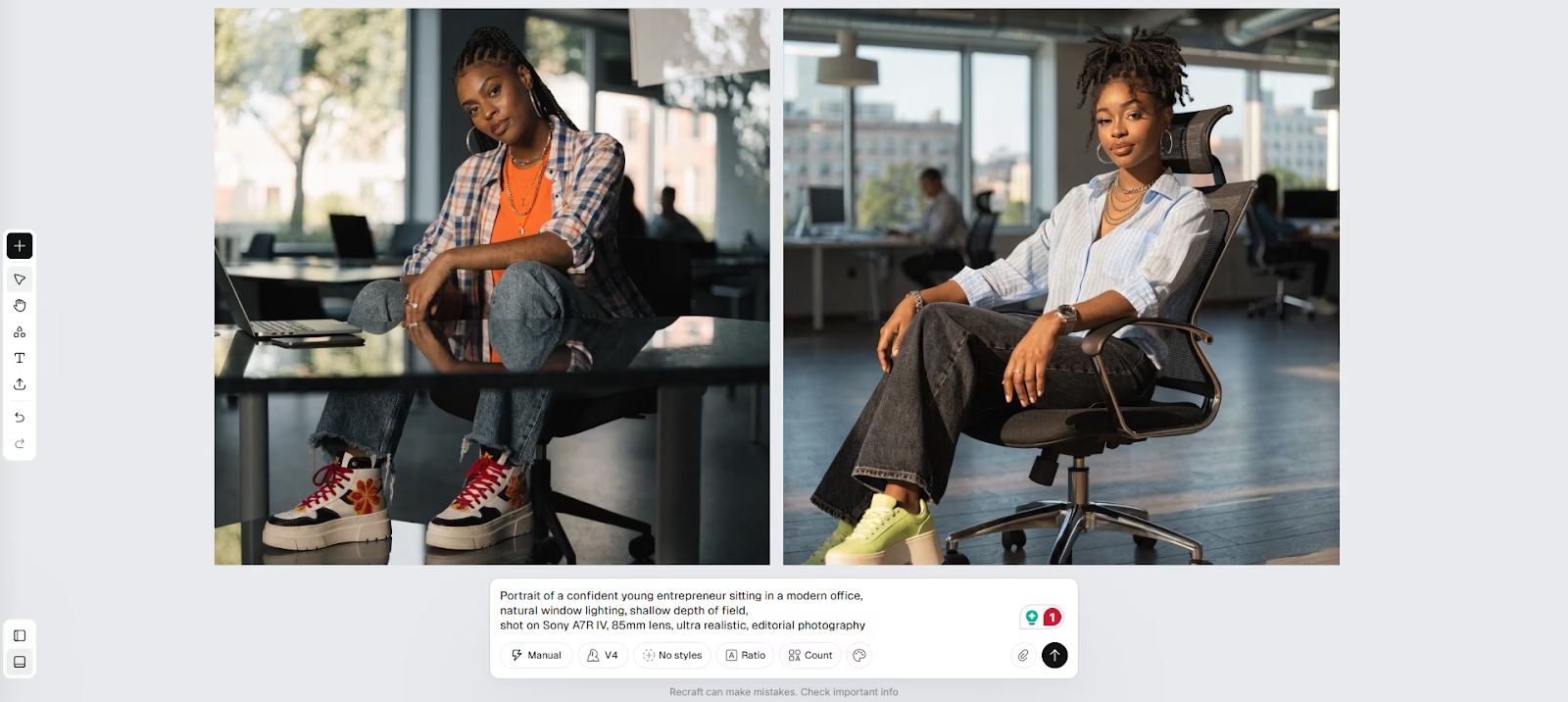
Recraft allows users to generate images from prompts and refine them with detailed design controls. One of its standout features is the ability to create consistent image sets using the same style and color palette from a single prompt.
Users can also edit and refine visuals using tools such as:
- in-painting and out-painting
- background removal
- product mockup creation
- combining multiple AI-generated elements
Once images are ready, they can be exported in several formats, including JPG, PNG, and SVG, which makes the platform especially useful for scalable design assets.
Image Quality
Recraft’s model produces high-quality visuals across multiple styles, including photorealistic images, illustrations, and logos. The platform also performs well when generating design systems and matching visual elements.
Business Use
Recraft is well-suited for professional design work. Teams can collaborate within the workspace and export assets to other tools such as Adobe Photoshop or Adobe Illustrator. This makes it useful for branding projects, marketing materials, and product mockups.
Pricing
- Free plan: 30 credits per day with limited features
- Premium plan: From $12/month, including 1,000 credits per month, commercial rights, and additional creative controls.
Pros
- Powerful AI image generation model
- Excellent graphic design and editing tools
- Ability to create consistent image sets
- Supports export in scalable formats like SVG
Cons
- More complex to use than simpler AI tools
Conclusion
AI image generators have become widely accessible, and new tools continue to appear. Each platform differs in cost, image quality, prompt accuracy, and editing capabilities.
Some tools stand out in specific areas. DALL·E is known for accurate prompt interpretation, Midjourney produces highly realistic visuals, and Stable Diffusion offers extensive customization and control.
When choosing the best AI image generator, it’s important to consider how the tool fits your needs. Image quality, ease of use, and available editing features can make a significant difference depending on the type of content you want to create.
At the same time, the best AI visuals should be used carefully. Issues such as copyright, ethical considerations, and inaccurate outputs can arise, especially in commercial projects. Reviewing generated images before using them is always recommended.
If you also need help creating captions, prompts, or written content for visuals, exploring AI text generation tools can be a useful next step.