

Short and vertical videos match how people naturally use their phones. Instead of rotating the screen or committing to long clips, viewers get quick, scroll-friendly stories.
Reels have become a major driver of attention on Instagram. They account for nearly half of the time spent on the platform and generate around 140 billion views daily, often outperforming static posts and carousels. Attention is brief as well. Engagement tends to drop after about 8 seconds, which makes strong hooks and fast pacing essential. In many cases, Reels achieve around 22 % higher engagement than standard video posts when they capture interest early.
Most creators do not struggle with ideas. The real friction appears during editing. Cutting clips on a phone takes time, syncing scenes with music feels tedious, and adding captions manually slows everything down.
That is where modern editing tools help. Many now automate trimming, beat syncing, and captions. Instead of listing dozens of apps, this guide focuses on a few reliable Instagram reel makers, explaining what they can create, how creators use them in practice, and which situations they are best suited for. The aim is simple: turn an idea into a finished Instagram reel quickly while keeping the storytelling sharp.
Instagram Reels Makers Comparison Table
| Tool | Reel type | Export quality | Ideal user | Pricing |
| CapCut | High‑energy trends, motivational clips, meme edits | Up to 1080 p/4 K | Trend‑hungry creators, meme accounts | Free with optional paid effects |
| Canva | Branded promotions, announcements, and educational carousels | High; supports multiple platforms | Businesses and teams | Free, Paid Plan from $12.99/month, |
| InShot | Daily vlogs, lifestyle highlights, travel reels | Up to 4 K export | Casual creators, beginners | Free with ads; inexpensive subscription |
| VEED.io | Podcast clips, interview snippets, subtitled explainers | 1080 p (Lite) or 4 K (Pro) | Remote teams, social managers | Free limited; Lite $12/mo, Pro $29/mo |
| Predis.ai | Data‑driven marketing reels, competitor‑inspired memes | Good (depends on assets) | Marketers seeking strategic insights | Plans start at $19/mo |
| InVideo | Scripted stories, explainer reels, multi‑language content | Up to 4 K | Educators, storytellers, and brands needing scale | Free plan limited; Plus $20/mo |
| Clipchamp | Educational reels, product explainers, marketing clips | Up to 1080p HD free, 4K with premium | Beginners, Windows creators, marketers | Free plan available; premium via Microsoft 365 / paid plans |
The Best Instagram Reels Makers
CapCut
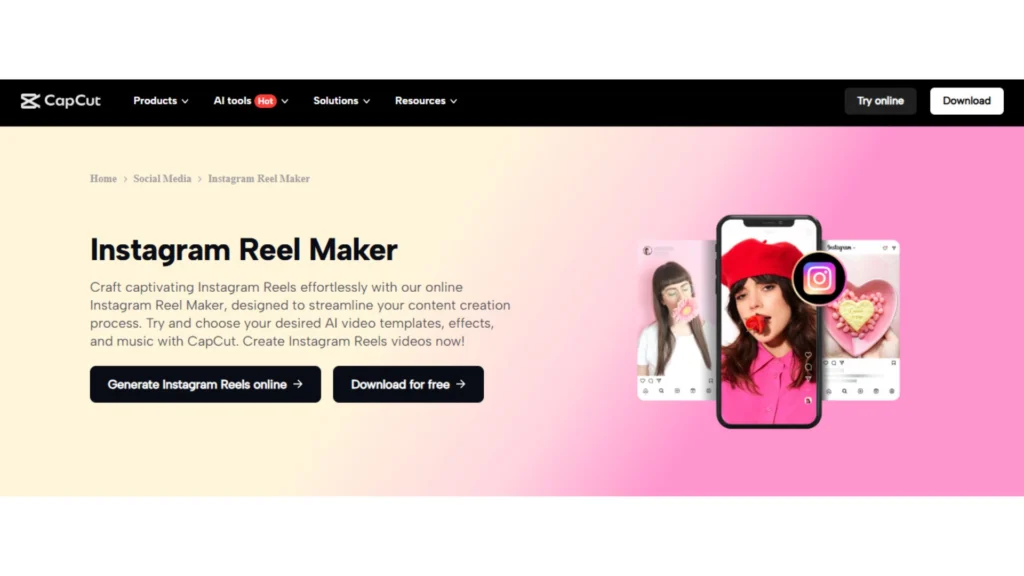
CapCut works best for Reels that need quick cuts. It is great for motivational clips, short tutorials, meme edits with animated captions, and product videos that feel like mini-trailers. The beat-sync templates automatically match your cuts and transitions to the music, helping create the fast rhythm that many trending Instagram reels use.
It also includes helpful AI tools that make editing quicker. For example, it can generate captions automatically, apply ready-made caption styles, and even remove filler words like “um” and pauses using transcription data. This helps creators turn raw clips into a clean, fast-paced Reel.
How creators build the Reel in a real workflow
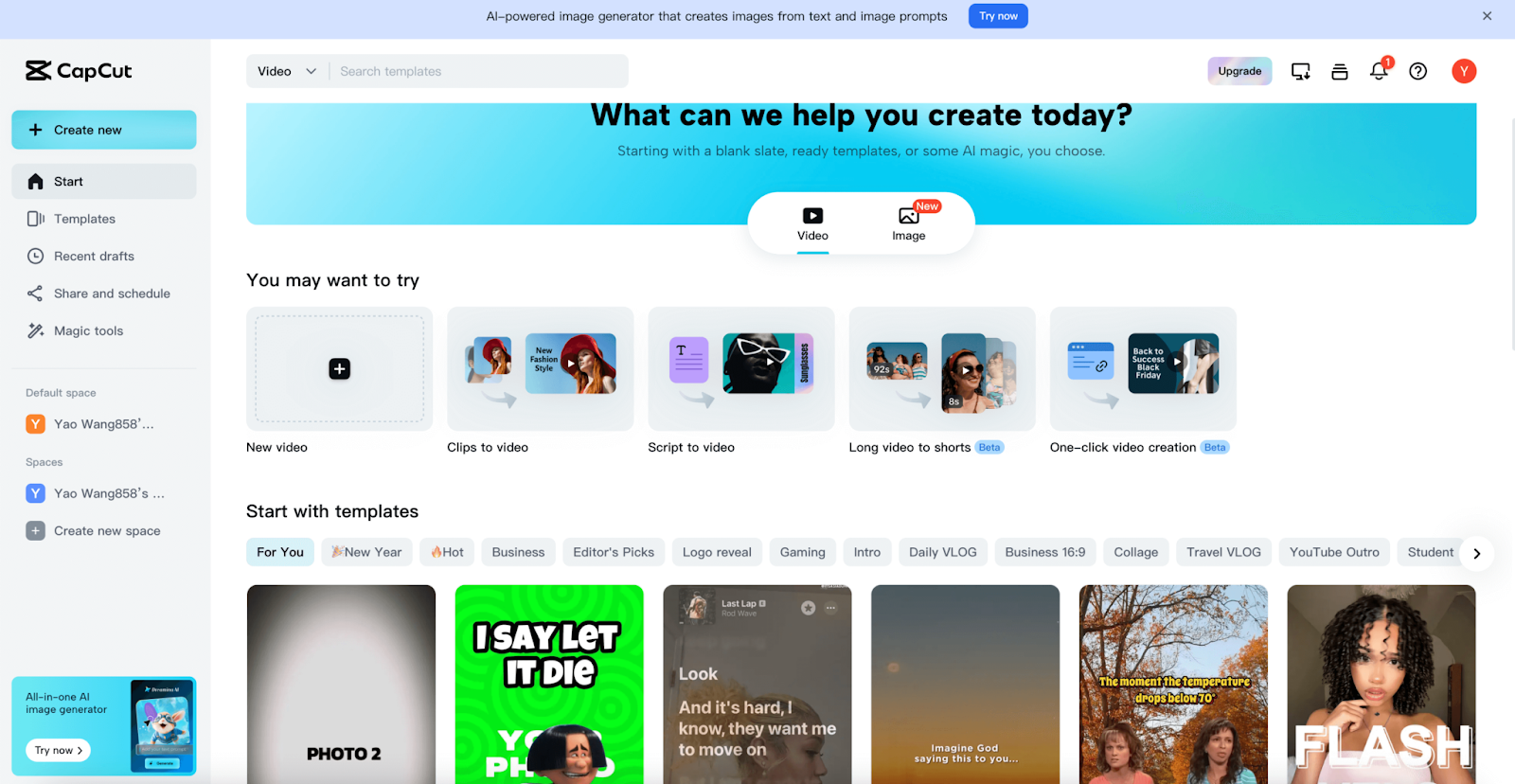
- Import the clip and pick a track early so that cuts can follow the rhythm.
- Turn on beat sync (or use a beat-sync template) so the editor surfaces beat points faster than manual tapping.
- Generate auto captions, then apply a caption template that matches the vibe (clean for education, loud for memes).
- If the clip is talking, enable filler-word removal to tighten delivery without hand-cutting every “um.”
- Export in 9:16, then double-check resolution settings. CapCut documents how 2K/4K export availability can depend on device, footage, and platform version
Why It Stands Out
The standout is friction removal. Features like filler-word removal and AI captions are built directly into the editor, so you don’t need separate tools to clean your audio or add subtitles.
Another task that normally takes time is matching video cuts with music beats. CapCut helps automate this with beat detection and ready-made templates, making it much easier to create smooth, rhythm-based Reels.
Pricing
CapCut is free to use, and many of its AI features, like auto‑captions and filler‑word removal, are available at no cost. Optional paid effects exist but aren’t required for most projects.
Canva
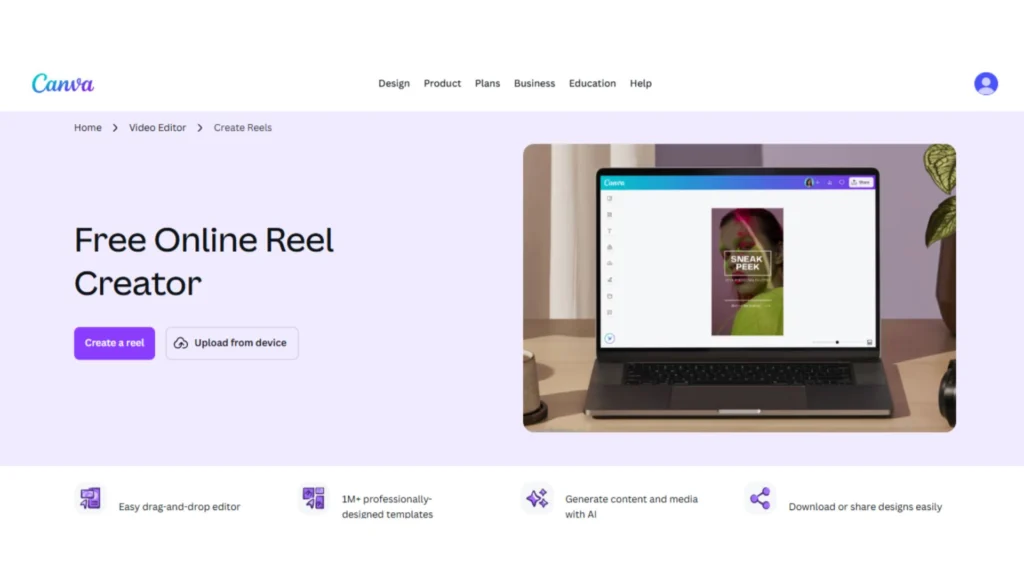
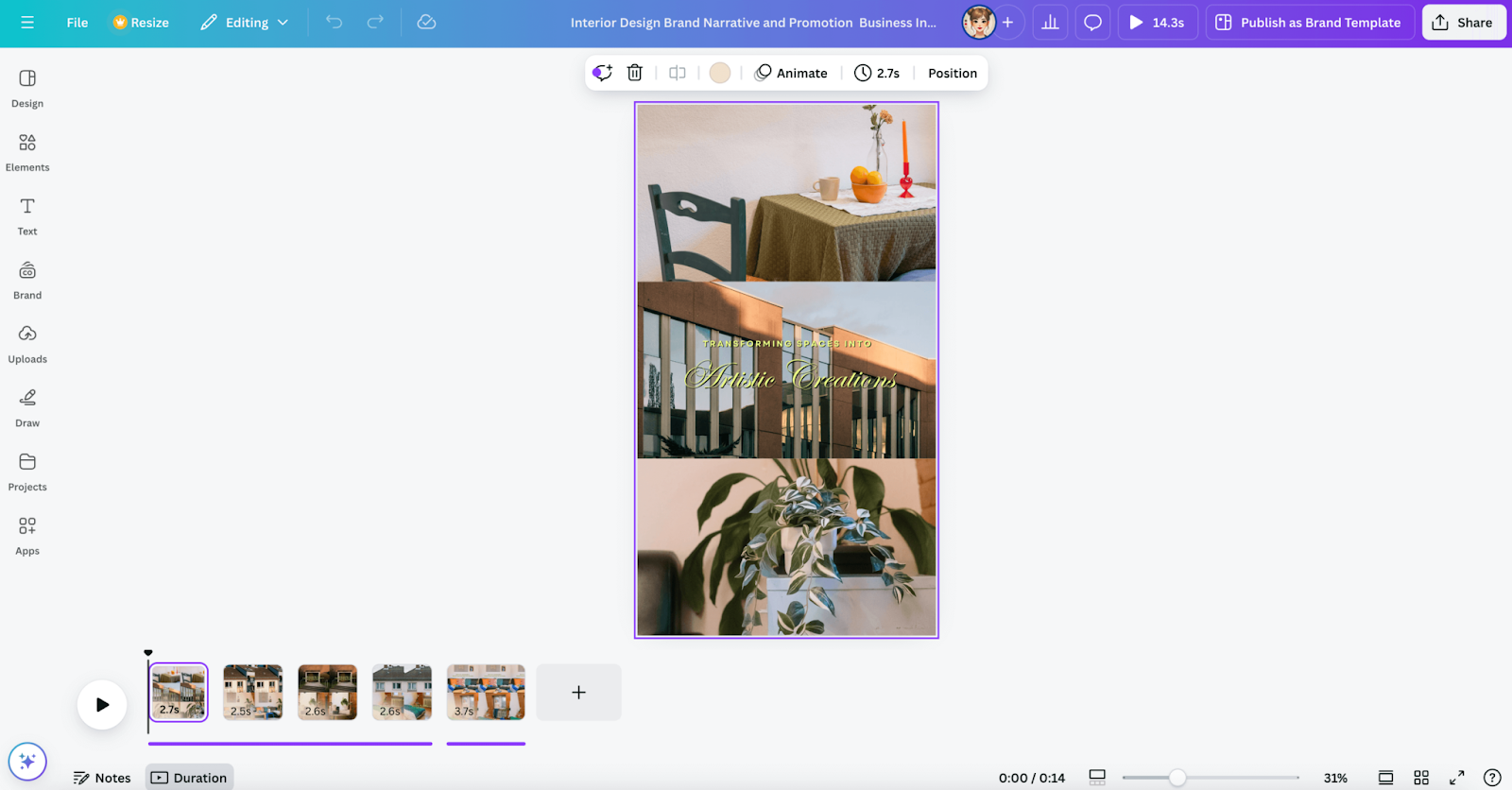
Canva shines when the Instagram reel needs to look consistent across a week of posts. It’s great for product promotions, announcement videos, and educational Reels that feel like a series of slides. Canva helps creators keep the same colors, fonts, and visual style, so every Reel matches the brand.
Another advantage is how quickly you can start. Canva provides ready-made templates for Instagram videos, so you can simply add your images, clips, and text rather than build everything from scratch. It also allows teams to collaborate easily across different devices.
Canva also supports the publishing workflow. You can download your Reel as a high-resolution MP4 and post it on Instagram, or connect your Instagram account to publish directly from Canva. For users with Canva Pro, there is also a content calendar that helps schedule and manage posts.
How creators build the Reel in a real workflow
- Upload photos or clips and choose a Reel template. That locks the layout into vertical early.
- Drop in product photos or clips, then apply brand kit elements (fonts/colors/logos). Canva highlights Brand Kit and cross-format tools (like Magic Switch) as part of the Pro value for repurposing.
- Use animated text blocks as “chapter headers” so the Reel still makes sense on mute. Captioning boosts accessibility and is often associated with longer viewing time.
- Export a high-resolution MP4, then add trending audio on Instagram if needed (keeps the edit clean while still tapping platform sounds).
Why It Stands Out
The platform keeps visuals aligned with brand guidelines by storing logos, palettes, and fonts in a central kit. Beat Sync ensures transitions match the music with a single click, and the wide range of templates makes it easy for non‑designers to produce polished Instagram reels.
Pricing
Canva offers a free plan with basic templates. The Paid plan, priced at around $12.99/month, expands access to premium assets and adds advanced AI tools.
InShot
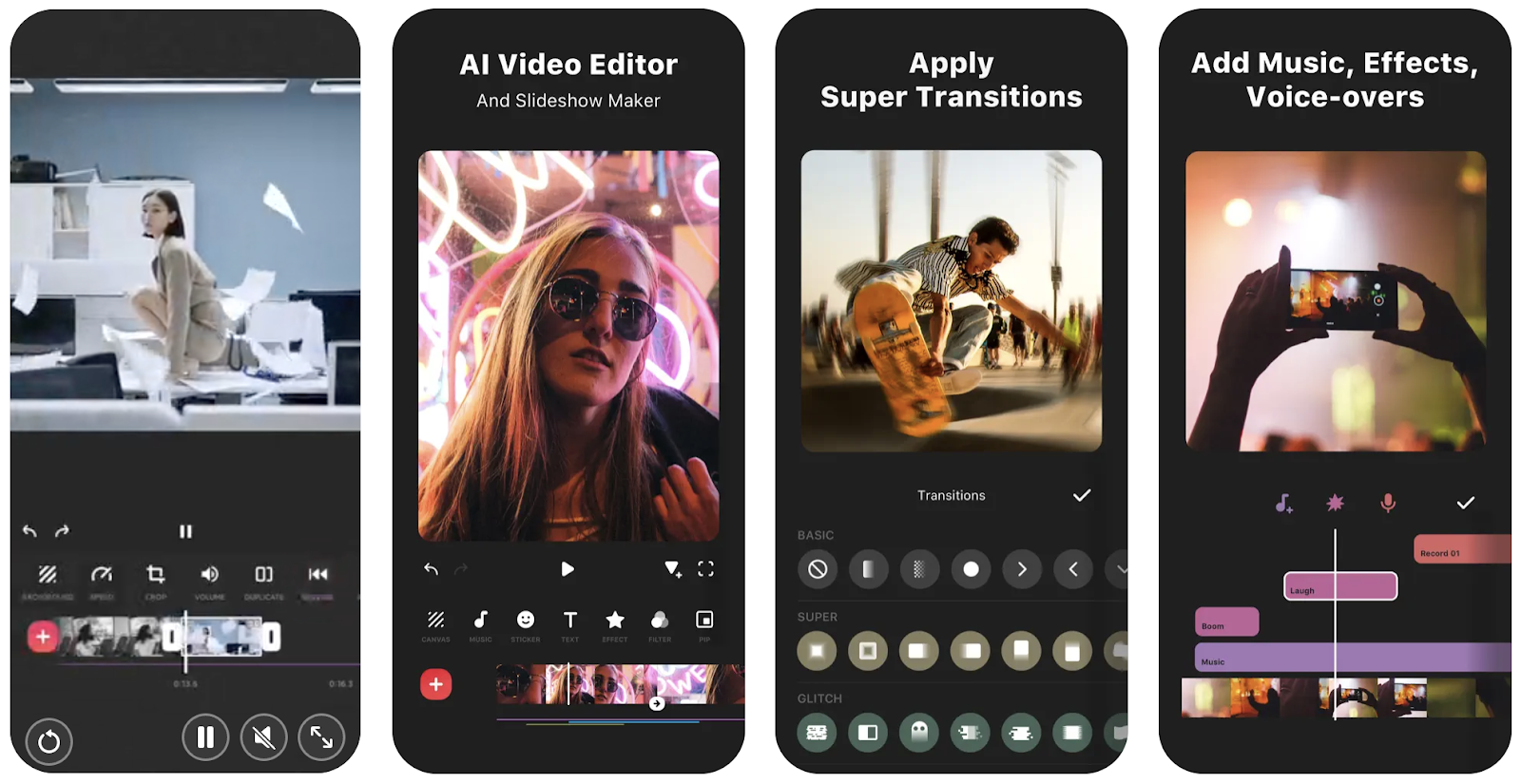
InShot is often underestimated because it feels friendly. Under the hood, it supports tools that matter for Reels: trimming/merging, reverse video, voiceovers, speed control and speed ramping, keyframe editing, chroma key, and picture-in-picture. It also calls out auto captions and background removal, plus 4K/60fps export support.
That combination makes it a strong “daily editor” for lifestyle clips, travel highlights, simple tutorial edits, and story-style reels where clarity matters more than fancy effects.
How creators build the Reel in a real workflow
- Stack 3-6 short clips, then trim aggressively so every shot earns its place.
- Use speed ramping to create energy spikes (fast → slow → fast) without adding visual clutter.
- Add auto captions for the key lines, then manually fix only what matters (names, prices, technical terms).
- Add a light voiceover if the visuals need context. InShot explicitly includes voice-overs and music handling among its features.
- Export at a resolution that matches the source and fits the platform. InShot lists 4K/60fps support, though Instagram publishing requirements still apply.
Why It Stands Out
The interface is intuitive enough to knock out a vlog while riding the bus. Voiceover and music extraction features add polish, and exporting up to 4 K means your reels won’t look compressed.
Best For
Casual creators, creators posting from mobile, beginners who want something that won’t feel limiting in two months
Pricing
InShot is free with ads. A low‑cost subscription removes ads and unlocks extra effects, making it affordable for personal use.
VEED AI
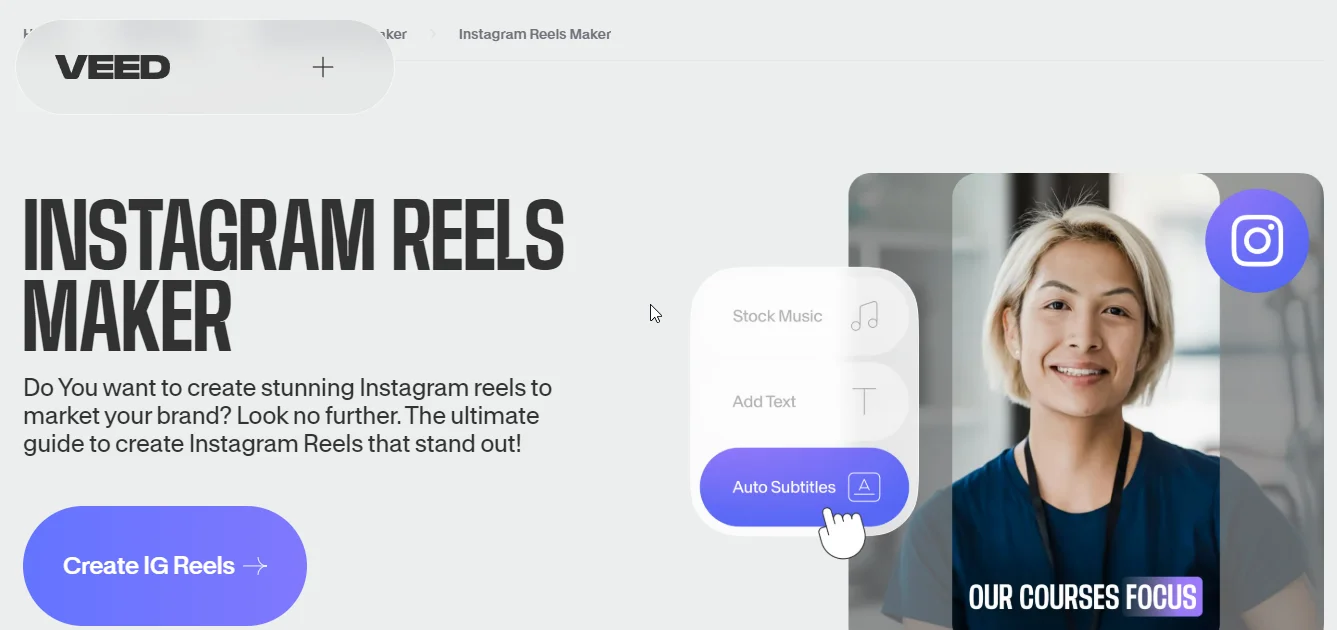
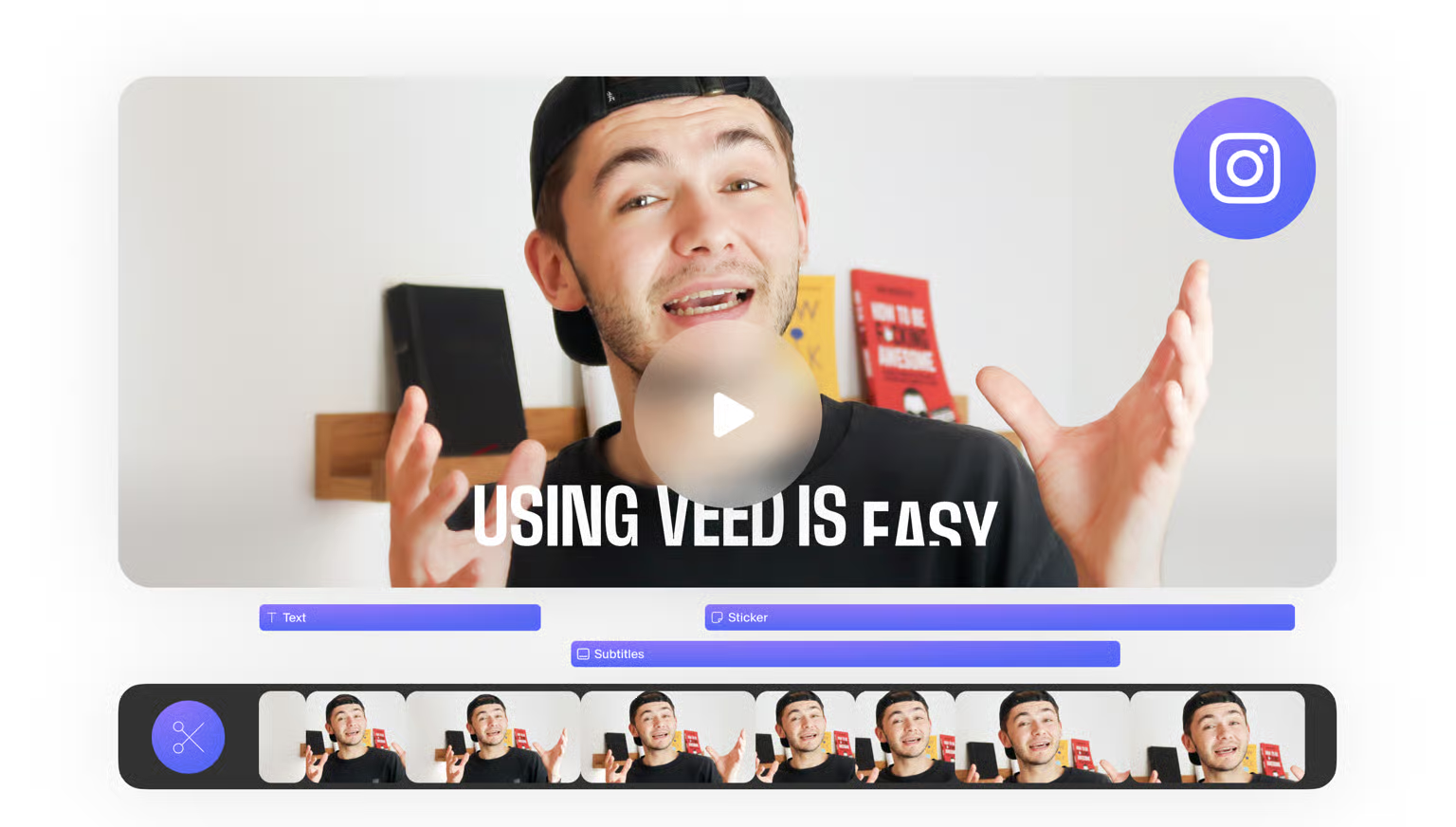
VEED works best for browser-based editing and team workflows. It’s commonly used to create podcast highlight reels, interview clips, and subtitled educational videos. The platform runs in the browser and focuses on collaboration and AI editing, with features such as auto-subtitles, filler-word removal, translation, voice cloning, and AI avatars.
A practical advantage is clear export quality by plan: Free supports 720p, Lite 1080p, and Pro/Enterprise 4K. This helps creators avoid exporting Reels that look soft or low quality.
How creators build the Reel in a real workflow
- Upload the long recording (podcast, webinar, or interview), then cut it down to a single sharp segment.
- Generate auto subtitles, then restyle them so they don’t swallow the screen. VEED’s subtitle tool supports subtitle export files (SRT/VTT/TXT) and burn-in captions.
- Run Magic Cut / filler-word or silence cleanup to tighten pacing. VEED markets filler-word removal explicitly as part of its AI editing set.
- Resize and repurpose: VEED highlights auto-resize and bite-sized clipping for social.
- Export at the highest plan-supported resolution that makes sense for the footage.
Why It Stands Out
The auto-subtitle generator claims up to 99.9% accuracy and supports multiple languages. VEED also includes AI avatars and voice dubbing. It also clearly shares export encoding details (H.264 MP4, variable bitrate, BT.709, GPU encoding), which is rare for browser editors.
Pricing
There is a free plan with limited features. Paid tiers start at around $12 per month for Lite (1080p exports and basic subtitles) and rise to around $29 per month for Pro (4K exports, AI avatars, and full brand kits).
Predis AI
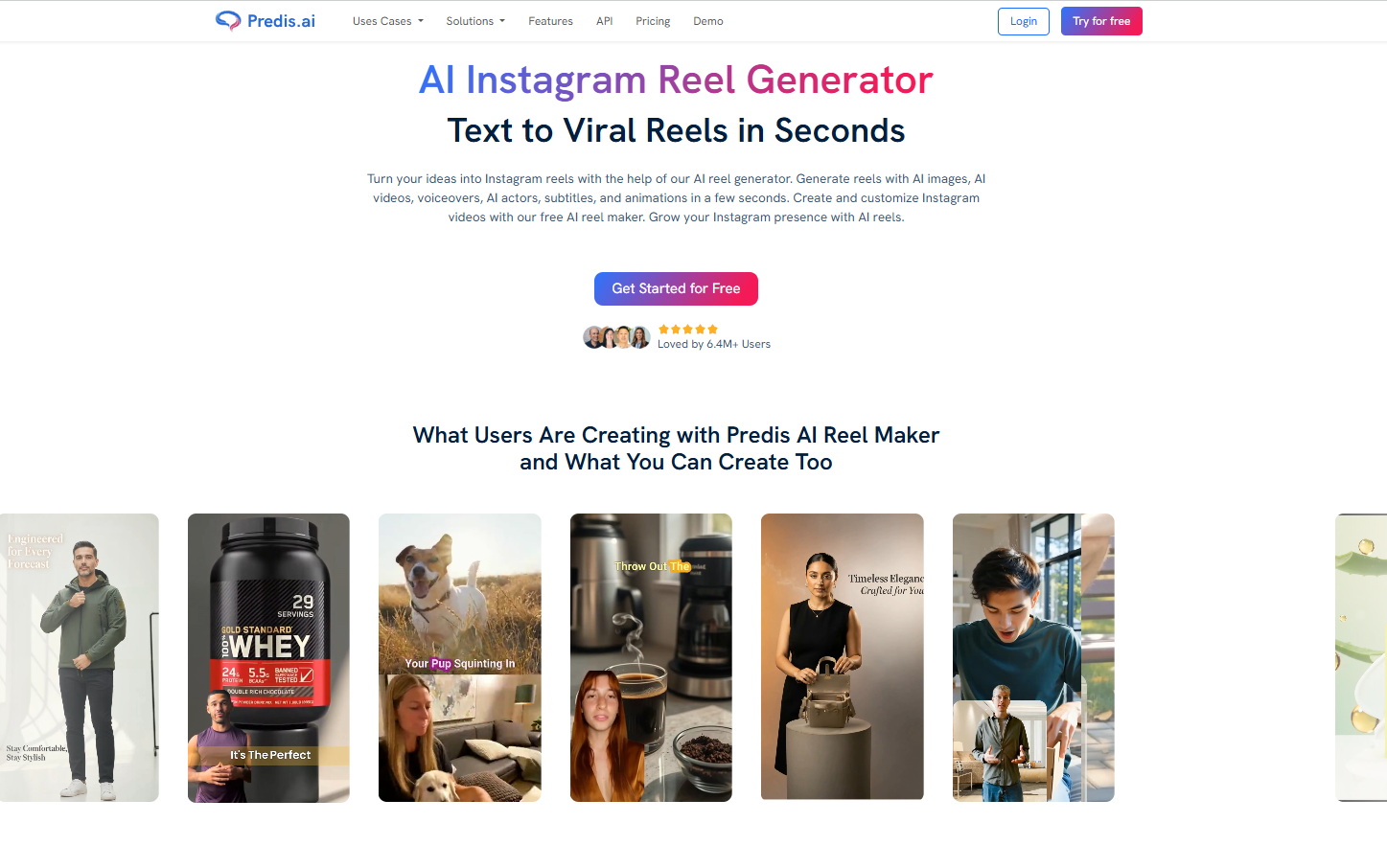
Predis.ai works more like an AI Instagram Reel maker than a traditional editor. It turns a simple text idea into a complete Reel with a script, voiceover, avatar, music, and auto captions. It also supports repurposing blog posts into Reels.
On the strategy side, Predis focuses on marketing insights and automation, including competitor analysis and auto-post scheduling. Its pricing plans specify limits for competitor analysis and daily auto-posts.
How creators build the Reel
- Start with a single concept prompt (offer, product angle, competitor-style meme idea).
- Let the AI generate a draft Reel (script, voiceover, and subtitle structure).
- Swap in brand assets (logo, product shots), adjust pacing and captions inside the editor. Predis describes this as “edit and customize” with trim/split/transitions plus voiceovers/avatars.
- Publish or schedule inside the same system if the goal is consistent output rather than one-off craftsmanship. Predis positions itself as a content creation, scheduling, and management platform.
Why It Stands Out
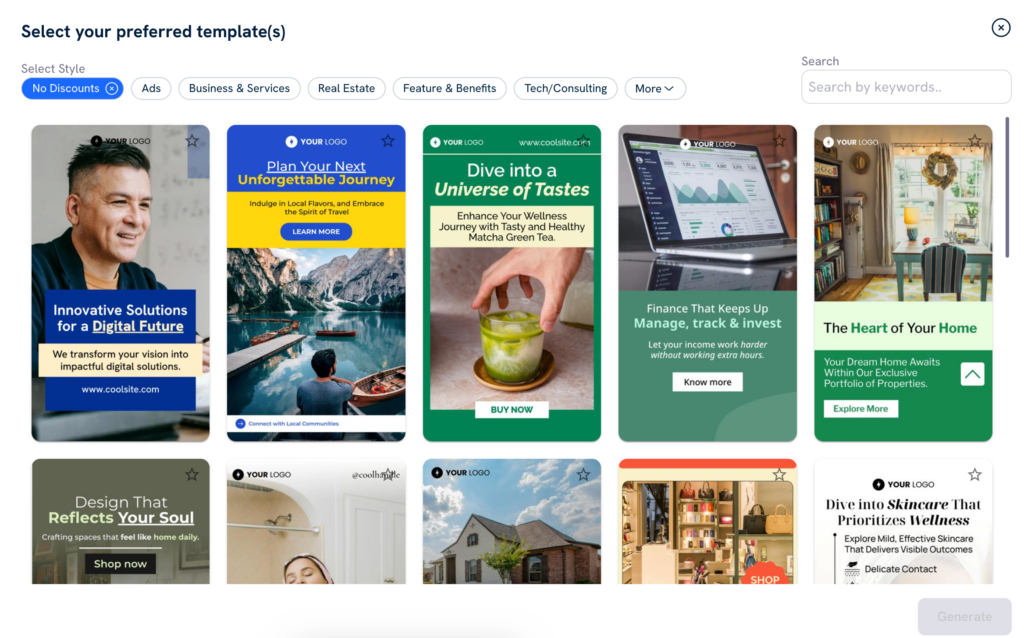
Competitor analysis sets Predis apart. It examines rival accounts to identify top‑performing content and posting patterns, providing data‑backed insights that feed directly into your creative decisions. Multi‑format outputs mean that one idea can become a carousel, a video, and a story.
Pricing
Plans start at about $19 per month for the Core tier and scale up with additional brands, credits, and auto‑posting slots.
InVideo
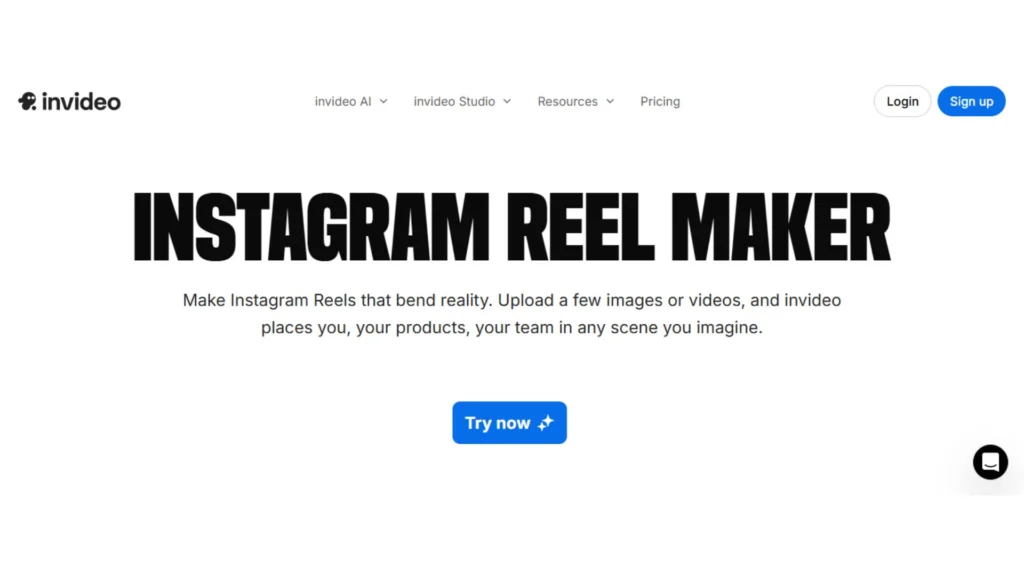
InVideo leans into script-to-video and prompt-to-video creation. It describes an AI Instagram reel maker that can generate scripts from prompts, pull matching stock footage, and add voiceovers, subtitles, music, and transitions. It also runs a vertical-video-specific pitch for Instagram Reels, TikTok, and Shorts.
For creators building “faceless” narration Reels, InVideo supports AI voiceovers (including language coverage) and avatars. It also documents multilingual generation (50+ languages) and avatar types in its help center.
How creators build the Reel in a real workflow
A high-output InVideo workflow tends to look like this:
- Start with a hook and key points. Write one strong opening line and 3–5 main points instead of a full script.
- Generate the first video draft with AI.Use script-to-video or prompt-to-video to create scenes and captions automatically.
- Choose the voiceover language and accent. This helps when your Reel targets different audiences. InVideo supports voiceovers in 50+ languages.
- Add an AI avatar if needed. If you don’t want to appear on camera, you can use an AI avatar as the speaker.
- Export and do a quick Instagram check. Make sure the text is easy to read on a phone, not too high or too low, and the video is in vertical format.

Why It Stands Out
InVideo offers diverse avatars, voice clones and product clones to bring scripts to life. The ability to produce the same reel in multiple languages with translated subtitles makes it versatile for global audiences.
Pricing
InVideo’s free plan includes limited AI generation and watermarked exports. The Plus plan starts around $20 per month and adds more AI minutes and stock footage.
Clipchamp
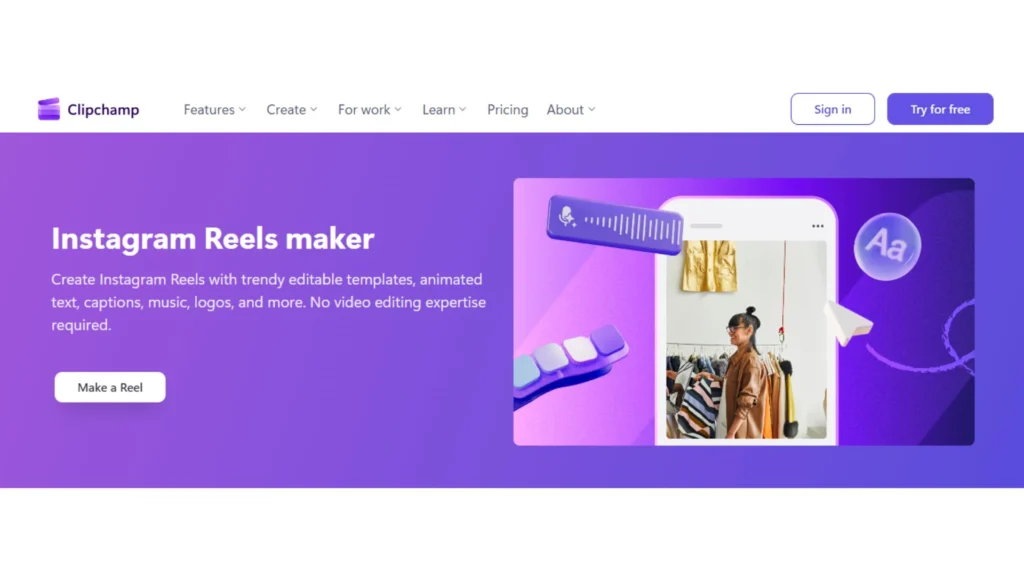
Clipchamp works as an in-browser video editor that includes templates, stock assets, and AI tools. It allows creators to produce clean, professional Reels without complex editing software.
One important feature is the brand kit. It lets you store your fonts, colors, and logos so every Instagram reel follows the same visual style. This is especially helpful for businesses that want their social content to stay consistent.
Clipchamp also supports high-quality exports, including 1080p on the free plan and up to 4K on premium plans. It also offers AI captions to add subtitles to videos automatically.
How creators build the Reel in a real workflow
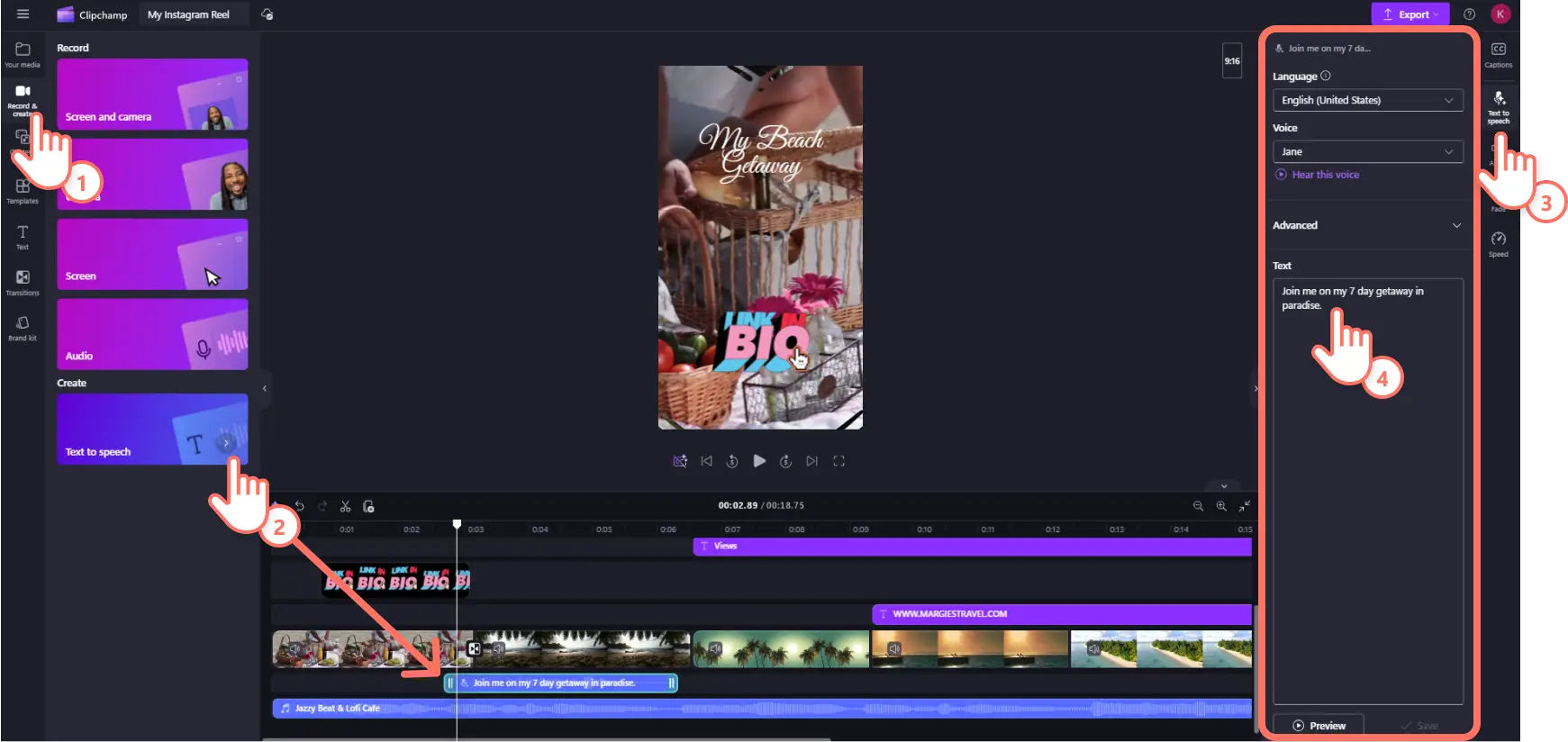
- Upload or record footage, then trim, crop, and resize it for vertical video.
- Turn on AI subtitles to automatically generate captions and export transcripts if needed.
- Use voiceovers or silence removal to improve pacing without manually editing every cut.
- Apply brand kit assets like logos, fonts, and colors so the Reel matches the business style.
- Export the finished video, choosing 1080p or 4K depending on the plan.
Why it stands out
Clipchamp focuses on clean, professional video production. It’s not built around flashy effects but around consistency, things like captions, brand assets, reliable export quality, and a simple workflow. Because it is part of the Microsoft ecosystem, it also fits naturally into the tools many teams already use.
Pricing
Clipchamp offers a free plan with basic editing tools. Premium features are included with Microsoft 365 Personal and Family plans, which unlock options like higher export quality and brand kit features.
From Idea to Reel: Turning Tools into Stories
Reels show how people prefer to watch content today: short, simple, and quick to understand. With the right Instagram reel maker, you can turn an idea into a finished Reel in minutes instead of spending hours editing.
Whether you want to follow trends, grow a brand, or share a story, there is an Instagram Reel maker that fits your needs. The important thing is to choose a reel maker tool that matches your workflow, something that offers fast editing, useful creative controls, and helpful AI features.
This lets you focus more on the story and less on the editing process.