
A practical roundup of logo makers that help you build a brand with purpose.
A logo is a visual story. It carries personality. It shapes first impressions. The swoosh of Nike represents motion and victory. The bitten apple of Apple feels human and inventive. Those marks were not designed as decoration. They were built with intention.
Some logo makers produced attractive but generic results. They worked for a quick preview, but the identity felt hollow once applied to a website, packaging, or social media. Other tools were more thoughtful. They helped guide tone, personality, and visual consistency from the start, making it easier to build something cohesive.
This list is based on what felt practical in real branding scenarios. Quick launches. Tight deadlines. Logos that must scale across platforms and still hold their meaning.
Most founders do not need complexity. They need clarity, speed, and purpose. In the following sections, I break down the strongest logo makers by use case so you can choose the one that fits your workflow, budget, and branding goals.
Quick comparison
This guide highlights the top logo maker tools that combine smart features, intuitive workflows, and pricing that makes sense for small businesses and growing brands.
Let’s take a closer look at the best logo makers to find the one that fits your needs.
| Tool | Best for | features | Free plan | Notable pricing |
| Zoviz | Logos, brand kit, marketing assets | Fast, Only Multilingual logo maker, creates unique logos; doesn’t rely on logo templates; and offers a brand kit and other branding and marketing tools integrated with each other. | Limited | Starter $19.99 per month |
| Looka | Fast, AI‑assisted logos | Select up to five icons to personalise results and access stylish templates; the optional brand kit includes business cards and a website builder | Free to design; pay to download | Single logo from ~$20 |
| Tailor Brands | Custom logos with branding extras | AI wizard with abstract and seasonal logo generators; large icon library and social marketing tools | Free sample (non‑commercial) | Subscription plans from about $9.99/month |
| Canva | DIYers who want full creative control | Hundreds of templates; millions of icons/photos; free commercial use of PNG/JPG/PDF/MP4 files | Yes | Transparent files require Pro ($13.99/month) |
| Wix Logo Maker | Business owners on a budget | AI prompts and unlimited free editing; preset colour palettes and language support | Free sample | Paid downloads from ~$20 |
| DesignEvo | Beginners and offline users | 10 000+ templates with drag‑and‑drop editor; desktop and mobile apps; free low‑res logos | Yes | High‑res downloads from $24.99; Plus plan adds vector files |
| Placeit | All-in-one media creation | Thousands of high-quality templates across many industries; integrated toolkit for mockups and marketing assets | No (but subscription covers unlimited logos) | Individual logo $39.95 or ~$14.95/month subscription |
| LogoDesign.net | Small businesses needing print assets | Industry-specific templates; ability to design business cards and social banners | No | Basic logo download $37; packages with business cards/social media from $57 |
| Adobe Express | Brand builders in the Adobe ecosystem | Polished templates, easy editor and free PNG downloads with transparent backgrounds | Yes | Premium templates via subscription from $9.99/month |
In-Depth Reviews of the 9 Best Logo Makers That Build Brands
1. Zoviz
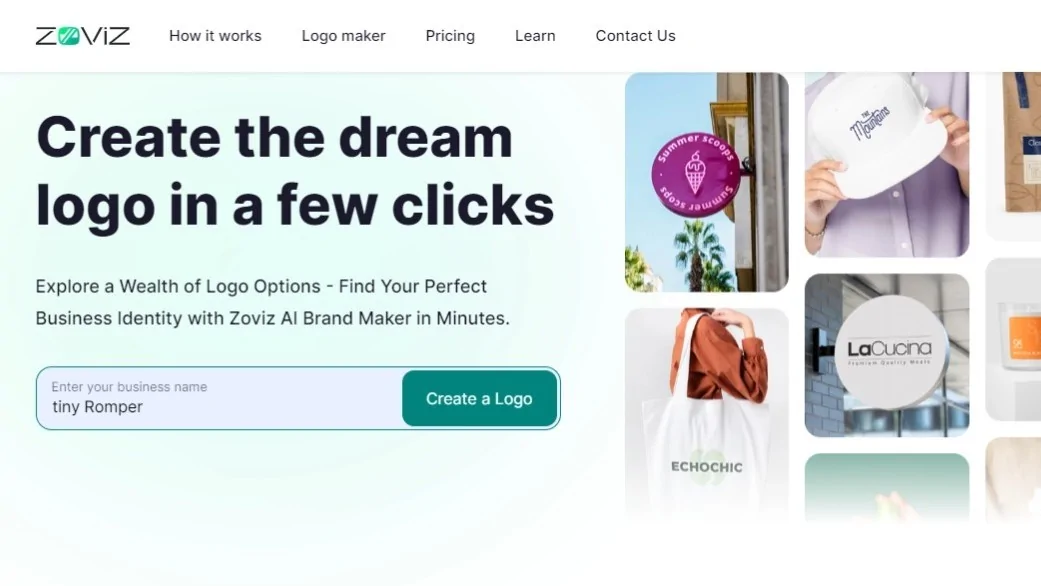
Zoviz is built for founders who want more than just a logo. It focuses on helping you create a complete brand identity from day one. Instead of acting like a broad design editor, it guides you through logo creation, brand kit setup, and matching marketing materials in one streamlined flow. Everything is structured around keeping your colors, fonts, and visual style consistent across assets.
Use cases
- Logo creation and complete brand kit setup
- Social templates that automatically follow brand colors and fonts
- Quick marketing materials for campaigns and promotions
Pros
- Branding-first workflow
- Well suited for small businesses and solopreneurs
- Brand kit tools help maintain visual consistency
Cons
- Not a substitute for advanced professional design software
- Delivers the most value when you use the full brand-building system
Pricing
The starter plan costs ₹6,839 per year.
2. Looka
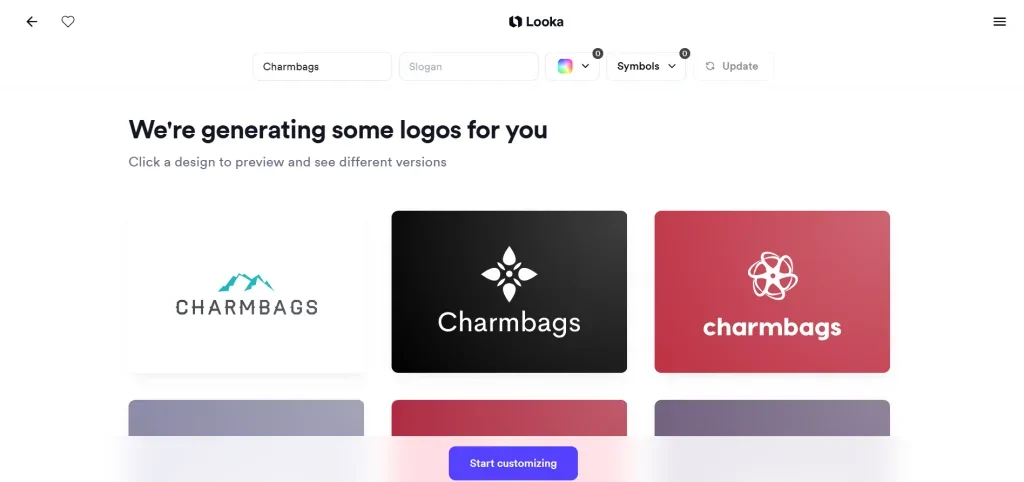
Looka is one of the fastest ways to turn an “idea” into a professional logo without overthinking the design process. During setup, you can choose up to 5 icons you like. The logo maker uses your preferences to generate a logo option that aligns with your brand. You can tweak colors, fonts, layouts, and templates in real time.
Use cases
- Fast logo creation for startups and side projects
- Brand kits with matching business cards and social assets
- Simple websites with cohesive branding
Pros
- Excellent ready-to-use templates
- One-click colour and layout combinations
- Built-in brand kit options
Cons
- No free logo download
- Basic plan includes only one non-transparent PNG
Pricing
One-time logo packages start at around $20; higher tiers are required for vector files and full brand kits.
3. Tailor Brands
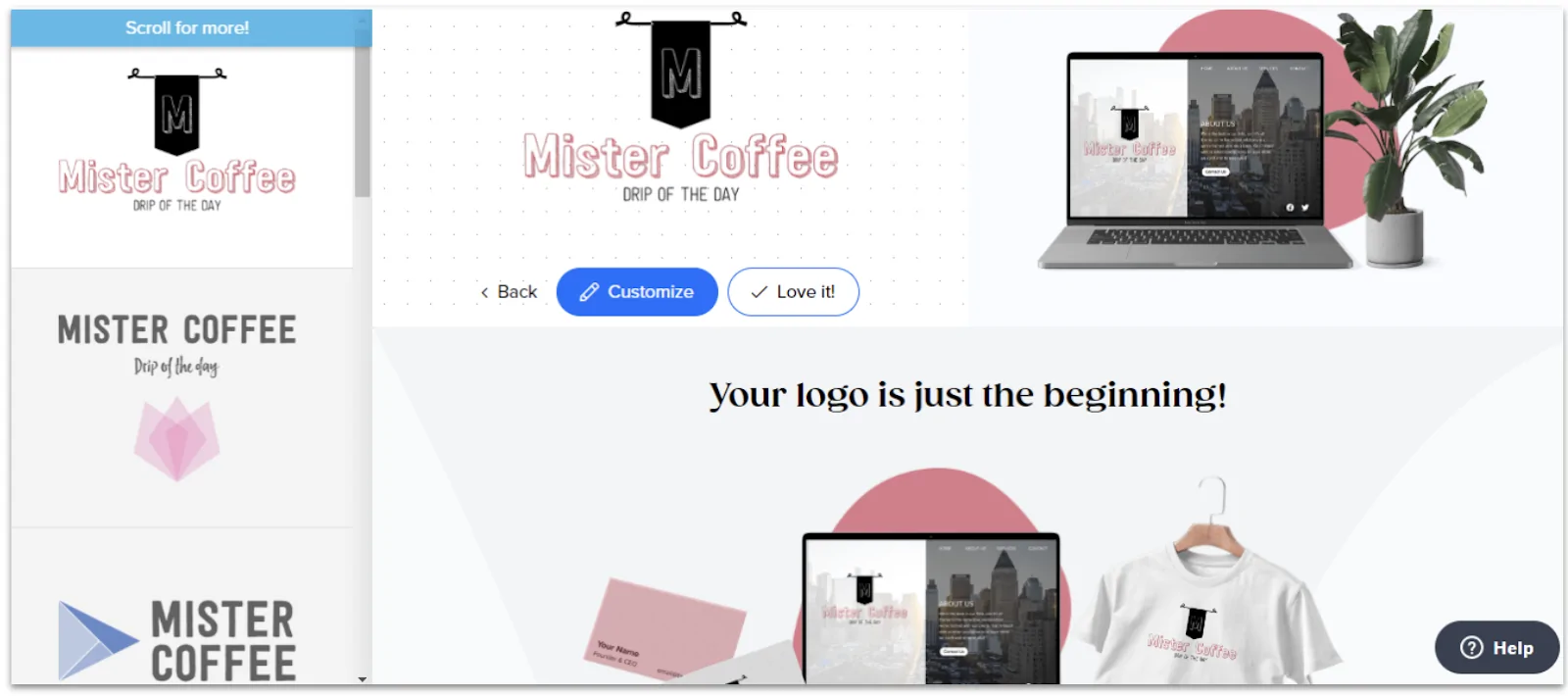
Tailor Brands feels more guided than most logo makers. It walks you through a structured questionnaire covering logo style, fonts, shapes, and visual preferences, then generates designs based on those inputs. The icon library is broad, and you can choose between abstract AI-generated icons or searchable icons tied to your niche.
Use cases
- Logo creation with guided AI input
- Seasonal or promotional logo variations
- Social media and print-ready branding
Pros
- Strong AI onboarding flow
- Seasonal logo generator
- Useful resizing and social tools
Cons
- Subscription required for commercial use
- No one-time purchase option
Pricing
Subscription plans start at $9.99/month.
4. Canva Logo Maker
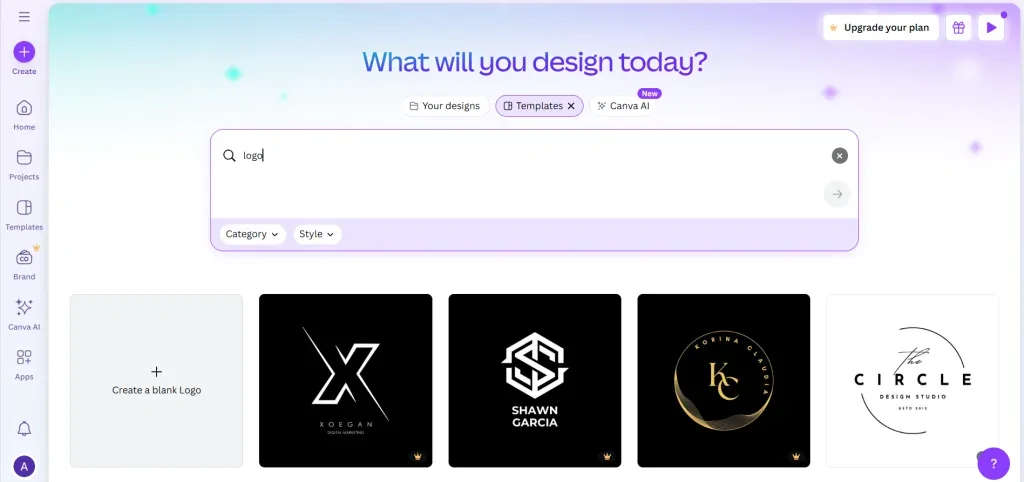
Canva is not just a logo maker. It is a full design ecosystem where you can design a logo and immediately use it across social media, presentations, and other marketing materials. There are the logo temp players grouped by industry, and the built-in library provides access to icons, photos, shapes, fonts, and animations.
Use cases
- Logos plus ongoing marketing content
- Social media, presentations, and brand visuals
- Teams collaborating on design assets
Pros
- Free commercial use
- Huge template and asset library
- Multiple export formats
Cons
- Can feel overwhelming for a logo that only needs
- Best features require Pro
Pricing
A free plan is available and Canva Pro starts at around $13.99/month.
5. Wix Logo Maker
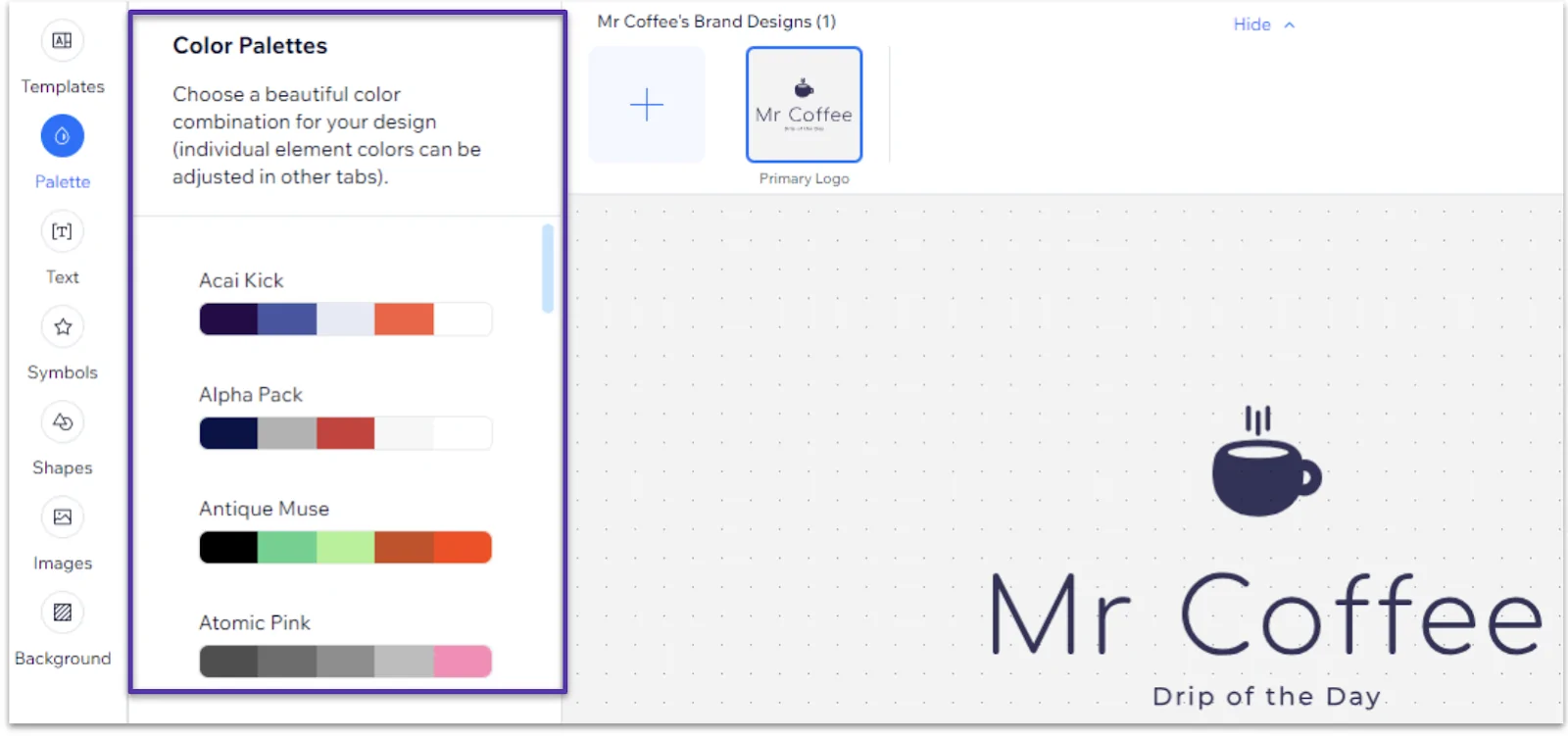
Wix Logo Maker is a good fit if you plan to build your website on Wix. You answer a few questions about your business and style, then customize the logo options. You can test and preview the designs before purchase, but any changes after purchase will require purchasing the logo again.
Use cases
- Logos for Wix websites
- Small businesses wanting a site and logo in one place
- Multilingual branding
Pros
- Seamless Wix integration
- Unlimited free edits before purchase
- Simple customization
Cons
- AI results can feel generic
- Edits after purchase require repurchase
Pricing
Logo packages start at around $20.
6. DesignEvo
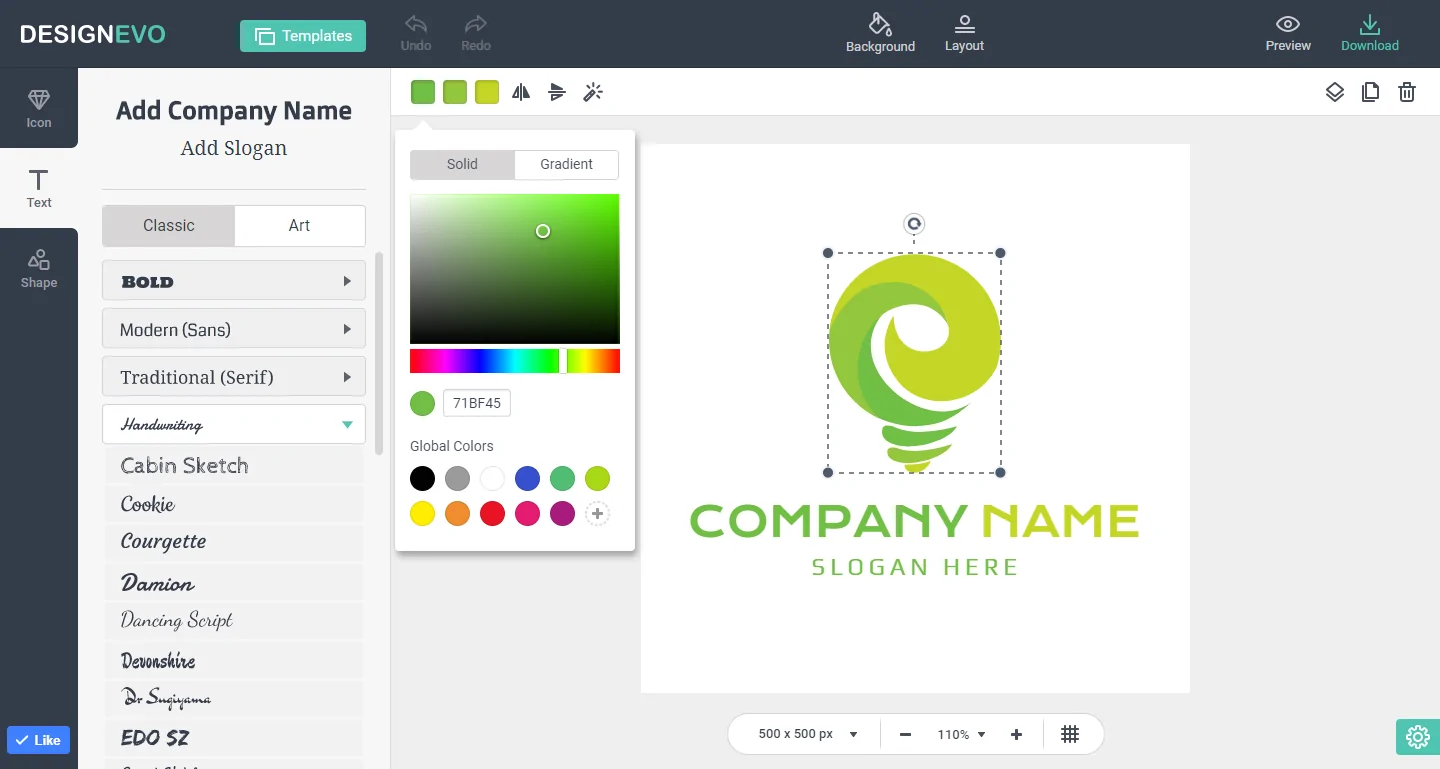
Design Evo is beginner-friendly and heavily template-based. With over 10,000 templates, it is easy to pick a starting point and customize it using drag-and-drop tools. A useful feature is its desktop and mobile apps, which let you work offline when the Internet is unavailable. You can download a low resolution logo for free with attribution. For practical use, the one-time paid plan unlocked high resolution and vector files.
Use cases
- Beginners experimenting with logo ideas
- Offline logo design
- One-time logo purchases
Pros
- Massive template library
- Offline editing apps
- One-time payment option
Cons
- Free download is low resolution
- Attribution is required on the free plan
Pricing
One-time plans start at $1.00
7. Placeit
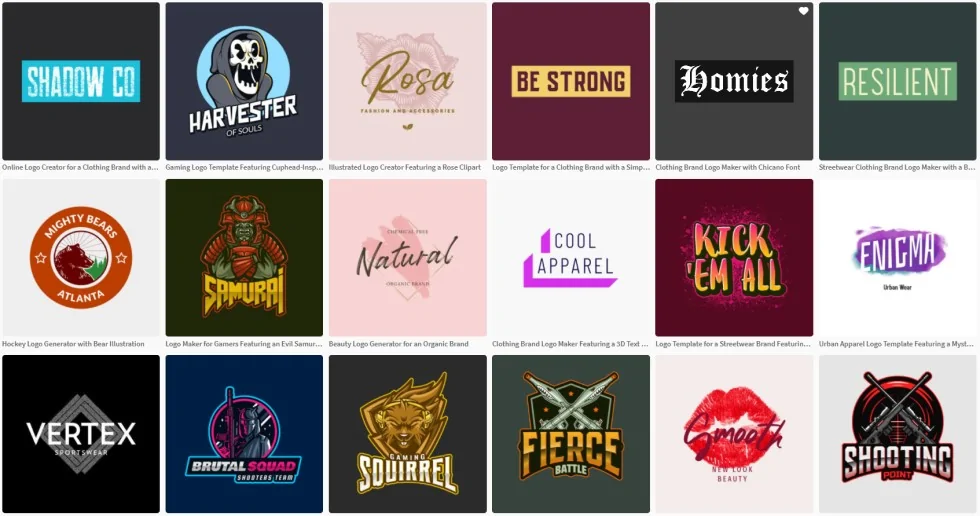
Placeit feels like a mini design studio rather than just a logo maker. Its templates are polished and niche-specific, and the real advantage is seeing your logo instantly applied to mockups like t-shirts, social posts, and videos.
Use cases
- Logos with mockups and merch previews
- Industry-specific branding
- Marketing visuals beyond logos
Pros
- High-quality templates
- Integrated mockups
- Subscription unlocks unlimited assets
Cons
- No free plan
- Limited fine-grained customization
Pricing
Single logo downloads cost around $39.95; subscriptions start at $14.95/month.
8. LogoDesign.net
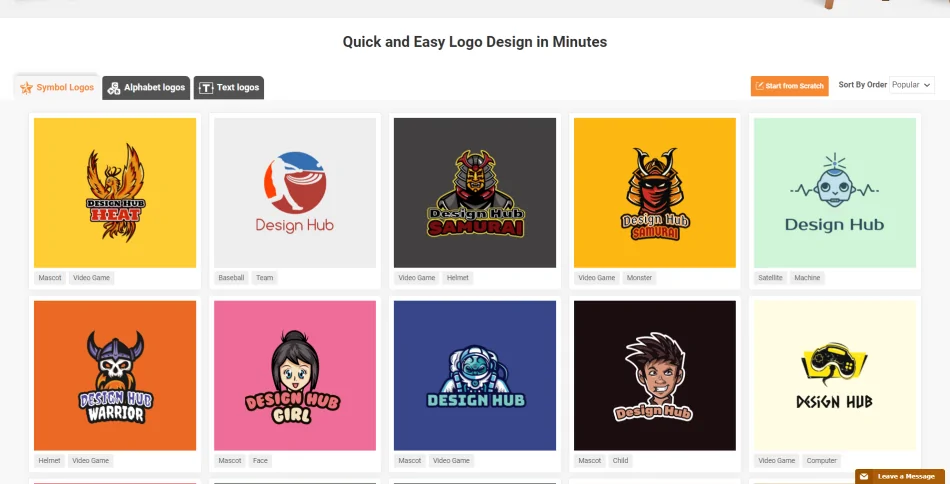
LogoDesign.net is clearly aimed at traditional businesses. The templates are industry-focused, and the platform emphasizes print-ready branding, including business cards, stationery, and logos.
Use cases
- Local and service-based businesses
- Print-ready branding
- Logo plus stationery bundles
Pros
- Industry-tailored templates
- Matching print materials
- Simple drag-and-drop editor
Cons
- No free plan
- Bundles required for full assets
Pricing
Logo packages start at $37, with bundles up to $97.
9. Adobe Express
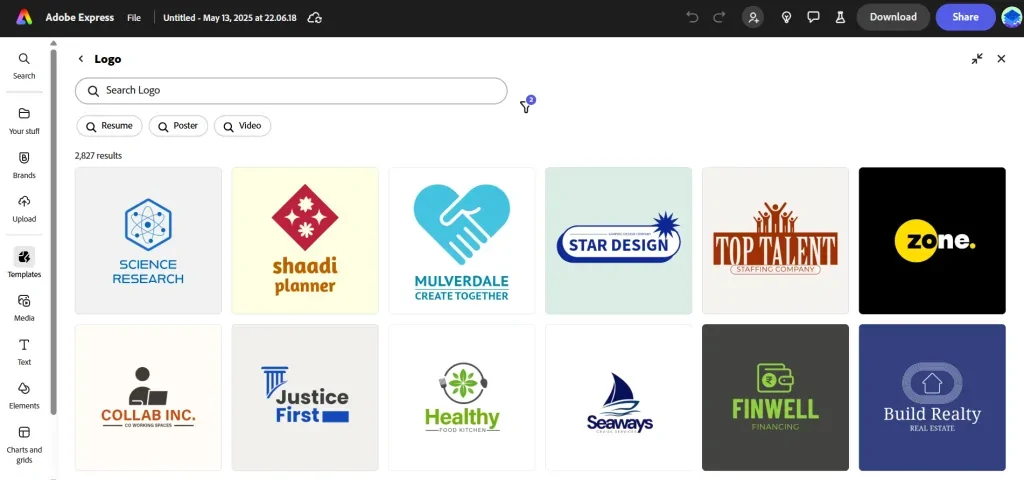
Adobe Express is ideal if you want clean, professional designs without diving into the full Adobe software. The templates are refined, exports are easy, and transparent PNGs are available even on the free plan.
Use cases
- Professional-looking logos
- Integration with Adobe Creative Cloud
- Quick edits and exports
Pros
- High-quality templates
- Free transparent exports
- Adobe ecosystem integration
Cons
- Limited generative AI features
- Less experimental than AI-first tools
Pricing
A free plan is available. Paid plans start at around $9.99/month.
Choosing the Best Logo Maker For Your Brand
There is no single best logo maker. The right choice depends on your budget and your brand’s needs.
If you want a polished reserve logo maker, Looka or Placeit are good options. For a wide range of creative options, Tailor Brands is a solid option. If you need flexibility across multiple designs, Canva and Adobe Express are better options.
Whatever logo maker you use, think of the logo as your starting point. Test how the logo performs in real-world use, and refine only what improves clarity and consistency.